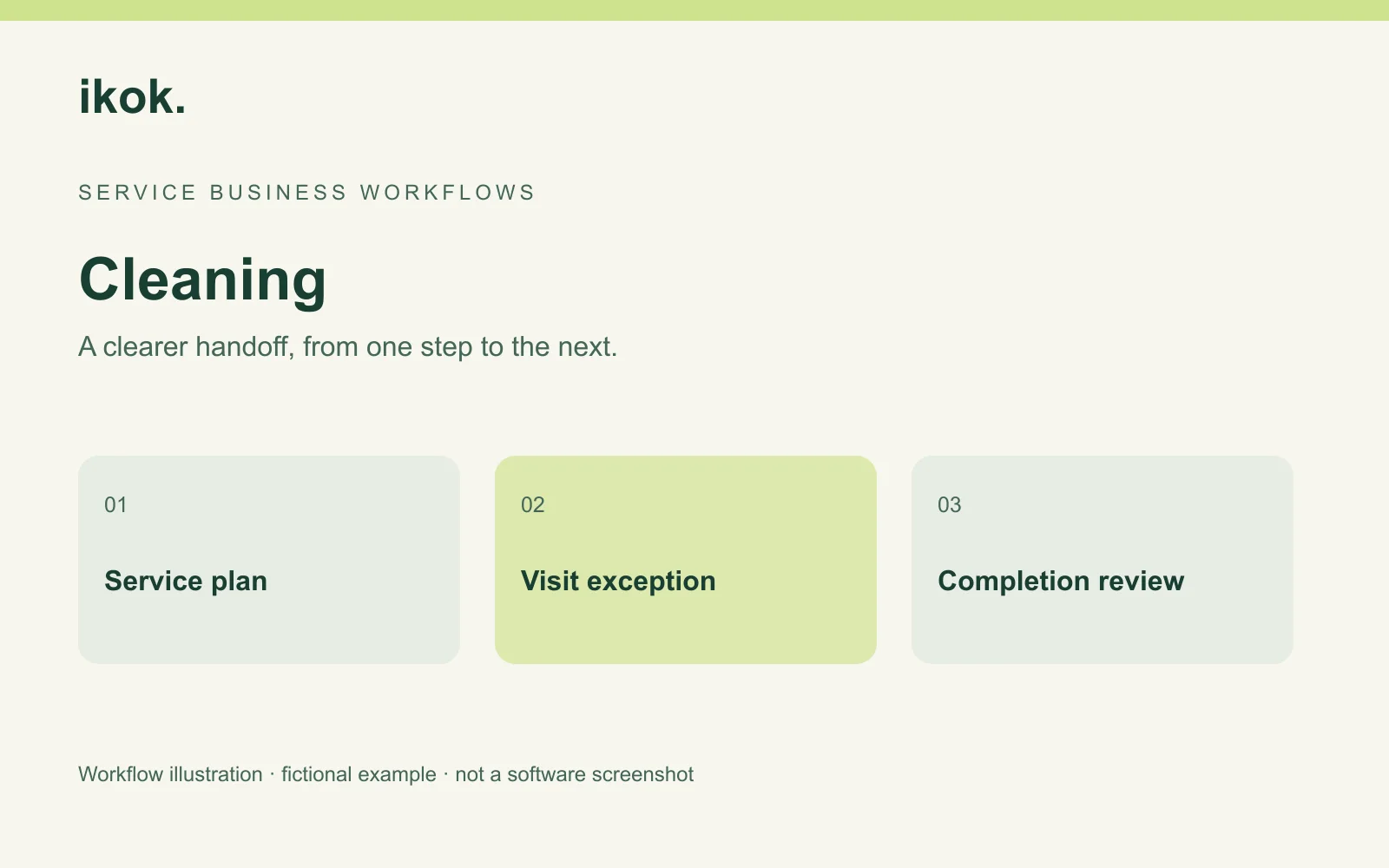
Cleaning company scheduling software needs to handle the ordinary service plan and the exception: one changed appointment, a substitute cleaner or a different access window. The practical test is whether the office can explain what changed without losing the next agreed visit or confusing the bill.
Clear Desk Cleaning is a fictional business. Rosa coordinates a small crew led by Devon. They clean an office twice a week; the customer wants one Friday visit moved to Saturday while the following Tuesday stays unchanged. The story is a planning example. Screenshots show actual IKOK interfaces with separate fictional demo content; no cleaning-specific series behavior is implied by the images.
Give the crew a complete starting record
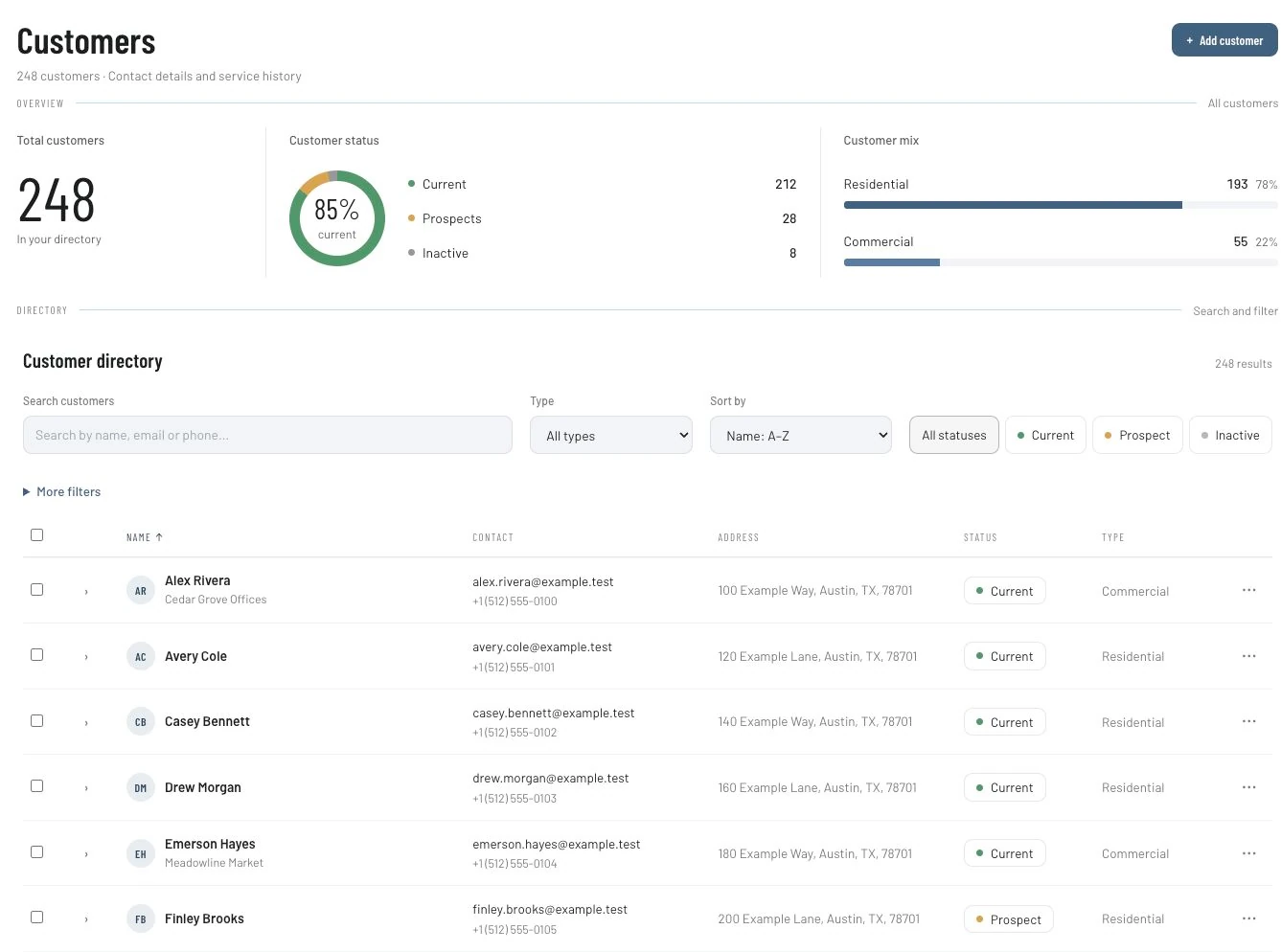
Find the customer through Customers and confirm the correct service location and contact. Use the directory to locate an existing record before creating another. The customer-type and status controls shown below help organize the list; they do not decide which person should receive confidential access information.
For this office, Rosa keeps the agreed tasks and the contact responsible for building access available in the working record. She confirms how the crew will receive the instruction. Passwords and entry codes should be handled under the business's access policy, not copied into public-facing calendar labels.
Separate the service promise from billing
IKOK has maintenance-program and scheduling workflows. A repeating service relationship needs a clear definition of covered tasks, planned visit frequency, billing frequency and the term of the agreement. Those are different decisions.
For the fictional customer, the operational plan is two visits a week. That statement alone does not establish whether billing is monthly, per visit or based on another accepted arrangement. Resolve that commercial detail before changing a visit or preparing an invoice.
| Planning decision | Clear Desk's fictional example | What the office confirms |
|---|---|---|
| Covered work | Agreed office-cleaning tasks | Exact areas and exclusions |
| Visit plan | Tuesday and Friday appointments | Dates, access and assigned staff |
| Exception | One Friday moved to Saturday | Only the specified visit is affected |
| Billing | Follow the accepted agreement | Whether this exception changes a charge |
The maintenance-program overview explains the core service-plan concept. Confirm your cleaning cadence and exception rules in the selected account setup rather than assuming every recurring-series rule is supported.
Plan and review the appointment in Schedule
IKOK's Schedule workspace includes Dispatch, Month, Capacity, Status board, Technician and Map views. Dispatch is useful for reviewing assignments. Unassigned work needs attention even when an individual cleaner's day looks light.
Open the affected job or appointment, confirm the customer, service location, assigned person and start/end time, then make the intended change. Supported schedule moves can reassign work or change its time. A move between technician rows retains the time; a move to a time position changes the scheduled time. Resolve any conflict response and reopen the saved record to confirm the outcome.
These scheduling controls are not evidence of automatic crew optimization. Rosa still checks whether Devon can attend Saturday and whether the next Tuesday appointment remains as agreed.
Make the single-visit exception explicit
Before changing Friday, Rosa records the date affected, Saturday access, the assigned cleaner and the fact that Tuesday stays in place. Where work originates from a recurring plan, check the exact effect of an edit on future visits. If the available workflow cannot express the desired single-occurrence change, settle a supported process before moving the entire customer schedule.
The upcoming-visits image shows how customer, visit, technician and status are visible together. Its HVAC task names are demo content, not cleaning instructions.
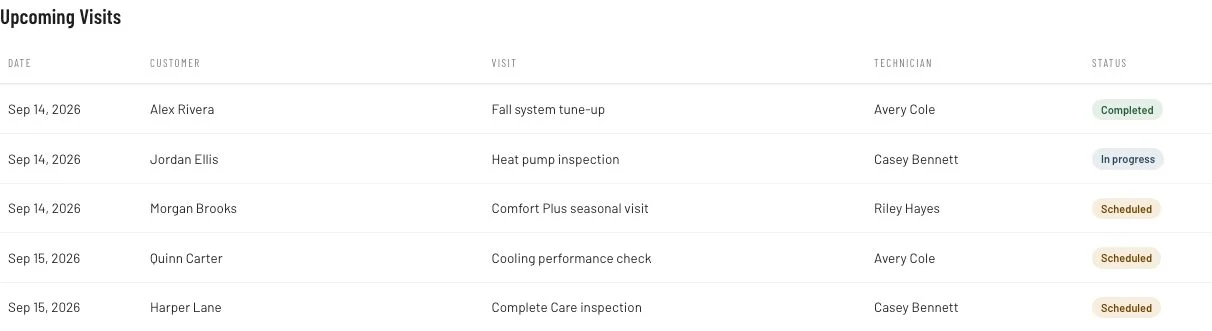
A schedule change and a completion status are separate operations. Moving Friday to Saturday should not mark the cleaning complete. After Saturday's work, Devon records the actual outcome so the office can review what was delivered.
Send a useful confirmation
Email Studio supports reusable branded layouts and editable message content. Use a template for consistent presentation, then check the recipient, dates and message before sending through your configured workflow.
Subject: Your office cleaning visit — Saturday confirmation
Hi Morgan, we have moved the Friday visit to the agreed Saturday window. The next Tuesday visit remains on the usual plan. Please confirm that the access contact will be available. If access changes, reply so we can review the arrangement. — Rosa
This is a fictional message to adapt, not an automatic email IKOK is claimed to send for every schedule change. If using SMS instead, confirm sender readiness, authorized recipients, staff permissions, consent and applicable charges. The shared-inbox overview explains that separate communication setup.
Reconcile the delivered visits
At the end of the week, compare agreed visits, actual completion and exceptions. Prepare billing according to the accepted arrangement. A moved visit is not automatically a missed visit or an extra charge.
Record how often the office had to clarify an assignment, correct a date or chase missing completion details. Use your own small pilot to judge the process. Do not turn a maintenance screenshot into a claim of fewer missed cleans or guaranteed revenue.
Questions cleaning businesses ask
Does a recurring plan mean billing happens on each visit?
No. Visit and billing frequencies are separate decisions. Verify the contract and the available configuration before describing an automated billing process.
Can I change one appointment without moving the whole series?
Test that exact exception in your chosen setup. The schedule supports reviewing and moving work, but this article does not establish every recurrence-edit rule or cleaning-specific contract requirement.
Are cleaning inspection scores or chemical logs included?
Those specialist requirements have not been verified here. Keep them on the evaluation checklist rather than making a product claim from a general forms or scheduling module.
Walk through a regular week and an exception
Book a personal IKOK walkthrough with one recurring location, one changed visit and its billing arrangement. Ask to save the change, reopen it, review future work and follow the completion record into the office handoff.
Photo: Original IKOK editorial workflow illustration created for this article; fictional example, not a software screenshot.