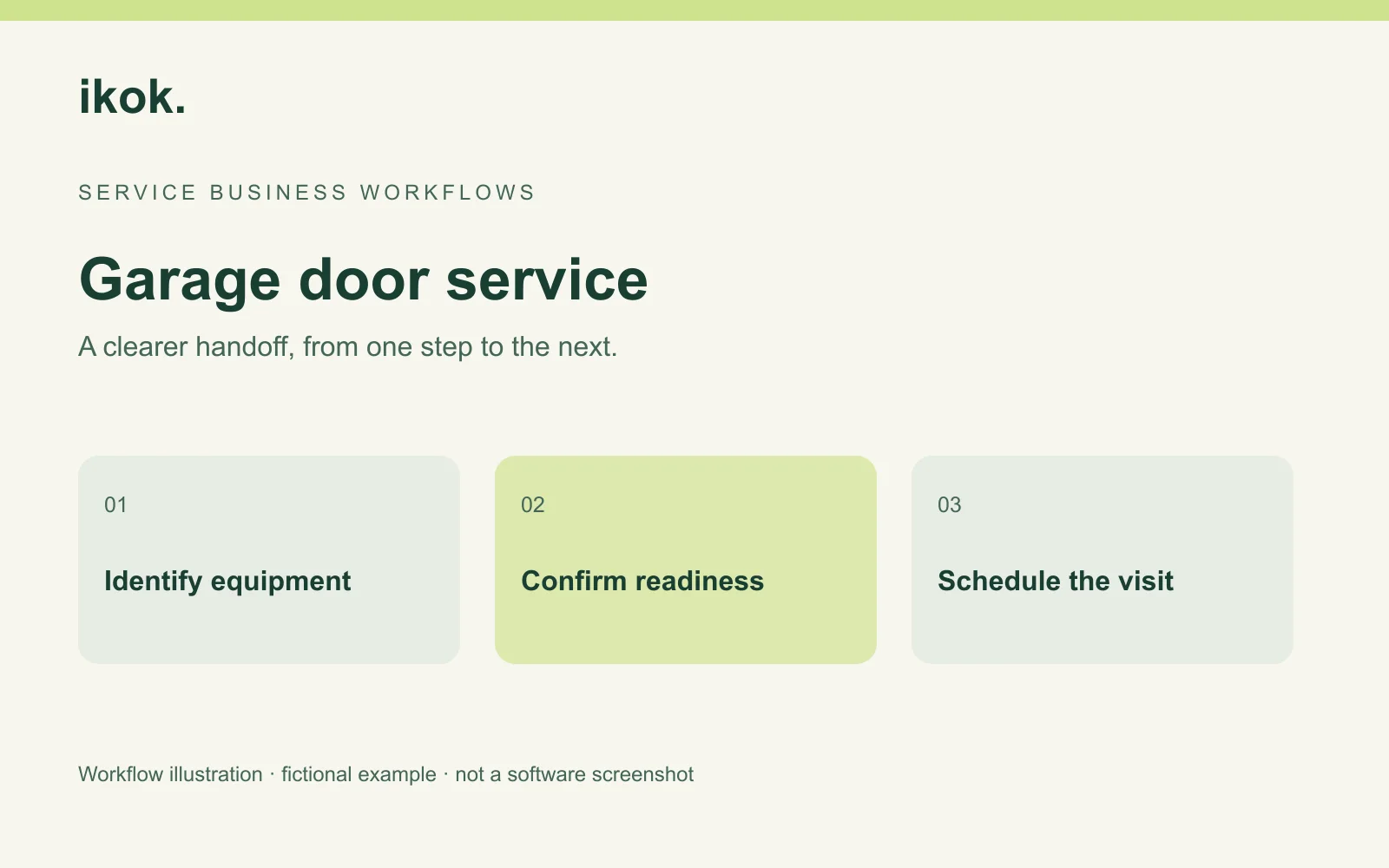
Garage door service scheduling software should connect a visit to the right door or opener and the right earlier record. A customer name and street address may not be enough when a property has two doors and the previous technician inspected only one.
Pine Door Service is a fictional company. Dana coordinates appointments, Lee handles the first assessment and Quinn will attend the return. A left-hand opener needs follow-up while the other door is outside the agreed work. This guide concerns customer, equipment and appointment records, not repair instructions. Screenshots show actual IKOK interfaces with separate fictional demo data.
Identify the customer and the service location
Use Customers to locate an existing record, then confirm the service property and access contact. Search and filters help find the person; your team supplies the correct location and operational instructions. Avoid creating a second customer merely because another person called about the same property.
Record which door or opener the caller means in plain language. A useful description includes position and location, then any verified identifiers. Keep the reported symptom separate from the technician's later findings.
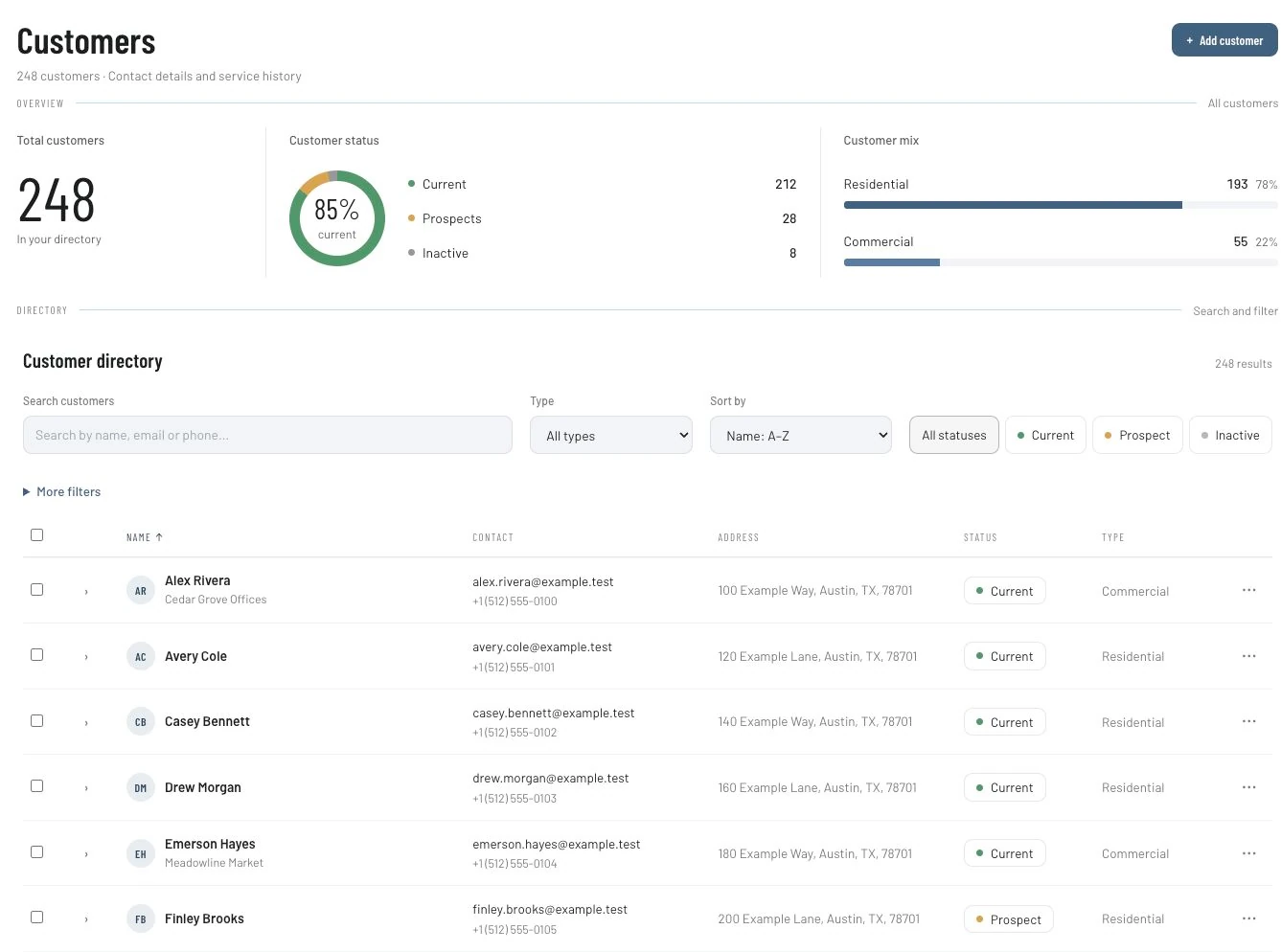
For Pine's example, Dana records “left-hand door/opener when viewed from the driveway” and checks that the team uses the same orientation. The exact wording is less important than eliminating an ambiguous “garage problem” note.
Build the equipment context carefully
IKOK's customer-equipment forms include brand, model, serial number and warranty-expiry fields. Use information the team has confirmed. Do not guess a model from appearance or treat a blank warranty field as proof that no warranty exists.
Equipment management depends on plan and permissions. A saved equipment record is not evidence of manufacturer parts compatibility, live warranty verification or a safety certification. Those are separate evaluations. The equipment-records guide shows how to distinguish individual units and visits using an HVAC example.
| Record detail | Pine's fictional example | Why it matters |
|---|---|---|
| Position | Left-hand opener at the service property | Distinguishes it from the other door |
| Identifiers | Brand/model/serial where verified | Gives the next technician a reliable reference |
| Earlier visit | Assessment job and date | Locates the actual findings |
| Proposed work | Customer-reviewed scope | Separates recommendation from approval |
| Next appointment | Confirmed resources and access | Establishes readiness to attend |
Save the assessment outcome before promising a return
Lee records actual findings and the proposed next action. Dana checks what requires customer approval and whether any necessary resource is ready. A part mentioned in a job note is not confirmation that it is available or compatible.
When a quote is appropriate, use Sales → Quotes to describe the work, quantities, price, terms and exclusions. Reviewed repeatable descriptions can become quote templates. The business remains responsible for the technical scope and price.
Once the relevant work is accepted, Convert to Job provides the job handoff. Review the job type, date, priority and notes. Convert to Invoice is a separate action and should not be interpreted as proof that a return repair was performed.
Review the saved assignment in Dispatch
IKOK's Schedule workspace includes Dispatch, Month, Capacity, Status board, Technician and Map views. In Schedule → Dispatch, check the assigned technician, customer context and start/end times. Unassigned work still needs a decision even if it does not occupy a technician's booked row.
Supported schedule moves can reassign an appointment or change its time. Moving between technician rows preserves the time; moving to a time position changes scheduled time. Resolve any conflict response and reopen the saved record to confirm the outcome.
Dana checks that Quinn can attend, that the customer can provide access and that the left-hand opener remains the identified equipment. A different technician must receive the earlier findings, not just a new calendar slot. These controls do not establish automatic routing or technician-skill matching.
Give Quinn a return-visit brief
Use a manual note structure populated from the actual records:
Equipment: Identified left-hand opener, with verified details.
Earlier work: Assessment date and relevant job reference.
Accepted scope: What the customer authorized for this return.
Readiness: Who confirmed the required resources and customer access.
Other equipment: Right-hand door is outside this job's scope.
Closeout: Record actual completion and any unresolved decision.
Keep repair instructions with qualified personnel and the appropriate technical documentation. This example is a scheduling brief, not a procedure for working on doors, springs or powered equipment.
Keep work status and payment status separate
After the visit, Quinn records the outcome so Dana can review the invoice against completed and agreed work. If something remains unresolved, identify the next action; do not describe it as finished solely because the invoice exists.
The Field invoice list supports customer/document search and distinguishes paid, partial, sent and overdue records. The image below shows fictional balances, not Pine's revenue or a promise of customer payment.
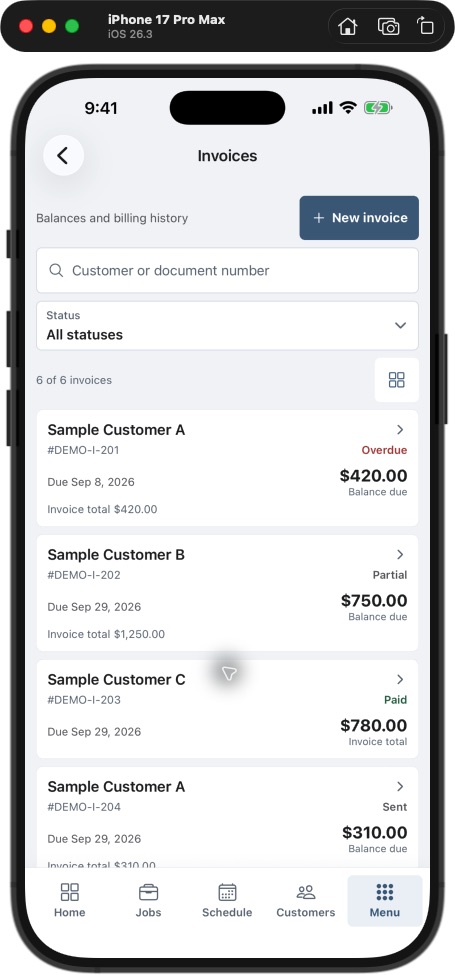
A partially paid invoice is different from a partially completed job. Reconcile the recorded balance before requesting payment, and review the relevant QuickBooks sync result if your office connects accounting.
Review the quality of the handoff
For a small pilot, record occasions when Quinn needed to ask which door, which earlier visit or which approval the office meant. Separate planned return visits from unexpected repeat work. Investigate the missing information rather than treating every second appointment as a failure.
A useful end-of-day check asks whether the equipment is identifiable, the findings are saved, the customer decision is clear, readiness has an owner and tomorrow's assignment is confirmed. The dispatch workflow guide develops those scheduling distinctions further using another trade.
Questions garage door businesses ask
Can equipment records prove parts compatibility?
No. Brand, model and serial fields organize verified information. Manufacturer compatibility, resource availability and technical suitability require their own qualified confirmation.
Can the return be assigned to a different technician?
The schedule supports assignments. Confirm the saved assignment and permissions, then make the equipment and earlier findings accessible through the appropriate records and handoff.
Does the schedule provide route optimization?
A Map view and schedule moves do not establish an optimization service. Verify routing requirements separately before making them part of your operating promise.
Follow one opener across two visits
Arrange an IKOK walkthrough using an anonymized two-door property and planned return. Review customer search, equipment identifiers, quote, assignment, closeout and invoice as one connected process.
Photo: Original IKOK editorial workflow illustration created for this article; fictional example, not a software screenshot.