Property maintenance work order software should make three things easy to distinguish: the property where work happens, the person who can approve it, and the record the office needs to close the visit. A customer name alone does not answer all three. The most useful test is a real handoff between the coordinator, the person on site and the billing team.
This guide follows Harbor Property Care, a fictional maintenance contractor serving two buildings for one client. Coordinator Lena receives a request about a sticking communal door at Building B. Technician Marco discovers another repair request at Building A. The client’s manager, Dana, approves work; an on-site contact provides access. None of these people or jobs are real customers. The images show actual IKOK interfaces with separate fictional HVAC demo data.
Make the property decision before the appointment
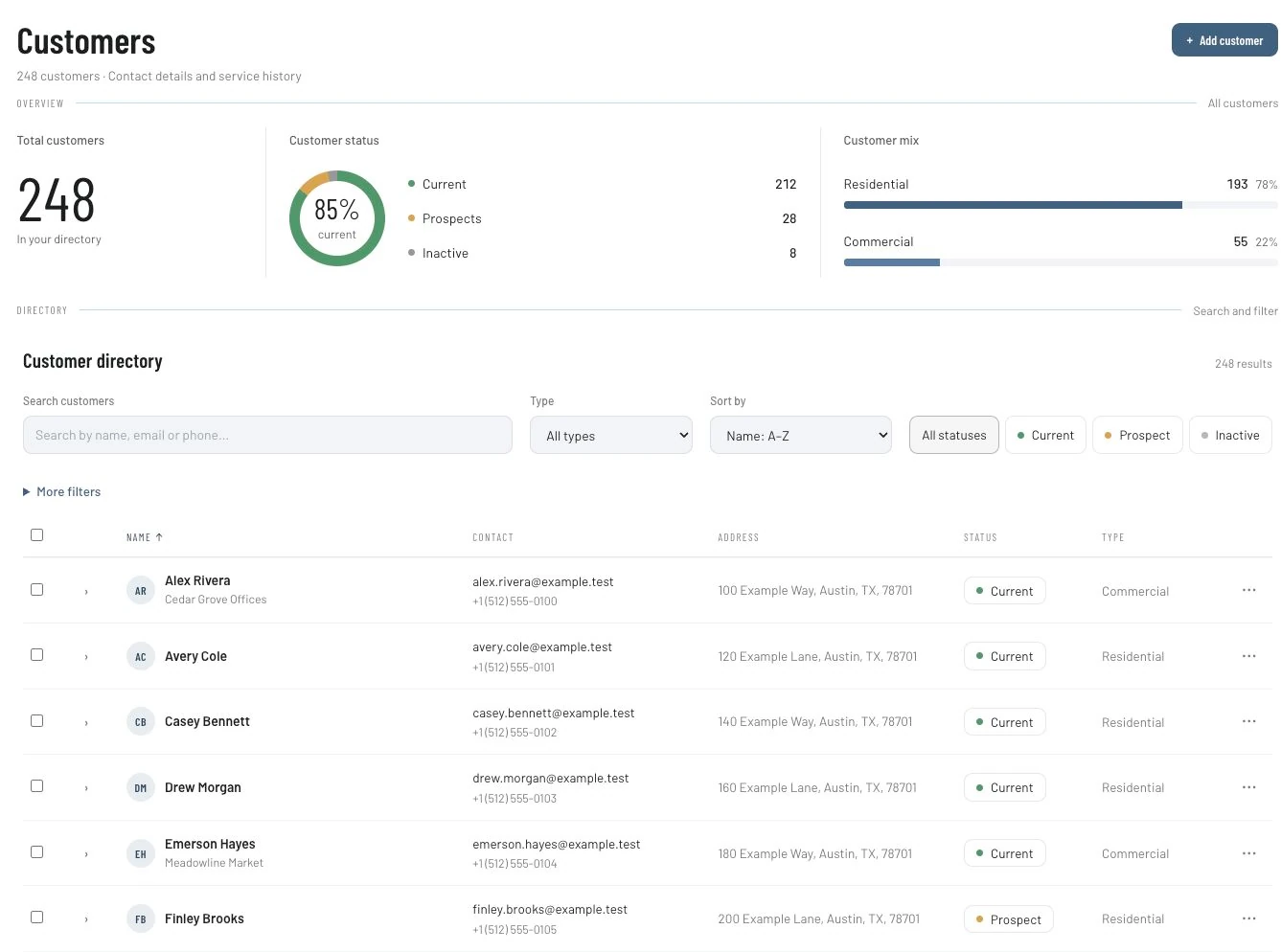
Start in Customers and find the existing client. Check the contact record rather than creating a second customer for every request. Review the customer’s Properties section when the client has more than one service location.
IKOK’s job form supports selecting a customer property and carrying its address into the job. Confirm the saved service address, including the building or unit detail needed to identify the visit. A billing address is not a safe substitute for that check. If the location is missing or ambiguous, resolve it before assigning the visit.
For Harbor, the work description begins “Building B — communal entrance door.” Lena checks the actual address and identifies the access contact separately from Dana’s approval role. The labels are Harbor’s working procedure; the software does not decide who has authority to approve work.
Separate the request from the approved work
The initial request says what someone noticed. It is not necessarily the scope the client has agreed to buy. Lena records the reported door problem, the requested visit and the question Marco needs to resolve. If the next step is an assessment, she describes it as an assessment rather than promising a repair before its requirements are known.
Use the following intake table before creating the job or quote. Populate it from the actual customer conversation; do not copy the fictional entries into a live record.
| Decision | Harbor’s fictional example | Check before dispatch |
|---|---|---|
| Service location | Building B, communal entrance | Exact address and entrance identified |
| Request | Door does not close reliably | Reported symptom distinguished from a diagnosis |
| Approval contact | Dana, client manager | Agreed process for authorizing scope confirmed |
| Access contact | Building B contact | Arrival arrangement and contact route confirmed |
| Initial scope | Assess the reported problem | What is included and excluded explained |
| Return decision | Depends on findings and approval | Named office owner for the next action |
Keep access information restricted to people who need it. Avoid putting private entry codes or resident details in a customer-facing quote. This workflow organizes administration; it does not determine whether work is technically safe or whether a contractor holds the required qualifications.
Use the quote to make the proposed scope understandable
When the proposed repair is ready for review, prepare a quote in Sales → Quotes. Describe the location and agreed work in recognizable terms. Review quantities, prices, exclusions and the customer-facing notes before sending. A reusable quote template can provide a starting point, but each property’s scope still needs a fresh check.
In Harbor’s example, Marco’s findings lead to one proposed repair at Building B. Dana receives the scope for that location. A separate request for Building A is not quietly added to the same approved work. It needs its own decision and identifiable record.

If you want to see how the connected records work in a broader scenario, the small-crew workflow follows an HVAC team through its own quote and job handoffs. The core record transitions are relevant here; its trade-specific example remains HVAC.
Convert approved scope, then inspect the resulting job
The quote detail provides Convert to Job and Convert to Invoice actions. Choose the job action when work still needs to be organized. The conversion dialog includes job type, scheduled date, priority and notes. Review those values, save, and open the resulting job.
Check the service property again after conversion. Do not assume that an earlier customer selection proves the final job points to Building B. Compare its address, work description and schedule with the accepted scope. Confirm the assignment in the scheduling workspace before telling the on-site contact when to expect the visit.
Converting a quote creates a business record; it does not establish that the repair has been performed. Creating an invoice is also a separate action from recording completion. Use those distinctions when deciding what the office may tell the client.
Keep the second building out of the first job’s closeout
During the visit, someone asks Marco to look at a problem at Building A. Harbor’s procedure is to capture the request and send it to Lena for review. Marco does not describe the second location’s work as approved just because the same company owns both buildings.
Lena checks the property, scope and approval route for the new request. If it becomes another job, she verifies its own address and notes. This is a manual coordination procedure using customer and job records. It is not a claim that IKOK automatically enforces purchasing limits, authorizes changes or groups properties into a facilities-management contract.
Leave a closeout note the office can act on
Before billing, Marco leaves an intelligible account of the visit. Use this reusable note structure in the appropriate job record, replacing each label with actual findings:
Property / job: Identify the exact service location and record.
Approved work: Reference the agreed scope and any separately approved addition.
Completed: Describe what was actually done.
Open work: State what remains and why; name the next action owner.
Separate request: Identify another property’s request without implying approval.
Office check: Reconcile the scope, completion record and billing recipient before preparing the invoice.
For Harbor, Building B’s closeout describes that visit only. Building A remains a separate request with Lena responsible for the next decision. An unresolved item should not disappear inside a note saying “all done.”
The multi-task handyman guide provides another practical example of keeping completed tasks and unresolved work distinguishable.
Test the workflow on five existing work orders
Choose five recent visits across at least two service locations. Ask a coordinator who did not attend the jobs to identify the property, accepted scope, completion evidence and next action. Record where they need to ask another person for missing information.
| What the reviewer finds | Next improvement |
|---|---|
| Customer is clear, property is unclear | Fix location selection and verify the saved job address |
| Request and approved scope are mixed | Separate the reported problem from the agreed work |
| Visit is finished, work remains open | Add the outstanding item and its next action owner |
| Another building appears in closeout | Give the separate request its own location and decision |
Count the gaps before changing the process, then repeat the same review after the team adopts it. These observations can show whether the records became clearer. They do not establish a guaranteed time saving, revenue increase or customer outcome.
Questions maintenance contractors ask
Can one customer have more than one service location?
IKOK includes customer property records and property selection in the job form. Verify the client’s actual locations and inspect the resulting job address in your walkthrough. The directory screenshot above shows customer organization, not the complete location workflow.
Does this include a resident request portal or automatic approval rules?
Those capabilities are not established by this guide. The workflow uses verified customer, quote and job records with a manual approval procedure. If resident intake, vendor compliance or delegated purchasing limits are required, make each one a separate demonstration question.
Can I turn an accepted quote into a scheduled job?
The quote-to-job dialog supports a scheduled date along with job type, priority and notes. After conversion, verify the new job’s service address and assignment. A date on a converted record is not proof that the team has confirmed availability or completed the work.
Bring two properties and one changed request to a walkthrough
Book an IKOK walkthrough using an anonymized example with two service locations, one approval contact and a separate repair request. Ask to follow the customer, quote, resulting job and closeout record using the permissions and plan you intend to use. That gives you a concrete way to evaluate whether the handoff fits your maintenance business.
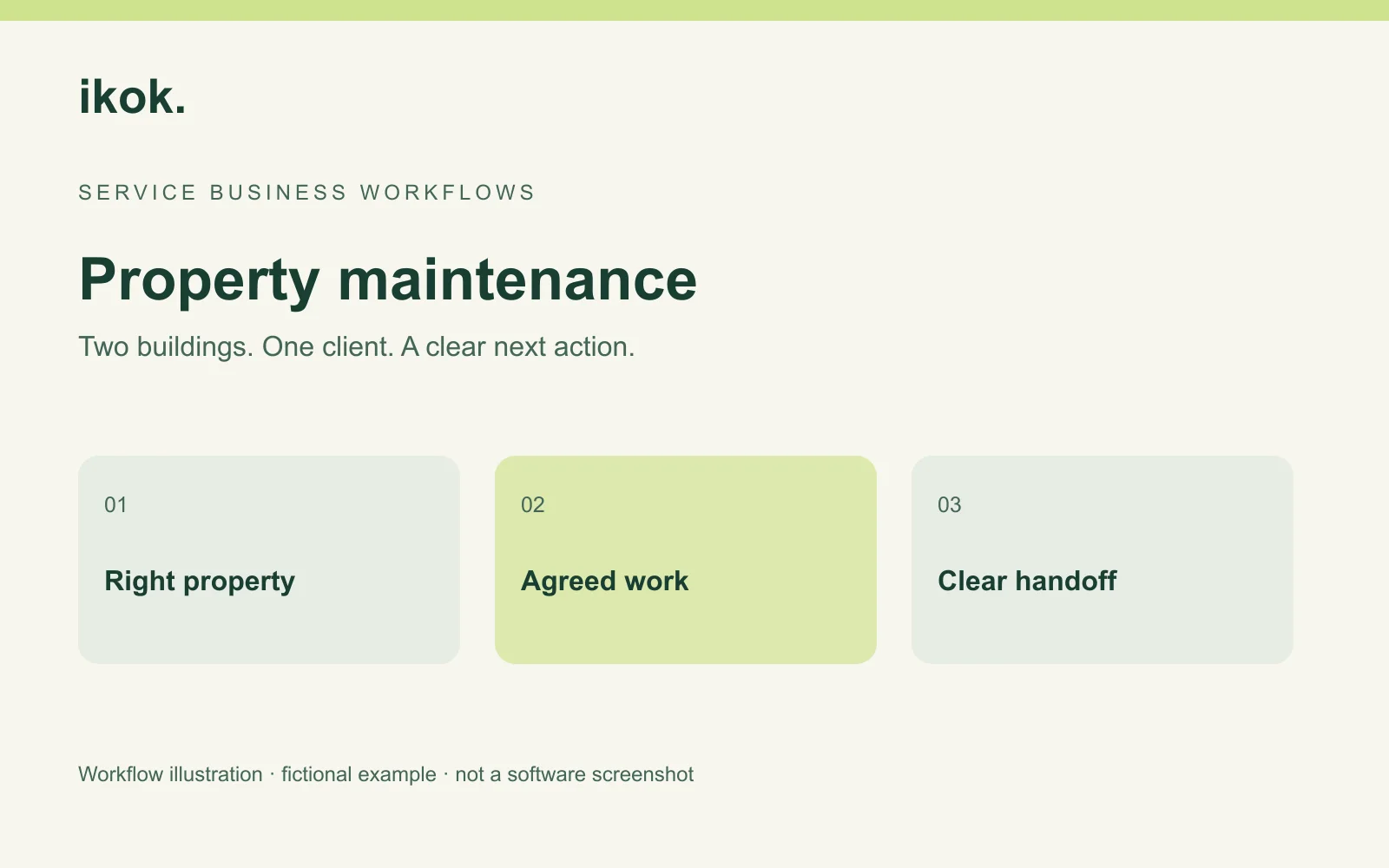
Photo: Original IKOK editorial workflow illustration; fictional example, not a software screenshot.