Establish whether this is an addition or a replacement
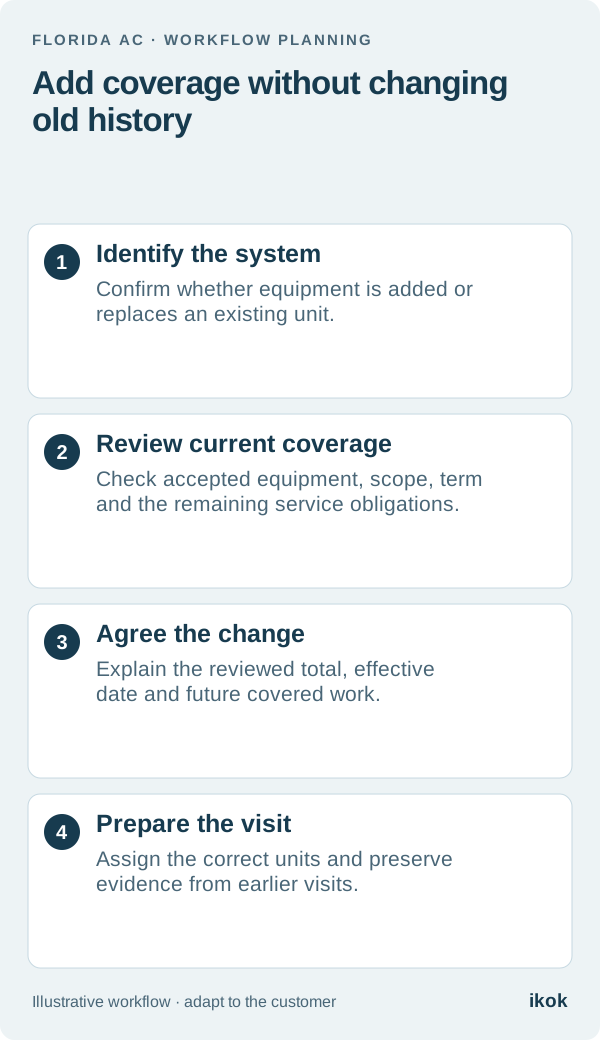
When your AC customer says “we have another AC now,” your service team needs more information before changing the maintenance plan. The customer may have added a system for a new area, replaced an existing one, or be referring to the indoor and outdoor components of the same system. Confirm the actual equipment and property before counting covered units.
Imagine a fictional Florida customer, Luis, who has an existing plan and asks about equipment serving a newly finished space. His technician records the location and equipment identifiers. The office reviews that record instead of changing the covered-unit count based on a short text message.
Give the equipment an identity the whole team can use
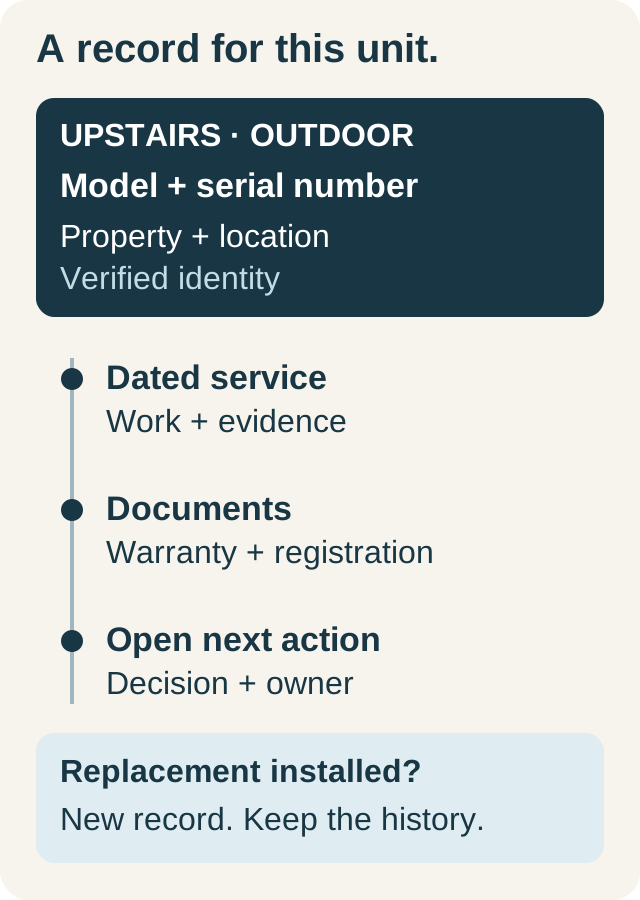
Record the unit or system labels your company uses consistently, together with location, model and serial evidence where available. Keep the relationship to the customer and service property clear. A helpful label is “rear addition system”; “new AC” becomes ambiguous after the next replacement.
If the equipment replaced something, preserve the earlier identity and dated service records. Do not attach a past visit to the new equipment merely because it now occupies the same location. The equipment service record guide explains why this separation matters when another technician reads the history later.
Prepare a coverage-change sheet
Review the agreement currently in force before quoting anything. Check what is covered, which visits remain, the term end date and the customer's requested change. Then make the proposal concrete:
| Decision | Record for review |
|---|---|
| Equipment change | Addition, replacement or a correction to an existing record |
| Unit identity | Property, location and verified equipment reference |
| Current coverage | The original covered-unit list and remaining obligations |
| Proposed scope | Work included for the additional equipment and any exclusions |
| Effective date | When the reviewed change would begin |
| Commercial terms | The actual revised amount, payment timing and term treatment |
| Service plan | Which future visit will address which covered equipment |
For Luis, the sheet lets the owner explain a revised offer while the dispatcher sees what can and cannot be scheduled yet. Neither employee needs to reconstruct the decision from a conversation thread.
Explain the price and timing together
Do not multiply a remembered catalog rate by the new count and assume it is the agreement total. A package may distinguish the first unit from additional units, and your company may handle a change during a term differently from a new term. Review the displayed total and describe the actual offer clearly.
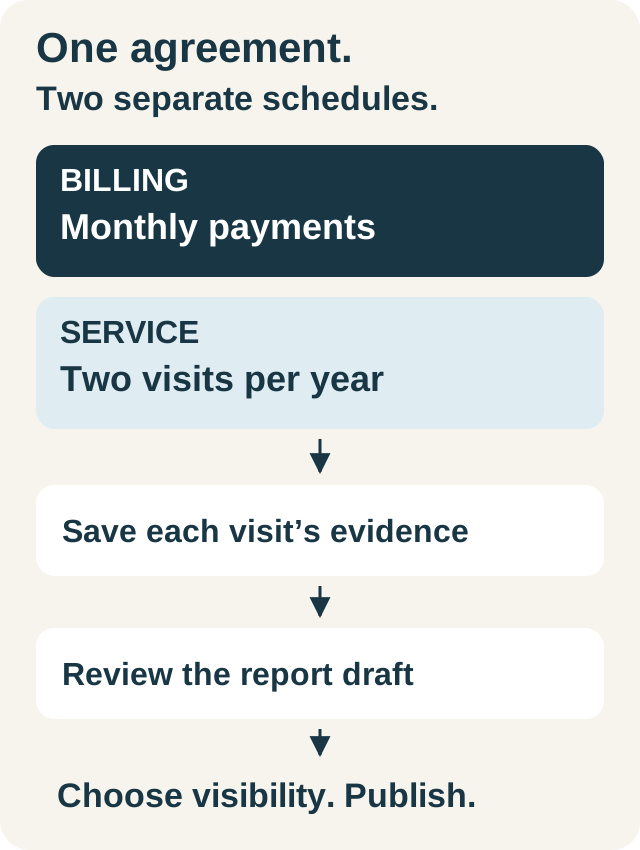
An added system also does not automatically create another full visit on every date. Decide the service scope and timing, explain them to the customer and record the accepted terms. Payment frequency and visit frequency remain separate. Use your approved agreement-change process rather than treating a technician's note as authorization for a new recurring charge.
Update future work while preserving completed work
After the change is agreed, review upcoming visit assignments. The technician should see the correct equipment list and the tasks relevant to each unit. If the new system is not yet included, that distinction should be understandable before arrival.
Suppose an earlier visit serviced only Luis's original system. Keep that record exactly as evidence of the work completed then. A later visit can include the additional system under the new terms. If a report draft is prepared from saved maintenance execution, review the equipment references and client-visible wording so it does not imply the second system was serviced previously.
Walk through the change in IKOK before standardizing it
Use a demonstration customer with one covered system and ask to add or identify another. Review the equipment records, the proposed covered-system count, the agreement total and the accepted terms. Then inspect how the next visit retains its assigned equipment and how saved work feeds the report draft.
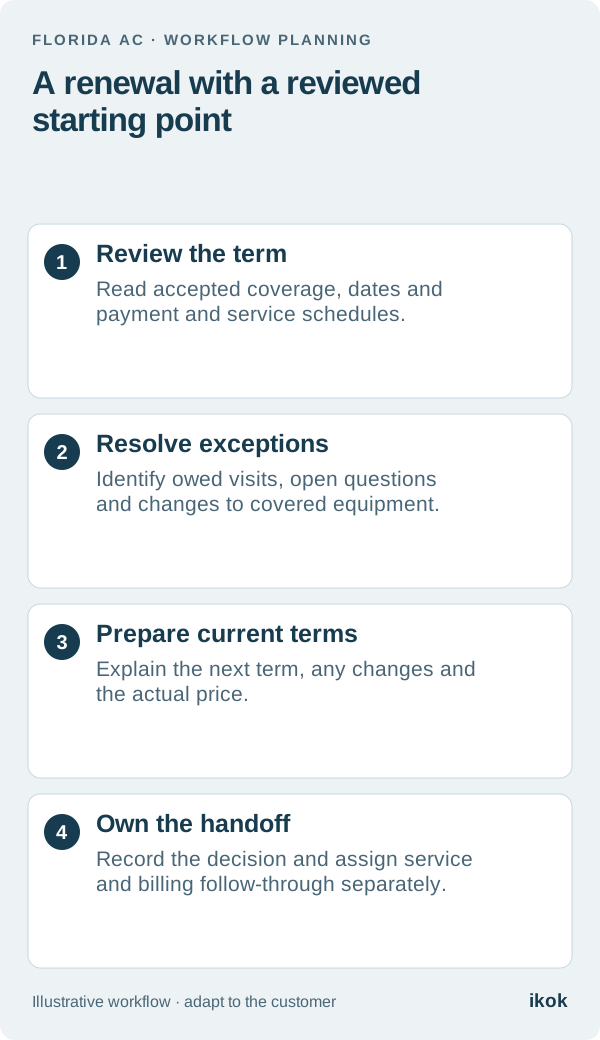
Confirm the configuration your team needs rather than assuming every package changes the same way. This one example is a useful acceptance test for a small company serving homes with several systems. Keep the full maintenance workflow as the reference and include the revised coverage in the next renewal review.