Keep the recommendation attached to the visit
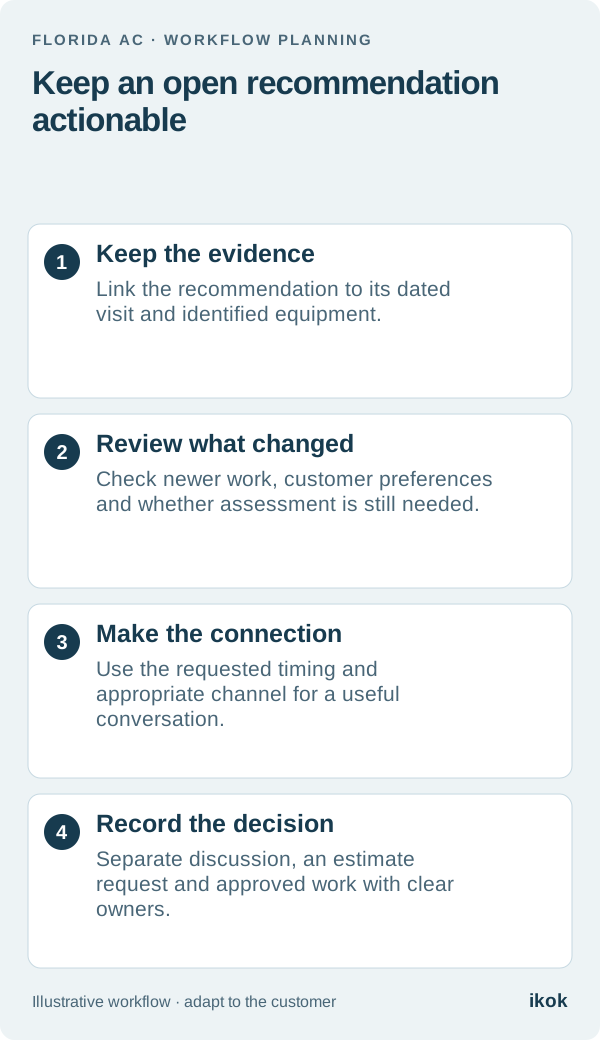
When a customer postpones a decision, the office needs more than “call about repair.” Keep the dated observation, equipment identity, technician's recommendation and customer's response together. That gives the next employee enough context to explain why a conversation was requested.
In a fictional Florida service visit, a technician records a finding and recommends discussing additional work. The customer, Noah, asks the office to call after he returns from travel. The visit is complete, but the recommendation is still open. This is not yet an accepted repair order, and no new appointment should appear simply because someone created a reminder.
Use a decision ledger with a real trigger
A useful follow-up trigger comes from the record: a requested date, a customer's later question or another agreed next step. Avoid turning every old observation into a message about an urgent problem. Your qualified team determines what a finding means and what response is appropriate.
| Ledger field | Noah's fictional example |
|---|---|
| Source | The dated visit and the correct equipment record |
| Open item | The technician's documented recommendation, without new claims |
| Customer response | Asked for a conversation after returning from travel |
| Follow-up trigger | Customer-requested callback week |
| Owner | Office employee responsible for making the connection |
| Review needed | Check later visits and whether the recommendation is still current |
| Decision | Pending discussion; no work approved |
Keep the ledger small enough to review. Customer history and tags can help organize records, but they do not automatically qualify someone for a campaign or establish permission for a particular channel.
Check newer information before making contact
Read any visits, messages or proposals created after the original recommendation. Noah may have had the work completed, replaced the equipment, or asked not to revisit it. Another employee may already be handling the conversation. Update the follow-up task before sending an outdated request.
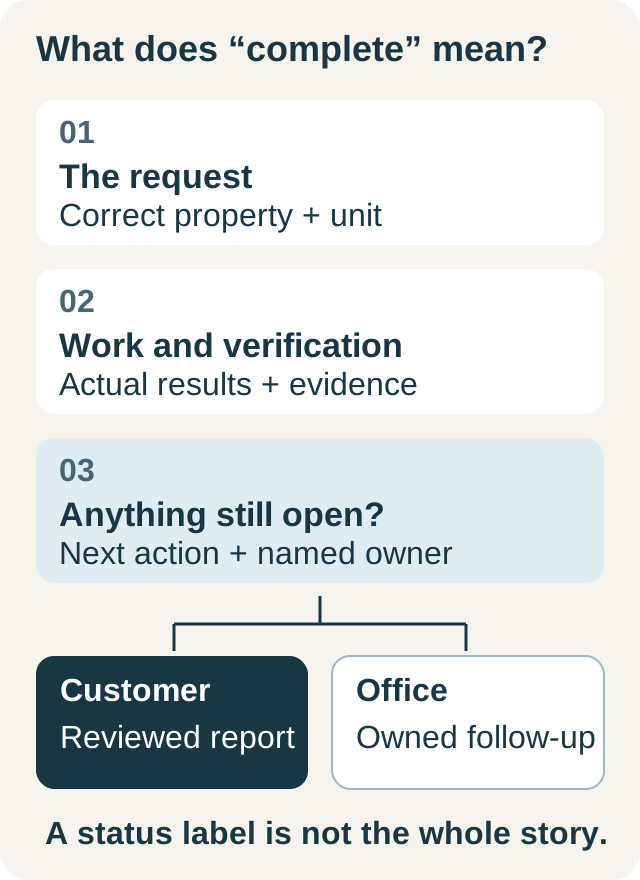
If the evidence is no longer sufficient, ask the qualified reviewer what assessment is needed. Describe a past finding as a past finding. Do not tell the customer a component is currently failing, unsafe or covered by a warranty unless the available facts support that statement. The job closeout guide helps separate recorded work from unresolved recommendations at the source.
Make the message about the customer's next decision
An appropriate introduction for Noah could be: “You asked us to check back after your trip about the recommendation from your last visit. Is this still a useful time to discuss the next step?” It is short because the purpose is to reconnect, not to deliver a diagnosis through an unsolicited sales message.
Use the customer's appropriate preferred channel and your company's reviewed contact process. If someone else answers, verify the intended recipient before discussing detailed service information. If Noah asks to stop, honor the preference rather than switching channels to continue the same pitch. If he needs another date, record the request and its owner.
Turn each reply into a different action
“Please explain it” calls for a conversation. “Send me an estimate” calls for a reviewed proposal. “I want to proceed” still needs the actual scope and approval recorded through your normal workflow. Keep those stages separate so the technician is not dispatched with an assumption in place of an order.
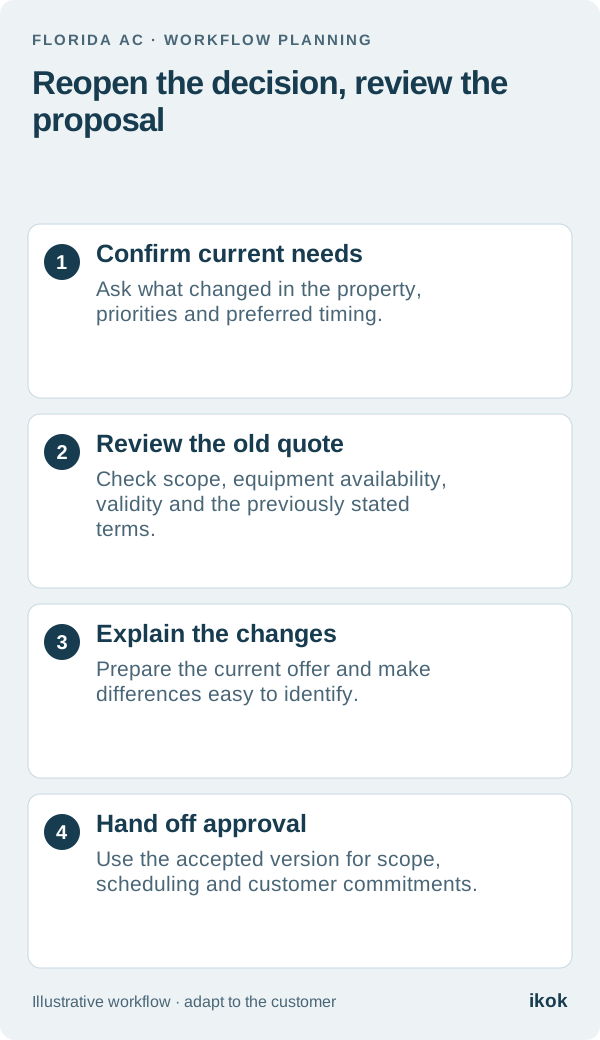
If Noah has already addressed the issue, record that report and close the follow-up appropriately. If there is no response, use the company's reviewed policy rather than inventing an escalating sequence. For an existing replacement proposal with changed timing or pricing, use the more specific quote revisit workflow.
Demonstrate continuity in IKOK
Start with the customer, equipment history and saved visit evidence. Ask to find the recommendation, review subsequent activity, prepare a proposal when requested and show the customer-facing presentation. Confirm which reminders, communication controls and staff responsibilities your setup supports.
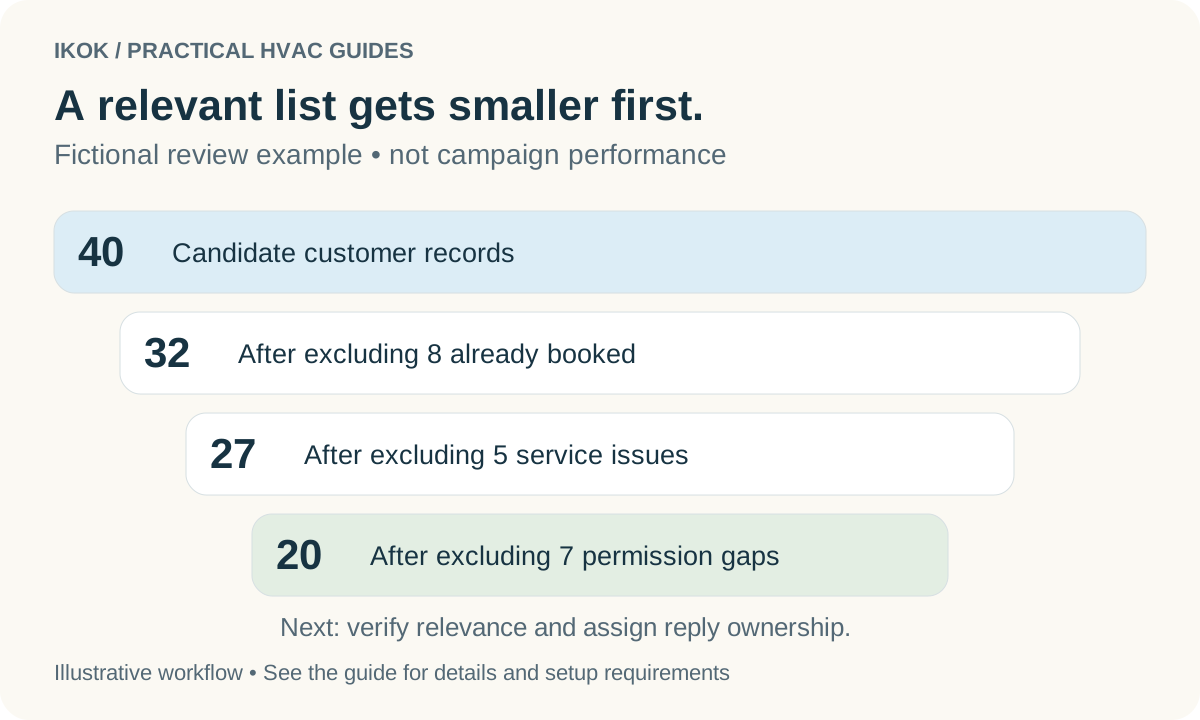
This demonstration should finish with a clear decision and owner, not simply a sent message. For a wider list of customers, use the reactivation guide to review relevance and exclusions first. A small team earns trust by remembering the real conversation and carrying it forward accurately.