Treat access as part of preparing the job
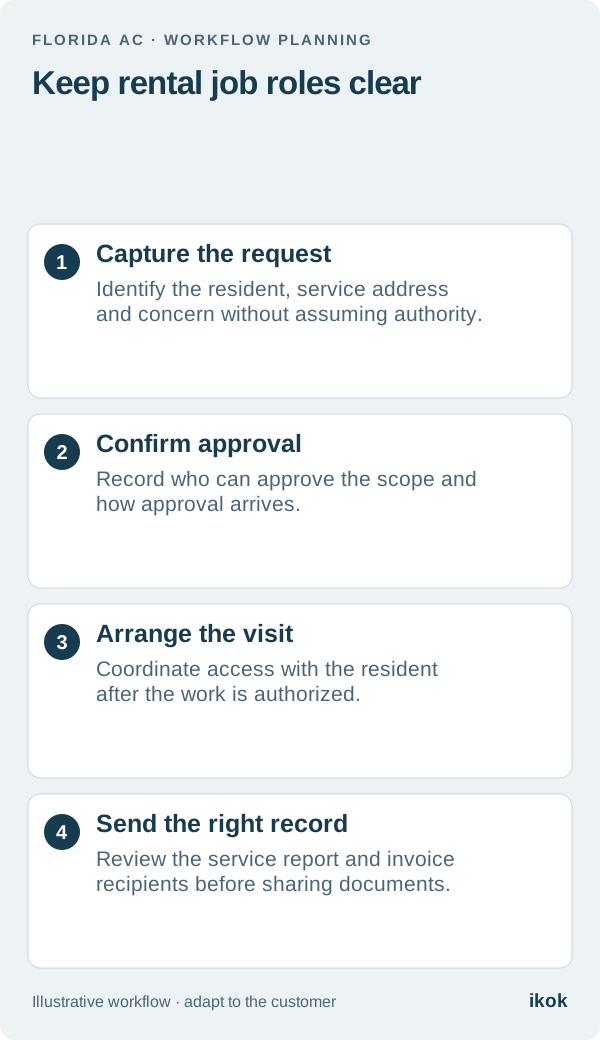
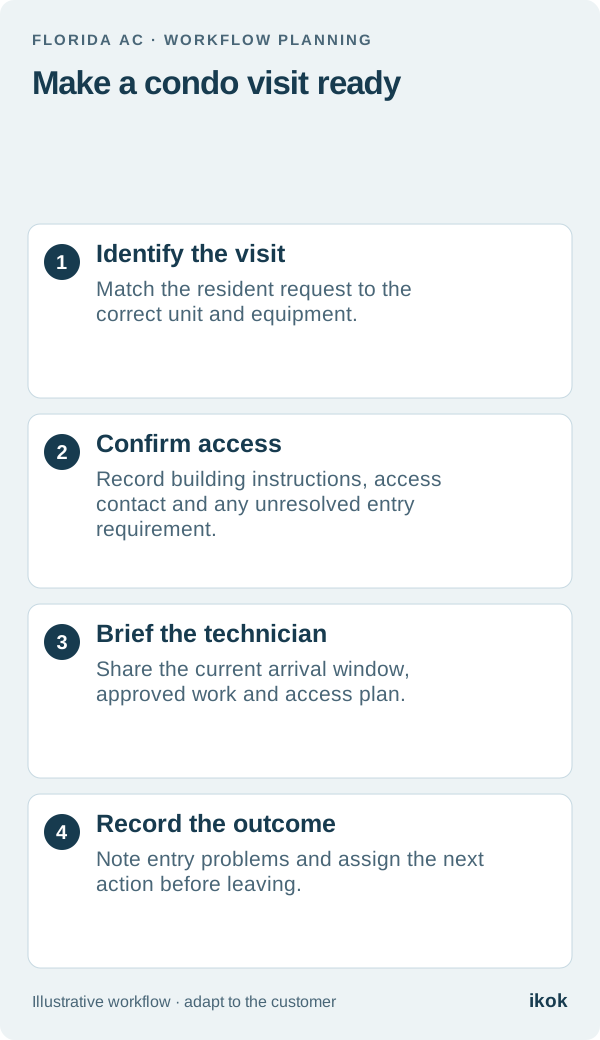
A condo service appointment has several moving parts: the resident's availability, the building's access process and permission for the work. Your office needs a clear answer for each before asking a technician to travel. A confirmed calendar time alone does not establish that the technician can reach the equipment.
For a Florida AC company, this is a useful place to improve the working day without adding another truck. Start with the buildings you already serve. Write down their current instructions against the right property, then verify the details that can change for each visit. Building requirements differ; one property's process should never become an assumed rule for every condominium.
Follow one fictional appointment
Imagine Harbor AC receives a call from a resident in a Palm Beach County condominium. The resident can be home Tuesday afternoon. The equipment also requires access through a building-controlled door, and the usual contact is away that week.
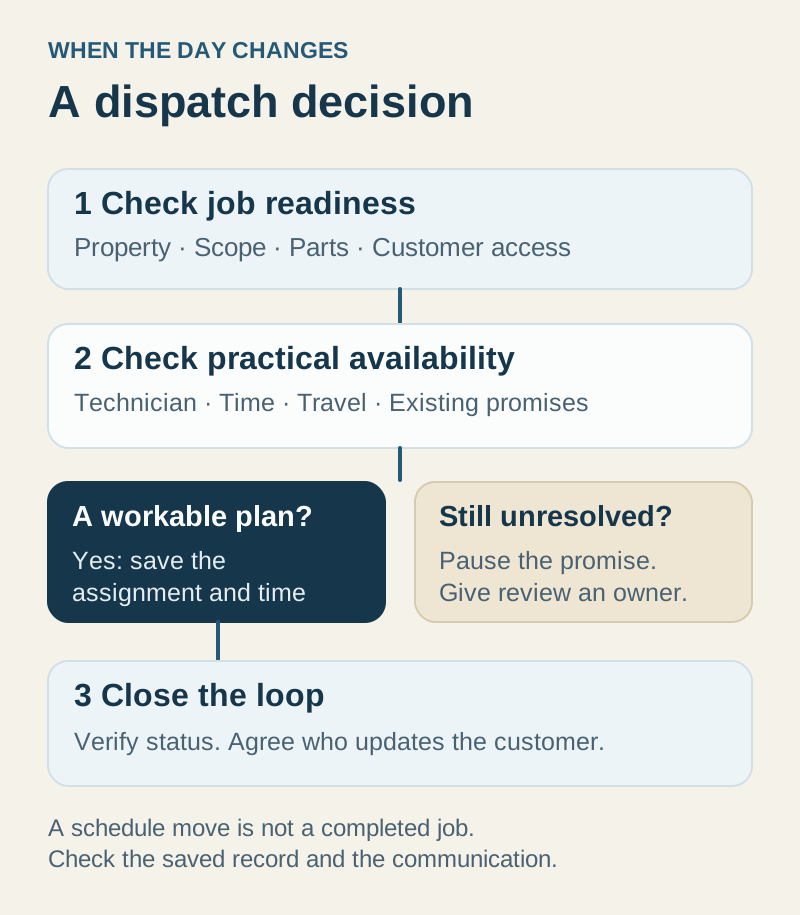
The office initially has a time and a unit number, but no confirmed access contact. Instead of calling this appointment ready, the coordinator gives the unresolved access question an owner and a deadline. The resident knows when to expect confirmation. The technician's schedule stays provisional until the missing arrangement is resolved.
If access cannot be confirmed, the office discusses another time before dispatch. That is a different outcome from a customer cancelling service or a technician failing to complete authorized work.
Use a short access record
Keep the record specific enough to be useful without collecting unnecessary private information. Avoid putting sensitive entry credentials in general notes or customer-facing reports; use your company's approved method for handling them.
| Detail | What the office records | What needs confirmation |
|---|---|---|
| Service location | Building, unit and correct customer relationship | Which address and unit are involved? |
| Arrival arrangement | Agreed window and resident contact | Who will be available that day? |
| Building entry | Current instructions and responsible contact | Has someone confirmed the arrangement? |
| Equipment access | Location and any separate access dependency | Can the technician reach the relevant unit? |
| Work authorization | Agreed assessment or repair scope | Who can approve additional work? |
| Open issue | Named owner and next review time | What prevents release to dispatch? |
Record who supplied the instructions and when they were checked. An old note saying “ask reception” is a lead to investigate, not evidence that today's visit is arranged.
Give the technician a usable briefing
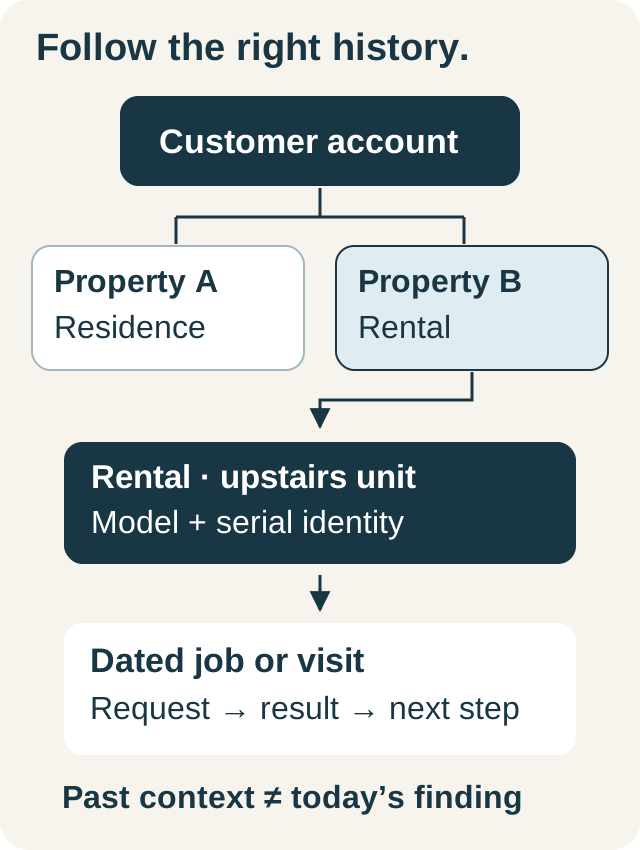
Before dispatch, the technician should see the correct unit, reported concern, authorized scope, arrival window and access contact. Keep the briefing short; attach the relevant record rather than pasting an entire customer history into a message. The customer and property history guide explains how to keep those identities separate.
Decide what happens if entry fails. A practical instruction is to contact the office, record the obstacle and wait for the office's next direction within your agreed process. Do not let a technician improvise permission, promise a different arrival time or begin extra work merely to recover a delayed visit.
Close the access loop after the visit
Record whether the arrangement worked and which instructions need correction. Separate a temporary issue from a lasting property detail. “Contact away on Tuesday” should not become the permanent access description for the building.
When the next visit is needed, carry forward verified property context and reconfirm the date-specific arrangements. Track access-related delays separately from technical return visits so the team can see which office handoff needs improvement.
Test the complete workflow in IKOK
Use IKOK's HVAC workspace to demonstrate the customer, property, assigned visit and technician context together. Move the fictional appointment and check that the person doing the work can find the updated instructions. Arrival and status messages use email when configured; do not assume automatic arrival texts are available.
The useful result is a ready visit: the right place, the right person and a clear access plan. Build that into your dispatch review before adding more appointments to the day.