Start with three different responsibilities
Rental AC work often involves someone reporting the problem, someone authorizing the work and someone responsible for the invoice. One person may hold all three roles, but your office should establish that from the actual arrangement. Do not infer it from whoever calls first or whose number is easiest to reach.
A clear role record helps a small company deliver professional service without making every decision depend on the owner remembering a conversation. It also gives the technician a useful boundary: what work is authorized, who can approve a change and who needs the update.
These arrangements depend on the property and the parties involved. This is an operating workflow, not a statement about what every Florida landlord, resident or manager must do.
Work through a fictional rental call
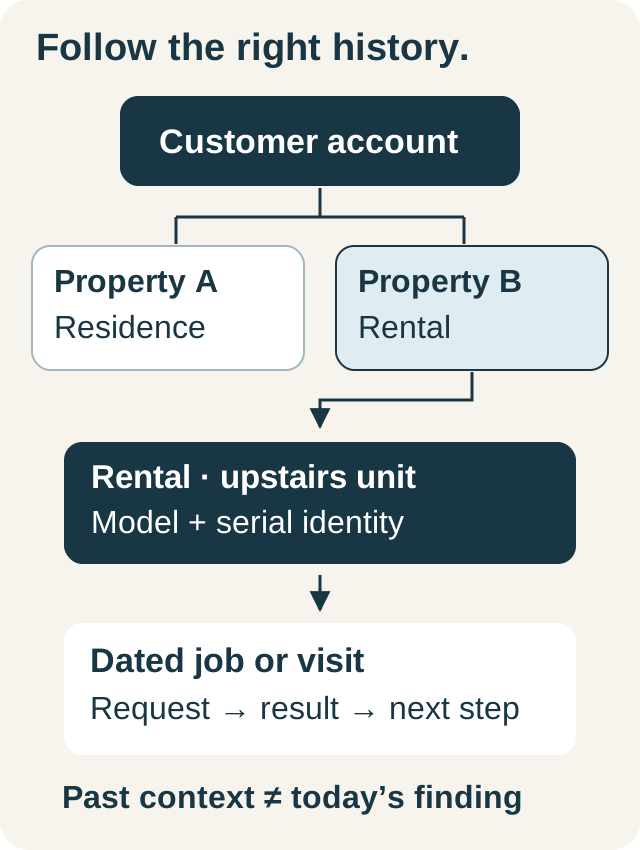
Suppose a resident at a Fort Lauderdale rental reports that the AC is not cooling as expected. A property manager schedules access, while the owner reviews repair recommendations. The existing service account has the owner's name and two properties with similar street names.
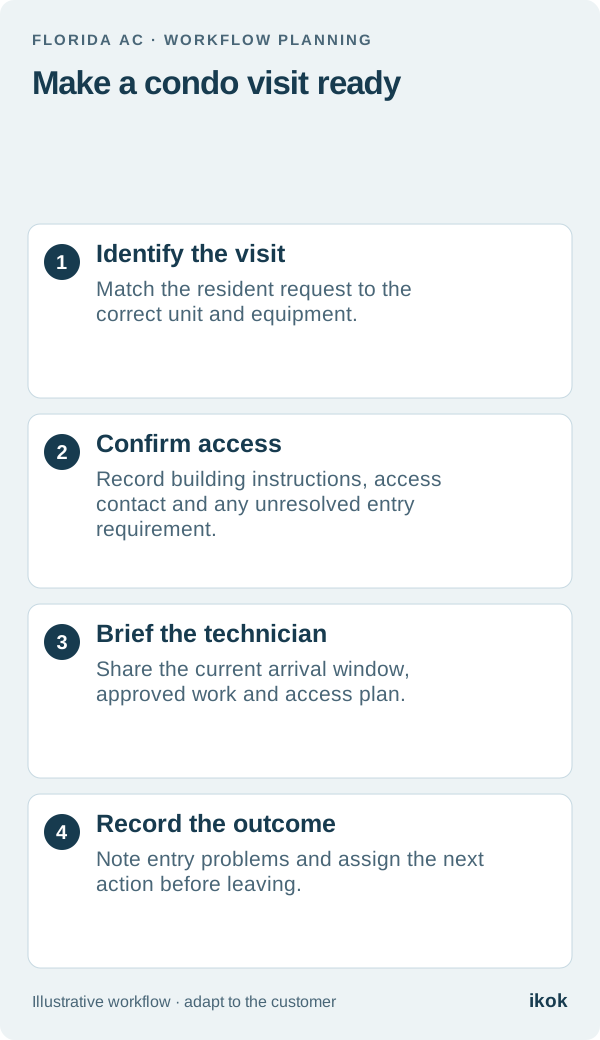
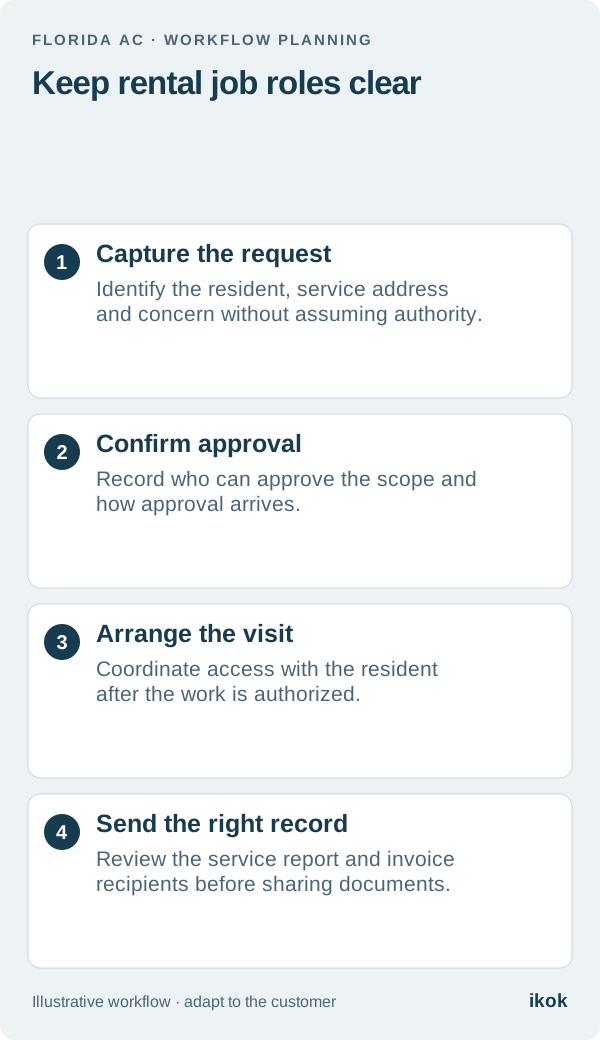
The coordinator first verifies the exact address and resident contact. The manager confirms who may authorize the initial visit and what happens if the technician recommends additional work. The office records the agreed invoice recipient separately from the person receiving appointment information.
When the technician finds work outside the approved scope, the next action is an approval request to the designated person. A resident saying “please fix it” does not resolve the missing authorization in this example.
Build a role card before confirming service
Use this card as an office worksheet and keep it with the job's relevant records. It does not require a new contact for every role when the same person legitimately fills several of them.
| Role | Confirm before the visit | Use the information for |
|---|---|---|
| Requester | Name, property and reported concern | Understanding why the call was made |
| Access contact | Availability and current entry instructions | Arranging the technician's visit |
| Work approver | Identity, approved scope and change process | Obtaining a decision on additional work |
| Invoice recipient | Agreed account and delivery details | Sending the correct billing document |
| Service-update recipient | Appropriate contact and permitted details | Explaining progress and next steps |
If a role is unresolved, record the question and assign it. Avoid filling a blank with a guess just to finish the booking. For repeat work, reconfirm changed contacts without rewriting the historical parties on earlier invoices or jobs.
Keep customer communication relevant to each role
The access contact needs an agreed visit window and a way to coordinate entry. The approver needs the findings and proposed scope. The invoice recipient needs the agreed billing document. These may overlap, but automatically copying everyone on every message can share information unnecessarily.
Before publishing a service report, review its wording, attachments and intended audience. Internal scheduling notes or payment discussions do not automatically belong in the resident's report. If a recipient changes mid-job, verify the relationship before changing future delivery details.
A concise office note might read: “Access confirmed with resident for Thursday. Additional work requires owner review. Invoice delivery remains with the agreed billing account.” Record the actual names and decisions in the appropriate workflow.
Reconcile the job and the invoice separately
Completing the visit does not establish that the invoice has reached the right person or been paid. Check the property, customer relationship, authorized work, recipient and remaining balance before follow-up.
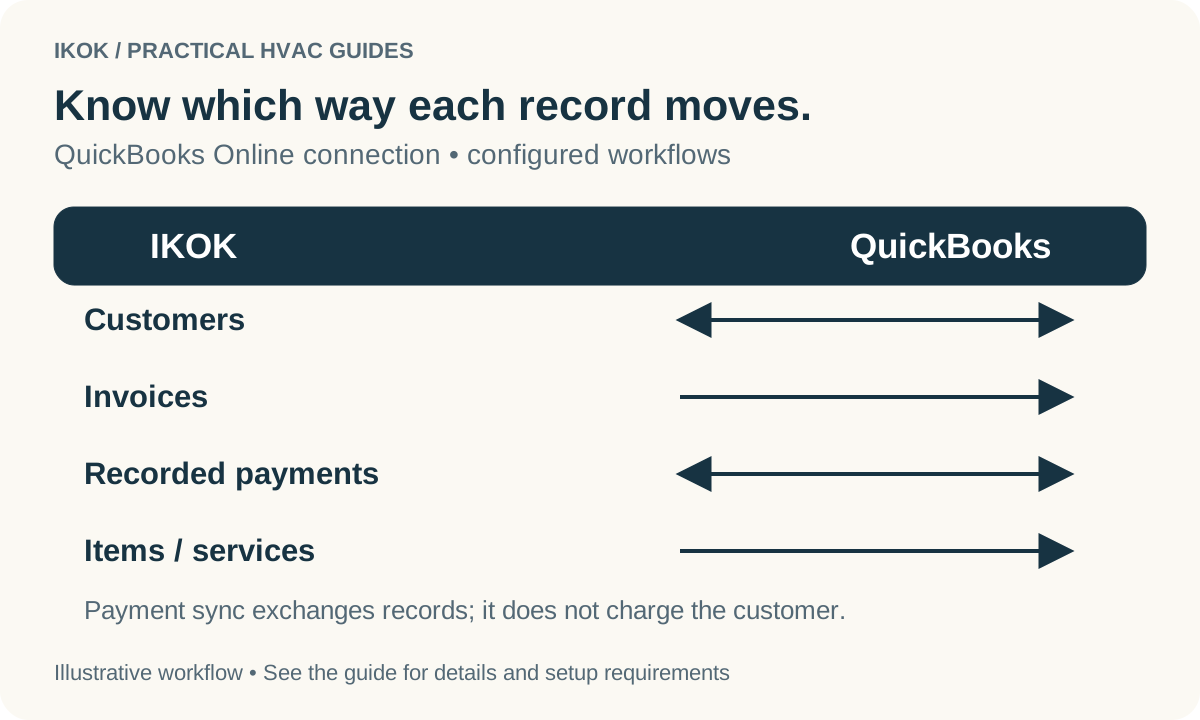
If your office uses QuickBooks Online with IKOK, verify the matching accounting customer and invoice relationship as well. Record exchange does not replace payment collection or establish who agreed to pay. Resolve a party mismatch before retrying a sync or creating another invoice.
Demonstrate the multi-property handoff
In IKOK's customer workspace, use fictional records to show one customer with two properties, the correct equipment, a service job and its documents. Ask staff to find the approver and invoice destination from the available records without relying on a private text exchange.
The customer and property history guide provides the broader structure. This rental-specific test adds the question that matters at every handoff: which person needs to make the next decision?