A small-business customer may need AC service without being able to stop its workday. Opening hours alone do not tell the dispatcher when a technician can reach the equipment, who can approve additional work, or how a delayed visit affects the business.
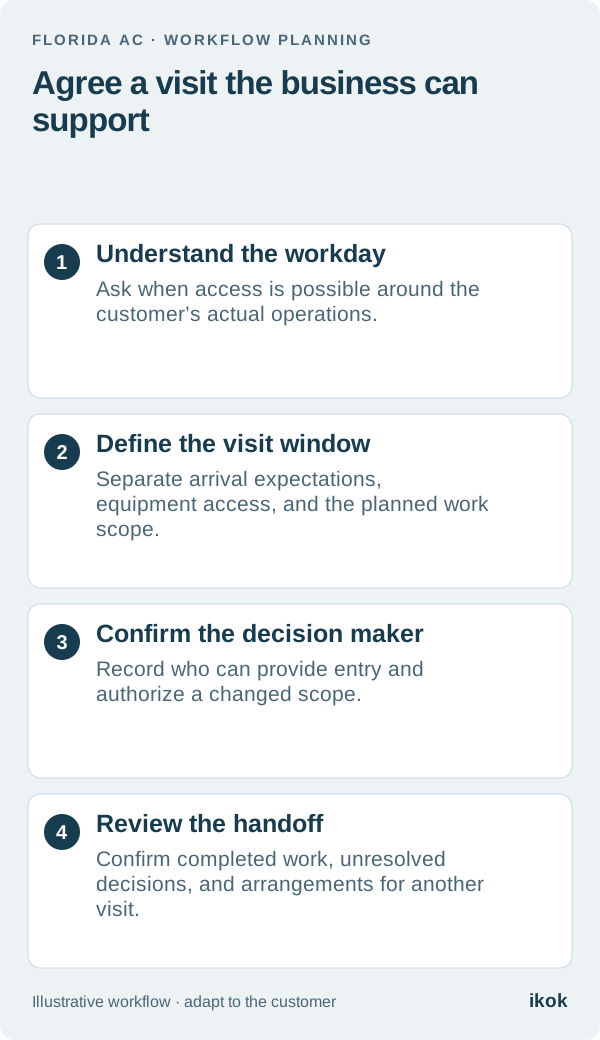
Agree a service window around the actual site arrangements. Distinguish the arrival window from the period of access and from any interruption discussed for the planned work. That gives the customer a clearer expectation and gives your technician information that is useful before arriving.
Learn how this customer’s day works
Consider a fictional Florida bakery that wants a returning AC company to inspect a recurring comfort concern. The business opens early, but its rear storage area is occupied during the first delivery and order-preparation period. The owner can authorize work; the shift lead can admit the technician but needs to contact the owner about a changed scope.
“Come before lunch” is not enough detail for dispatch. Ask when the relevant area becomes accessible, whether another business activity affects the visit, and who will be present. Record this property’s answers rather than creating a rule for every bakery or commercial customer.
Use a service-window agreement
This short planning record keeps the appointment discussion specific. It is an operational handoff, not a replacement for the accepted service scope.
| Planning field | What to confirm with the business |
|---|---|
| Arrival window | The period the customer has agreed to receive the technician |
| Equipment access | Which areas are available, when, and through whom |
| Planned work | The assessment or service already authorized |
| Business constraints | Activities or rooms that affect the proposed visit |
| Decision contact | Who reviews a changed scope and how the office reaches them |
| Change procedure | Who receives an update if the agreed window no longer works |
For the fictional bakery, the office records that the rear area is expected to be available after the delivery is finished. It confirms the arrangement with the shift lead before finalizing the slot. The technician receives the current contact and access note with the job context.
Keep the estimate of time separate from a promise
The expected duration helps the office reserve capacity, but the service window should not conceal uncertainty. An assessment may lead to a recommendation that needs separate approval or a further visit. Explain that distinction while arranging the appointment.
If the customer asks whether the business can operate normally throughout the work, have the qualified service team review the proposed scope and answer for that situation. The dispatcher should not promise uninterrupted operation simply because the calendar has a short appointment block.
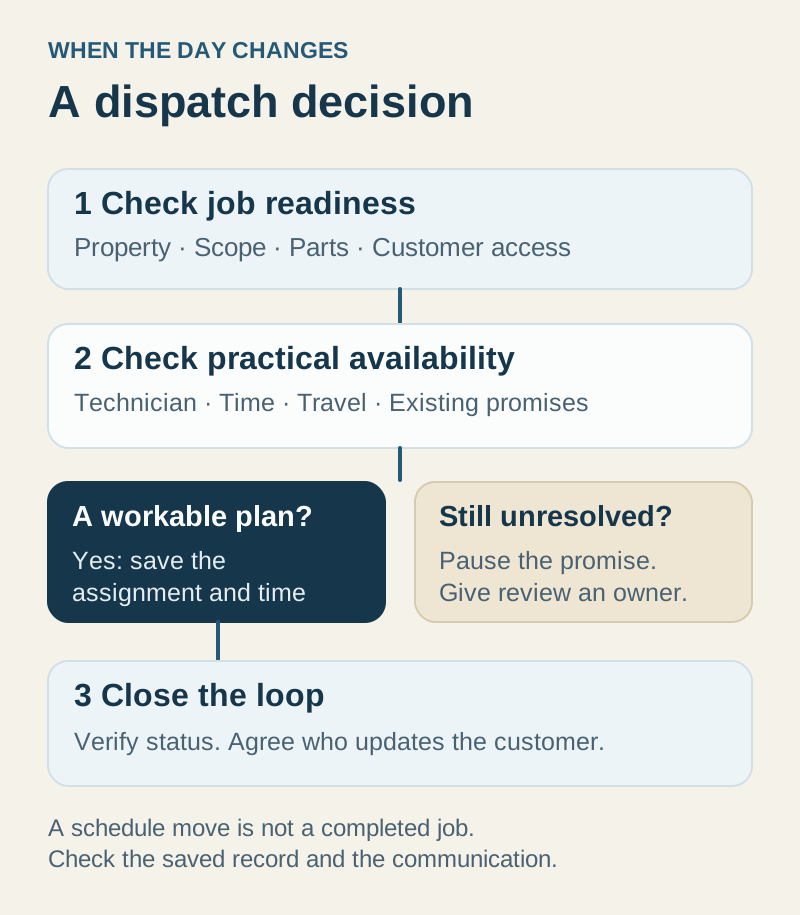
When a proposed time does not fit the customer’s access requirements, offer a different arrangement the crew can support. Do not repeatedly squeeze the job between existing promises and assume the technician will resolve the conflict on arrival.
Make the approval handoff visible
Suppose the technician’s assessment identifies additional proposed work. The shift lead can help with access but has not been designated to approve that scope. The technician records the findings, and the office contacts the named decision maker using the agreed channel.
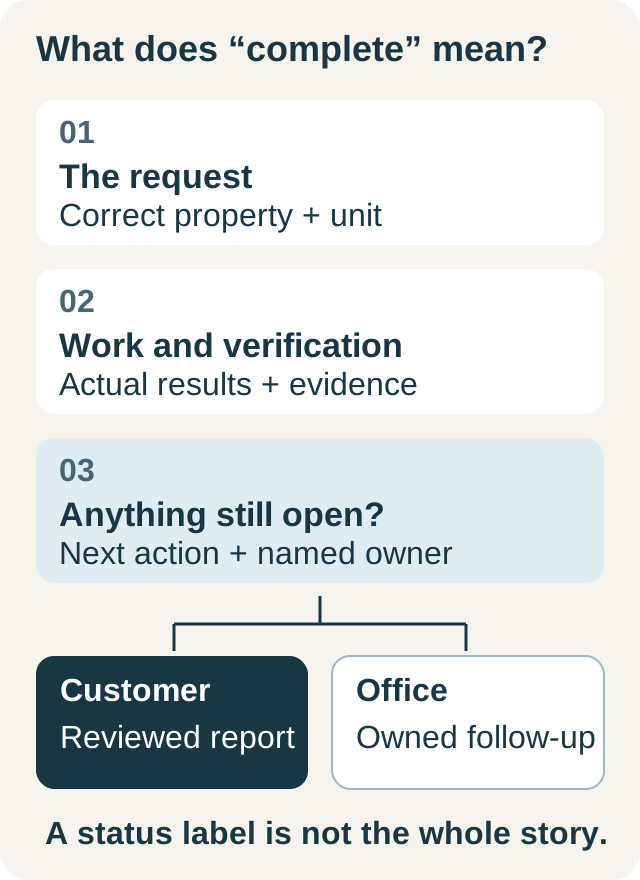
Keep the requested work, the customer response, and the next appointment decision distinct. If the owner is unavailable, record what is waiting and who will follow up. A visit can be complete while a proposed action remains open; neither the calendar nor the invoice should stand in for the missing approval.
The dispatch workflow guide gives the broader structure for transferring this context between the office and field team.
Close with a useful record for the next visit
Before closing the job, confirm the completed work, findings communicated to the customer, and any remaining recommendation. Update the access arrangement if the customer supplied a correction. Preserve what happened during this visit while making the current instructions clear for the next one.
If another appointment is needed, agree who will arrange it and whether the same service window still applies. A returning customer should not have to explain the delivery schedule again because it remained in one employee’s memory. Use the closeout checklist to keep unresolved work from being lost at the handoff.
Evaluate software with this exact scheduling problem
In a walkthrough of IKOK’s HVAC scheduling workflow, use the fictional bakery to review the customer, service property, scheduled visit, equipment context, and office follow-up. Ask what each staff role can see and how the latest arrangement is found.
The useful result is a clear, shared understanding of the appointment. Confirm the setup your business needs; do not assume the software automatically optimizes routes, predicts visit length, or makes scheduling decisions for your team.