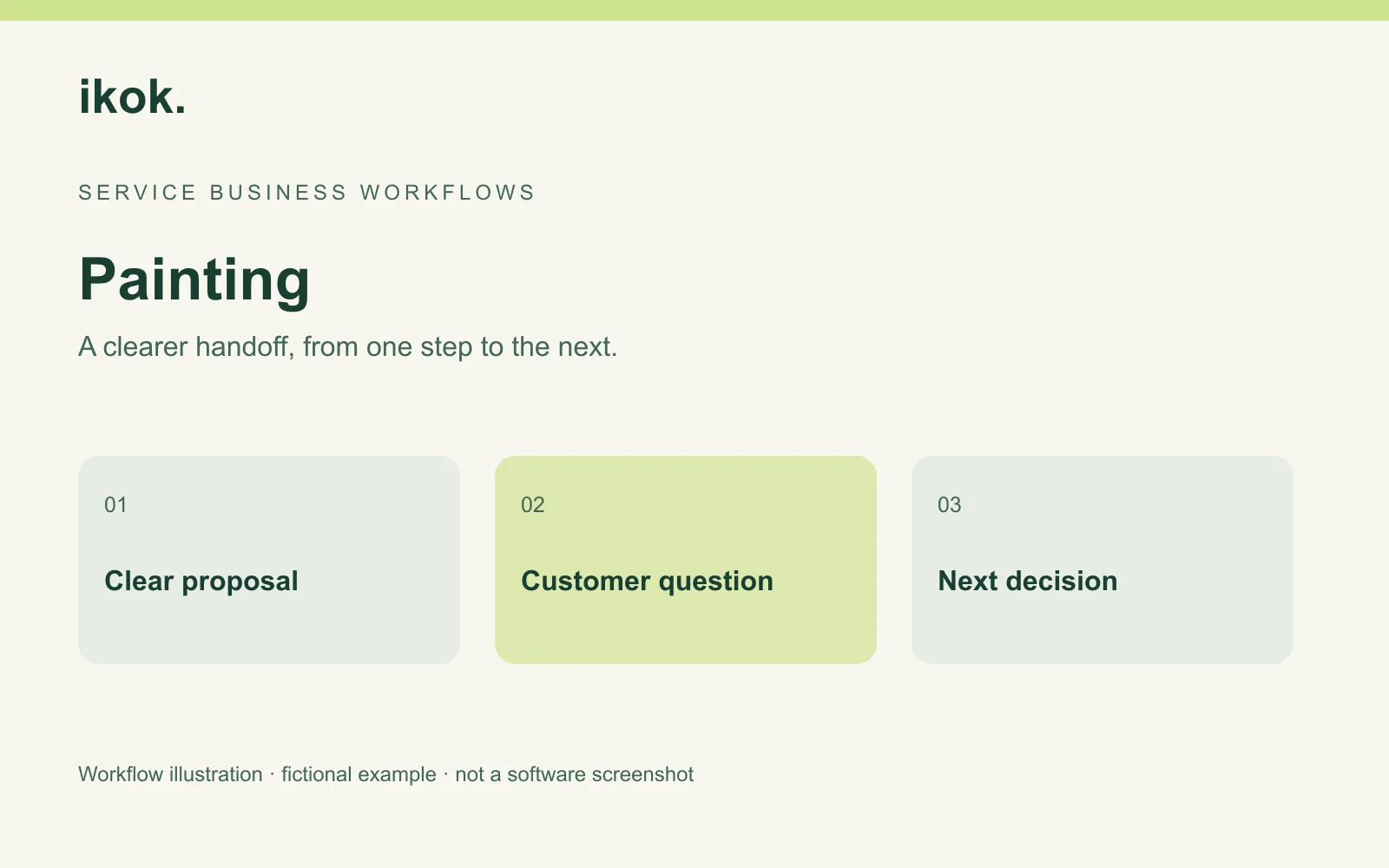
A CRM for painting contractors is useful when an open proposal carries the context needed for the next conversation: which areas are included, what the customer is deciding and who owns the follow-up. Repeated “just checking in” messages do little when the actual question is whether the hallway or preparation work is included.
Birch Painting is a fictional small contractor. Jamie prepares proposals; Taylor coordinates the schedule. A customer asks for two bedrooms, then considers adding the hallway. This guide follows the proposal and message through IKOK's verified quote, custom-offering, customer and Email Studio features. Product images show separate fictional HVAC demo content, not an existing painting template.
Keep the customer question with the proposal
Find the customer through Customers and verify the service property and recipient. Record the customer's actual request and the outstanding choice. Avoid treating “interested” as acceptance or “no reply” as a reason to assume the price was wrong.
For Birch's example, the initial scope is two bedrooms. The hallway is outside that scope. Jamie records that distinction before preparing the alternative, so Taylor will not schedule from an outdated understanding of the work.
Build a quote the customer can compare
In Sales → Quotes, prepare identifiable work descriptions, quantities, prices, terms and notes. Describe the included areas and the preparation your business has agreed to provide. Record relevant exclusions and decisions still needed from the customer.
Use Save As Quote Template to preserve reviewed repeatable items and wording. Reopen those assumptions for the next property. Quoting controls do not establish paint quantity calculations, surface takeoffs or trade-specific production rates.
| Proposal section | Birch's fictional example | Customer decision |
|---|---|---|
| Base scope | Two bedrooms, with listed agreed work | Are the named areas correct? |
| Preparation | Specific preparation included in the offer | Is further work needed before pricing? |
| Alternative | Add the hallway under a separately described option | Which scope should proceed? |
| Terms and exclusions | Access, selections and excluded work | What remains to confirm? |
Use custom offerings to explain real alternatives
IKOK's customer-facing proposal presentation provides room for options, descriptions and their prices. Use that space to explain a meaningful difference in scope. Do not invent a third package solely to fill a layout, or imply that a stock photograph documents work your company performed.
The screenshot demonstrates the actual presentation using fictional Northstar HVAC packages. The copy and equipment would need to be replaced with your reviewed painting scope; the image is evidence of layout, not a prebuilt painting quote.
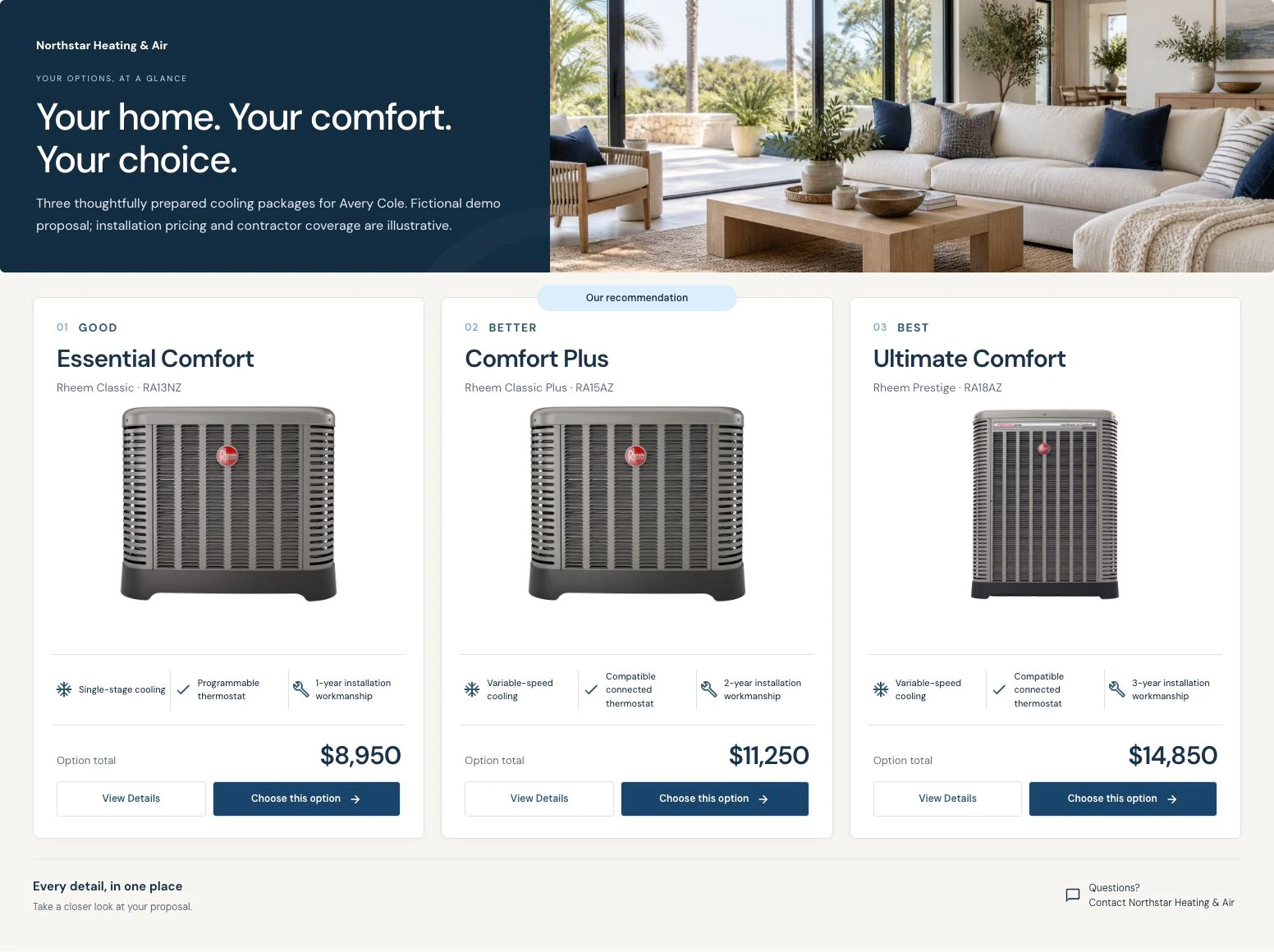
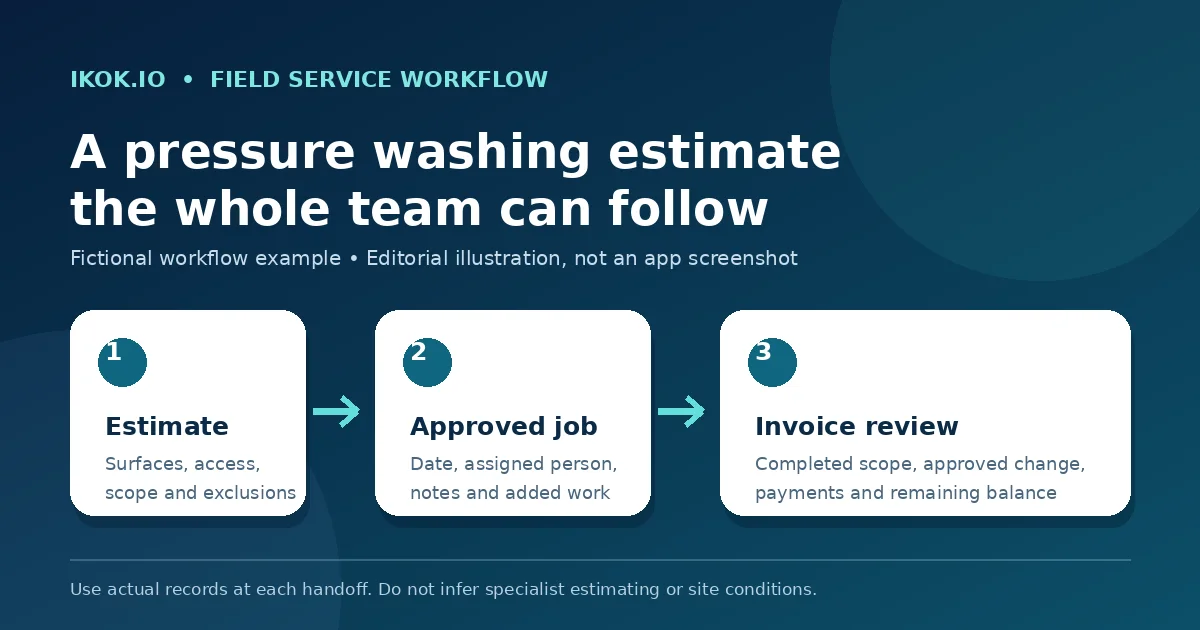
The proposal and team-workflow example shows how an accepted scope and the next operational step fit together in another service industry.
Draft a follow-up that resolves the question
Email Studio supports branded layouts and reusable blocks, including a logo, headline, text, images and a call to action. Supported customer/company variables use the available business context. Review the actual recipient and rendered output rather than assuming every variable works in every message type.
For Birch's customer, the message could be:
Subject: Two bedrooms or bedrooms plus hallway?
Hi Avery, the original proposal covers the two bedrooms we discussed. I have also prepared the hallway option you requested, with its scope and price shown separately. Please let me know which version you would like to consider, or which preparation detail needs explaining. Once the scope is accepted, we can review a suitable work date. — Jamie
The message names a decision, explains the difference and avoids promising an unconfirmed date. Treat it as a fictional example to edit, not a claim that IKOK automatically sends this message for every quote.
Check the actual email output
Preview your email on desktop and mobile and send a test through the configured workflow before reusing a template. Verify branding, recipient context, links, scope references and the call to action. Template creation and email delivery are separate things.
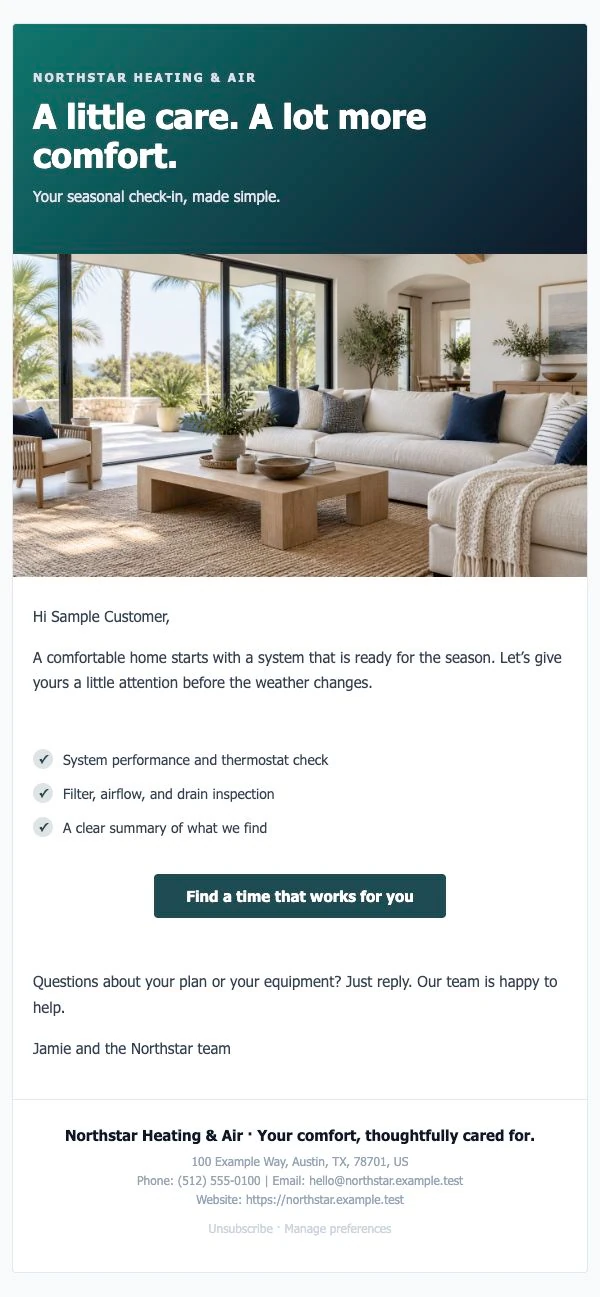
The image is actual rendered output with fictional HVAC content. It shows the relationship between branding, text and a button; it does not prove delivery, every email client's rendering or a painting-specific design. Replace sample copy and imagery with content you have rights to use.
Give the open proposal an owner and a date
For each undecided quote, keep the current version identifiable and record the next action in your working process. A small manual review can include the proposal date, the customer question, the person responsible and an agreed follow-up date where one exists.
| Current situation | Useful next action | Avoid assuming |
|---|---|---|
| Customer asks about the hallway | Clarify or revise the option | Original scope already includes it |
| Customer has not selected colors | Confirm what decision affects the offer | Delay means rejection |
| Customer accepts a scope | Review the saved acceptance and job handoff | A calendar promise was already made |
| No reply | Review whether another appropriate contact is useful | Price is definitely the objection |
Confirm exact reminder automation separately. A CRM record and reusable email do not establish a fully automatic follow-up campaign. SMS, if used, needs applicable setup, permissions and consent; see the shared-inbox workflow.
Carry the accepted scope into the schedule
The quote detail includes Convert to Job. Review job type, date, priority and notes, then check the saved assignment in Schedule → Dispatch. Do not let the earlier two-bedroom version drive the appointment if a later accepted scope includes the hallway.
For projects with multiple visits, agree how the team will track phases, access and unfinished work. Verify the precise project/crew configuration you need before promising a specialist production-planning capability.
Questions painting contractors ask
Can I reuse my own proposal wording and branding?
IKOK supports quote templates, custom offerings and branded email layouts. Review the modules and setup in your selected plan, and check the actual customer-facing output before sending.
Will follow-up happen automatically?
This guide establishes reusable content and a clear manual follow-up process. Ask to verify the exact reminder triggers, channels and limits you intend to use before describing them as automated.
Does this replace painting takeoff software?
No painting-specific measurements, material calculations or production-rate database is established by these workflows. Keep those requirements separate from proposal presentation and customer communication.
Bring a proposal and a real customer question
Book an IKOK walkthrough with an anonymized quote, one scope alternative and a follow-up email. Review the options, rendered message, acceptance and job handoff together.
Photo: Original IKOK editorial workflow illustration created for this article; fictional example, not a software screenshot.