Electrician invoicing software should let the office explain a bill from the accepted scope and the completed work. The useful connection is between the customer, quote, job, invoice and payment record. A professional document matters, but it is only the final part of that chain.
This walkthrough follows Cedar Electric, a fictional two-person electrical service business. Maya handles calls and billing; Eli completes the work. A customer approves two fixture replacements, adds a third during the visit, and asks for a separate recommendation for later. The scenario is fictional. The screenshots show actual IKOK interfaces with separate demo data.
Start with the right customer and service address
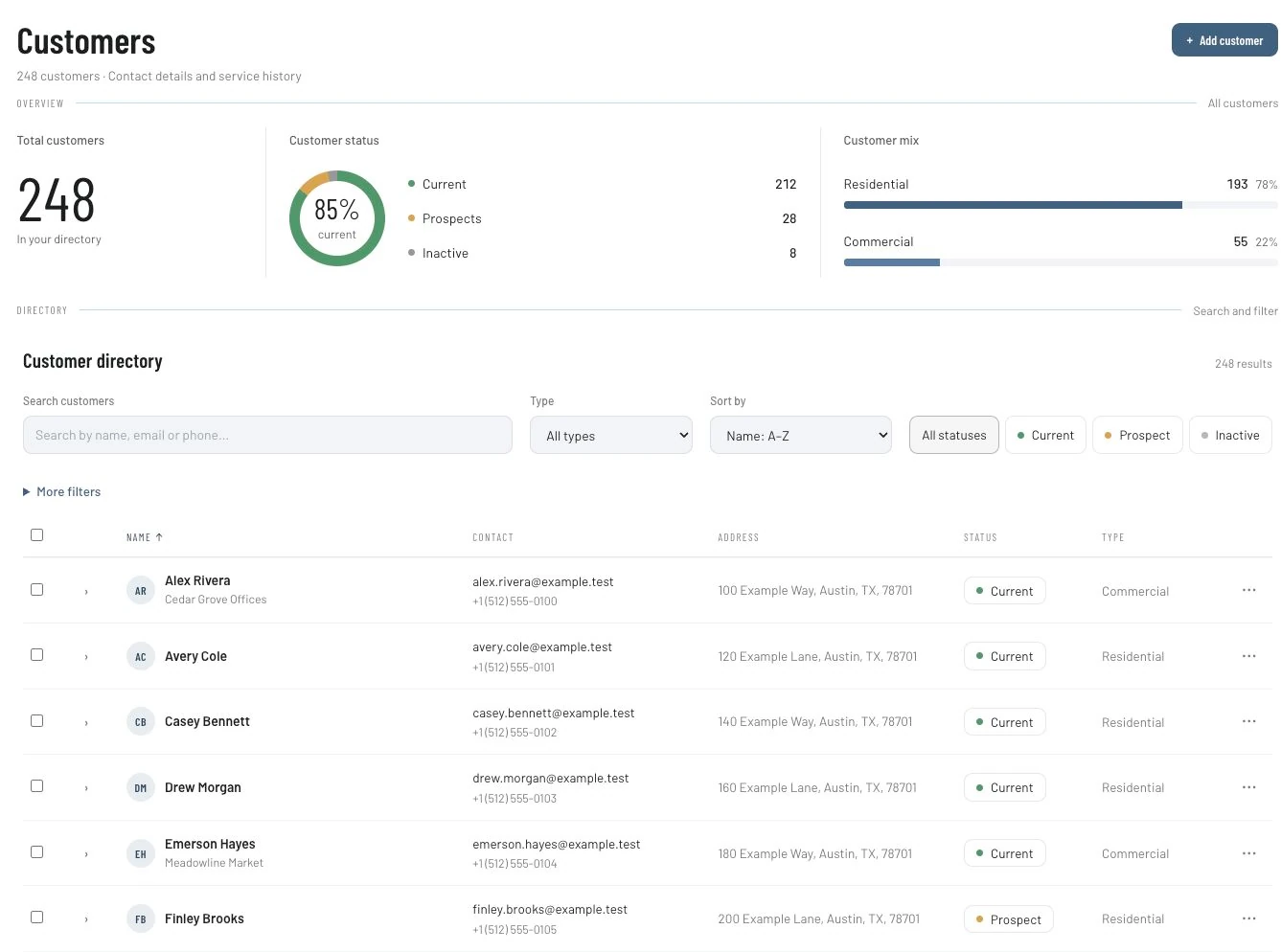
Open Customers and search for the existing customer before creating another record. The directory supports searching and customer filters, including residential and commercial types. Check the person, service location and billing recipient before preparing the quote. A property manager may approve work while a different person provides access.
For Cedar Electric, Maya records which property the fixtures belong to and who may approve additions. She puts access instructions in the appropriate job context, rather than assuming an invoice address is enough for the technician. That is a working procedure, not a claim that IKOK automatically decides who has purchasing authority.
Build the quote around tasks the customer recognizes
In Sales → Quotes, prepare the scope with identifiable line items, quantities, prices, terms and notes. “Replace two customer-selected hallway fixtures” is easier to reconcile than “electrical services.” Record what is supplied by the customer and which work is excluded.
IKOK supports reusable quote templates. Use Save As Quote Template for reviewed repeatable wording, then check the next customer's details and prices. Reuse should reduce retyping without carrying an old property's assumptions into a new job.
| Scope decision | Cedar Electric's fictional record | Check before acceptance |
|---|---|---|
| Included work | Replace two hallway fixtures | Correct quantity and locations |
| Materials | Customer supplies the fixtures | Who supplies other agreed materials |
| Exclusions | Further fault-finding is outside this scope | Customer understands the boundary |
| Next action | Confirm the appointment after approval | Assigned person and realistic time |
Carry the accepted work into the job
The quote detail includes Convert to Job and Convert to Invoice actions. Those are different outcomes. For work still to perform, use the job path and review the job type, date, priority and notes in the conversion dialog. Confirm the resulting assignment in Schedule → Dispatch.
Creating an invoice is not a record that the work is complete. Likewise, putting a job on the schedule does not resolve an outstanding scope decision. Maya checks the saved job before promising the appointment.
For a broader worked example of quotes and team handoffs, the small-crew guide demonstrates the same core records using an HVAC scenario.
Record the third fixture as a separate decision
At the visit, the customer requests another fixture. Eli records the requested addition and its approval under Cedar Electric's procedure. The team agrees the price and scope before treating the addition as authorized work. A recommendation for unrelated future work stays separate.
At closeout, Eli leaves a short record that Maya can use:
Completed: Two originally approved hallway fixtures and one separately approved addition.
Customer-supplied items: Three fixtures.
Outstanding: Separate assessment recommendation; not included in this invoice.
Office action: Check the accepted scope and addition approval before preparing the final bill.
Use that structure as a manual note template. It does not imply that IKOK automatically validates an electrical installation or captures a legally sufficient change order. Permits, technical inspections and other obligations need their own qualified review.
Review the invoice and the balance separately
Open the invoice and compare its line items with the completed work, accepted quote and addition. Check the customer, payment terms and existing payment records. The invoice detail supports payment information and balances; a partial payment should leave an intelligible remaining balance.
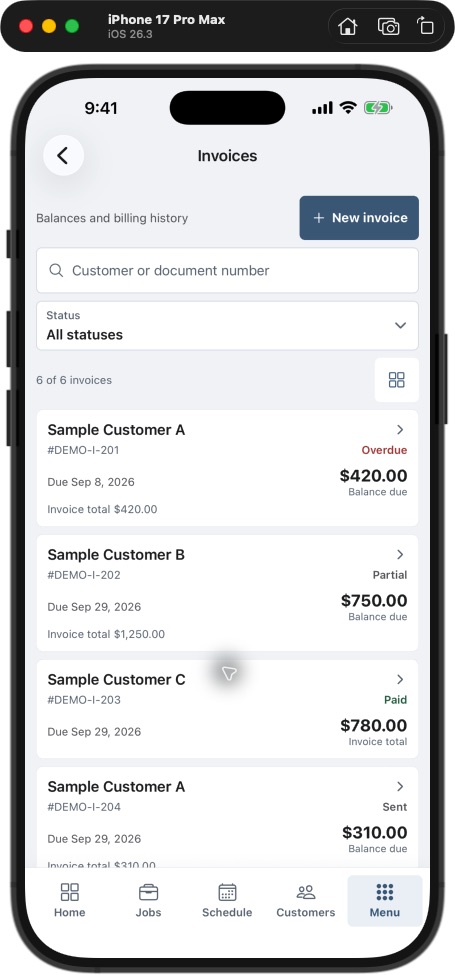
The Field app's invoice list shows distinct invoice states and allows the user to search by customer or document number. The image below illustrates why “invoice total” and “balance due” should not be read as the same amount.
If you connect accounting, review the configured QuickBooks integration and its sync history. A change in IKOK should not be assumed to have reached accounting until the relevant sync result is confirmed.
Use a five-job billing review
Choose five completed jobs and record whether the accepted scope, additions, completion notes and payment context were available when the invoice was prepared. Count missing-information requests and corrections. Do not invent a target improvement or treat a collections chart as evidence that this process caused better revenue.
| Review question | Action if the answer is unclear |
|---|---|
| Does every charged task have supporting scope? | Resolve the missing decision before sending |
| Is unfinished work described as unfinished? | Correct the description and name the next action |
| Is a payment already recorded? | Reconcile the remaining balance |
| Is the right person receiving the bill? | Confirm the agreed billing contact |
Questions electrical contractors ask
Can I reuse the same quote for several customers?
Use a reviewed quote template as a starting point. Check each customer's quantities, prices, scope, exclusions and terms before sending. Reuse is not approval of the next job.
Does converting a quote complete the job?
No. The conversion creates the selected business record. Schedule and perform the work, keep the findings and completion record, and review the invoice against what actually happened.
Does IKOK replace electrical inspection or estimating rules?
This workflow covers customer, job and billing administration. It does not establish technical load calculations, code compliance, permits or a local labor-price database.
Bring one fixture job to your walkthrough
Book an IKOK walkthrough with an anonymized quote, one added task and a partial-payment example. Ask the team to follow the records from approval through the final balance, using the plan, permissions and payment setup you intend to use.
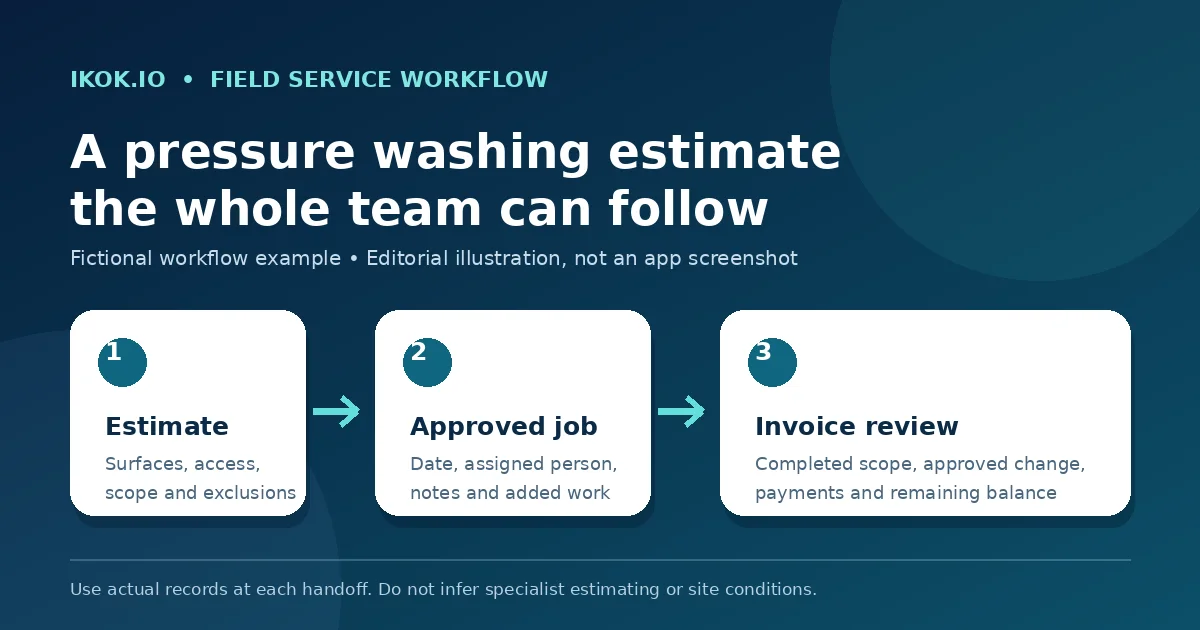
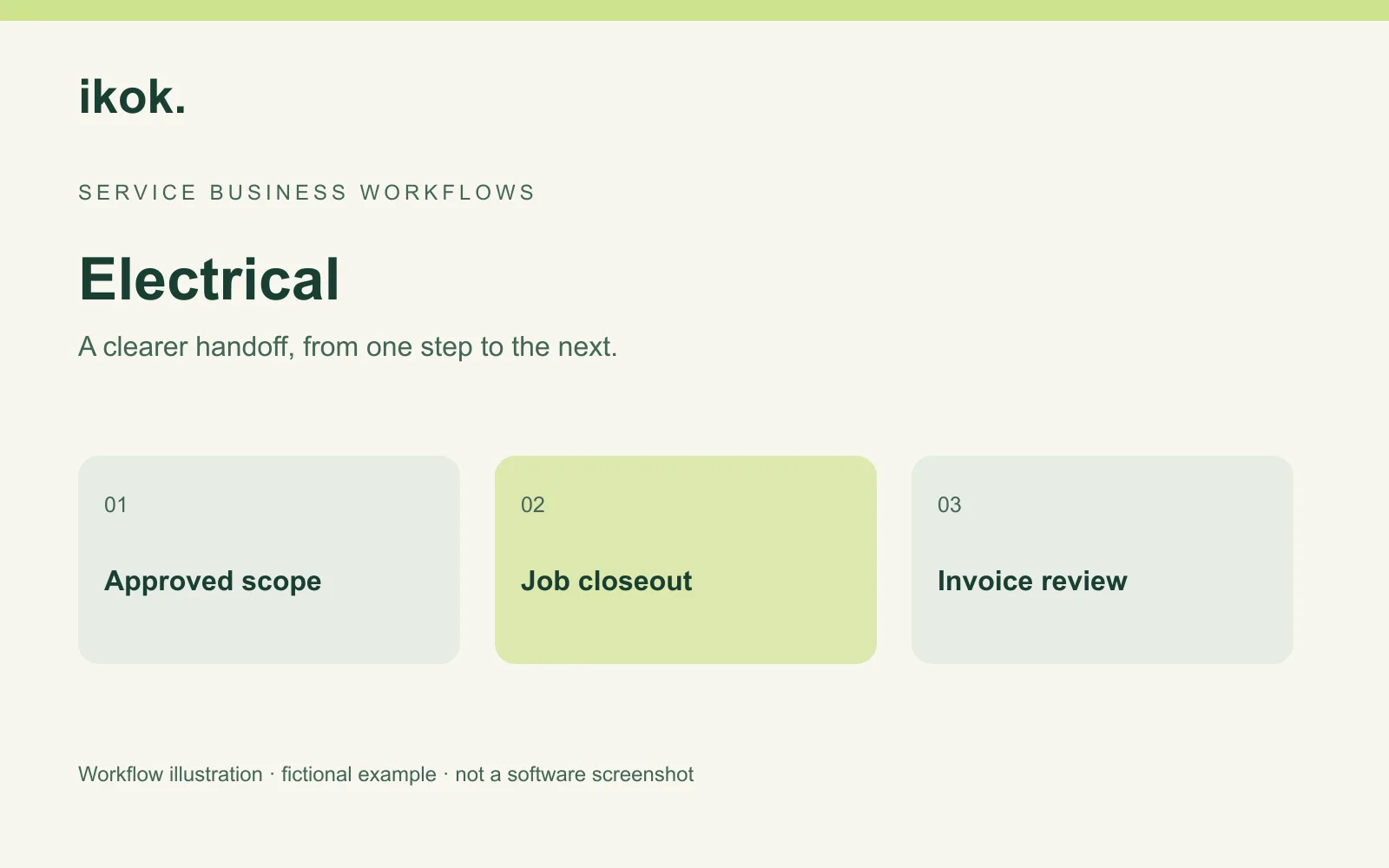
Photo: Original IKOK editorial workflow illustration created for this article; fictional example, not a software screenshot.