A proposal template is ready to reuse when its content is still accurate for the service it describes. A familiar name in the library does not establish that its price, specification sheet, photograph or coverage wording has been reviewed recently. A useful proposal template audit makes those checks visible before someone starts the next customer quote.
This guide is for a service-business owner or sales coordinator maintaining reusable offerings. It follows one fictional library through a small review, including a specification mismatch and a duplicate add-on. The audit sheet is a manual operating method; it is not a claim that IKOK automatically detects stale content or runs a template-approval workflow.
Start with the templates people actually reuse
At fictional Cedar Point Service, owner Lee reviews the company's service offers while coordinator Morgan prepares customer proposals. They have several similar templates, each saved at a different time. A new employee recently selected an older package because its name sounded more complete than the current one.
Morgan begins with the templates the office expects to use in the coming month. Reviewing that set produces an actionable result without making a complete historical cleanup a prerequisite for the next quote. Lee assigns one reviewer to each service family and records the source used to check its content.
The audit record needs the template name or reference, intended service, last review date if known, responsible person and next decision. An unknown review date stays unknown. Renaming an old template with today's date would not establish that anyone checked its contents.
Check four content layers separately
First, review the commercial content: prices, included work, exclusions, coverage language and any conditions attached to an option. Use the company's current reviewed terms and pricing decisions. A service or item catalog can supply a starting value, but the team should verify that value in the proposal being prepared.
Second, review the technical identity. Where a proposal names equipment, compare the model or item reference in the description with the supporting specification document. A document that opens successfully can still describe the wrong item. The qualified reviewer confirms technical suitability; the coordinator checks that the materials describe the same proposed selection.
Third, review the media and attachments. Identify what each photograph actually shows and whether its caption is accurate. Check that document links open to the intended file. Representative photography should remain labeled representative; it should not become evidence of a supplied model because it was copied into an equipment section.
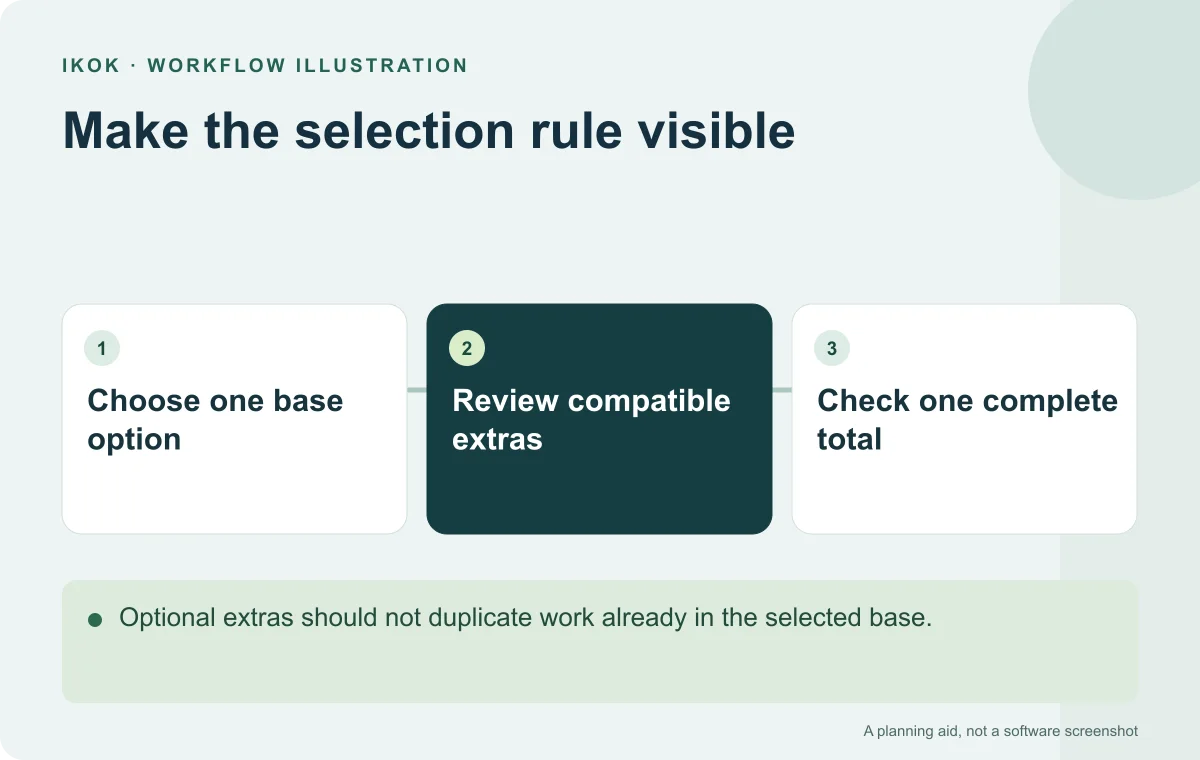
Fourth, review the reusable structure. Remove prior-customer names, property assumptions and transaction-specific dates from reusable wording. Check whether a base package and an optional item describe the same work. A tidy layout can conceal a duplicated inclusion just as easily as an old spreadsheet.
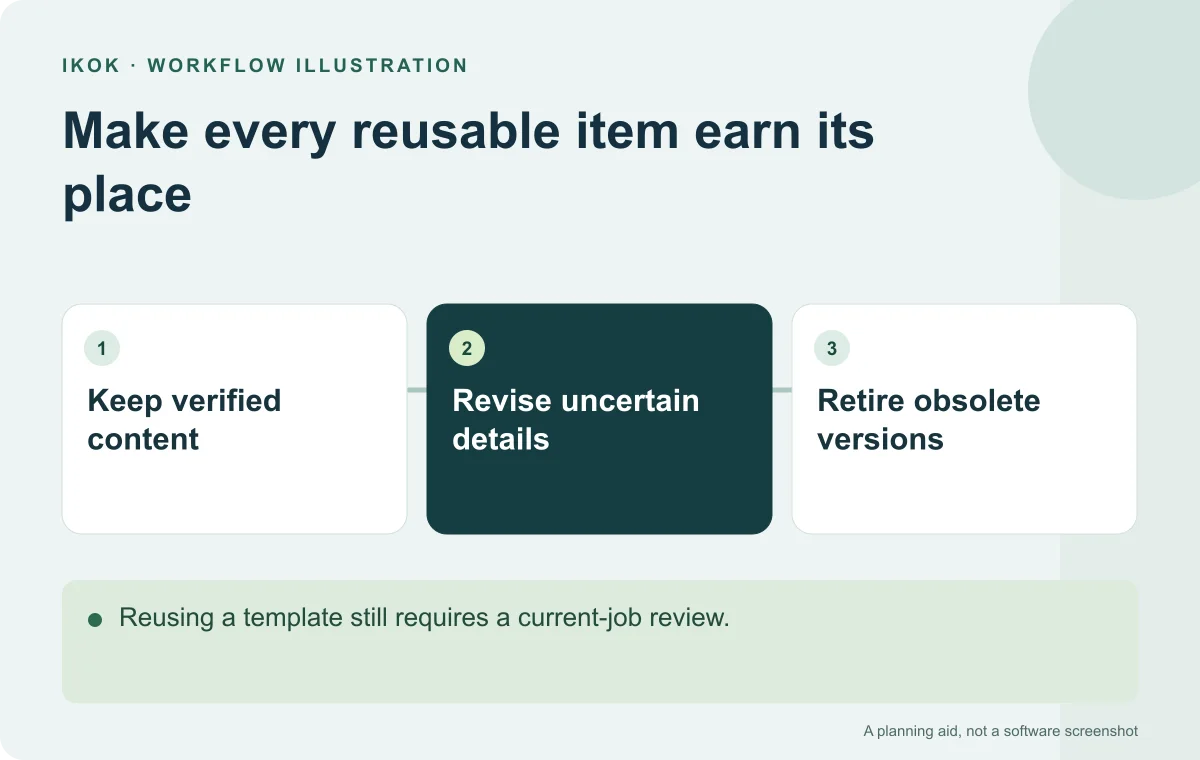
Use keep, revise or retire as review outcomes
Lee and Morgan use these fictional records. The outcomes are decisions on their audit sheet, not native IKOK statuses.
| Library reference | Finding | Review outcome | Owner and completion evidence |
|---|---|---|---|
| T-11: standard service visit | Scope and current price checked against the approved service description | Keep | Morgan records the review date and source |
| T-18: replacement package | Attached specification sheet describes an earlier selection | Revise | Lee confirms the proposed item; Morgan replaces and opens the correct document |
| T-24: care package | Included visit count and coverage wording disagree | Revise | Lee confirms the intended offer; Morgan checks both sections in customer preview |
| T-29: optional accessory | The same item is already included in the current base package | Retire this duplicate variant | Morgan records the preferred replacement reference |
| T-33: seasonal offer | The offer is no longer intended for new proposals | Retire from routine use | Lee confirms the instruction; Morgan tells the team which current offer to use |
“Keep” means that the stated review happened for the template's intended use. It does not mean the template can be sent to any customer without another scope check. “Revise” means the recorded problem is still open until someone verifies the correction. “Retire” means stop choosing that variant for new work under the team's agreed process.
Before removing or restricting anything in the actual system, review permissions and how existing records use it. Keep historical customer proposals available through the company's normal recordkeeping process. A library cleanup should not become an unreviewed deletion exercise.
Work the specification-sheet exception all the way through
For T-18, the headline and image had been changed during an earlier edit, but the attached document still described the previous selection. Morgan first identifies every place the selection appears: title, summary, specification values, photo caption and document label. Changing only the attachment would leave other inconsistencies possible.
Lee confirms the correct proposed selection and the document that supports it. Morgan updates the reviewed content, opens the linked document and compares the customer-facing details again. If the selection itself remains undecided, the template stays in revise status on the audit sheet; it is not made ready by substituting another plausible-looking document.
They also review whether this template was used in any currently open proposal. The audit does not assume that updating library content corrects documents already sent to customers. Each affected live proposal needs its own check and, where necessary, a clearly communicated revision through the normal proposal process.
Verify the reusable offering in IKOK
IKOK supports reusable offering templates and option-library content. The offering builder provides template save/load actions and reusable tier-library actions. The customer detail view can present the authored summary, specifications, photos, documents, installation notes and coverage information.
Use those capabilities to inspect the actual content the next user will load. Save the intended reusable version, confirm which library entry it represents, and load it into a safe sample proposal. Then open the customer preview and the attached documents. Treat a successful save as one check; the customer-facing meaning still needs review.
The interactive offering example illustrates the detail presentation using fictional HVAC packages and representative stock photography. It is useful for seeing where descriptions and coverage appear. It does not demonstrate this audit's review outcomes or prove that the system automatically validates equipment documents.
Make the next employee's choice straightforward
After a correction, Morgan updates the team's review sheet with the current library reference and a short reason for the change. The name should distinguish the service and intended use without promising unsupported performance. Staff should know which entry replaces a retired variant and which content still requires project-specific review.
Separate library maintenance from proposal follow-up. A customer who received an older document needs a clear, record-specific response, while another employee choosing a template needs the current starting structure. The estimate-follow-up guide explains the customer conversation using an HVAC example; use it for that stage rather than turning the library audit into a repeated outreach sequence.
Start with ten actively used templates. Record how many needed a price check, an identity correction, a document replacement or a duplicate-inclusion review. Recheck one corrected entry by loading it into a new sample. Those findings show what the audit uncovered; they do not establish a measured increase in win rate or a guarantee against future mistakes.
Questions service-business owners ask
How often should the library be reviewed?
Choose a manageable routine based on how frequently the offers change. Also trigger a review when a price decision, included service, equipment selection, coverage term or supporting document changes. A calendar reminder is helpful only if the reviewer checks the content and records the result.
Does changing a template update every proposal already sent?
Do not assume that relationship. Test the specific behavior and inspect affected open proposals before relying on it. A customer-facing revision needs its own review and communication; changing a library entry is not evidence that every earlier document now says the same thing.
What should a template demonstration prove?
Ask to save a reusable offering, load it into a separate sample, change a description and supporting document, and inspect the customer result. Then ask which entry was changed and how existing proposals are affected. Verify the available permissions and library controls rather than assuming automated review statuses or bulk retirement.
Bring two similar templates to an IKOK walkthrough. Ask to identify the current one, correct a deliberate document mismatch and show exactly what the next customer would receive.
Photo: Original IKOK workflow illustration, November 23, 2026. A planning aid for the article; not a product screenshot or a record of an actual customer outcome.