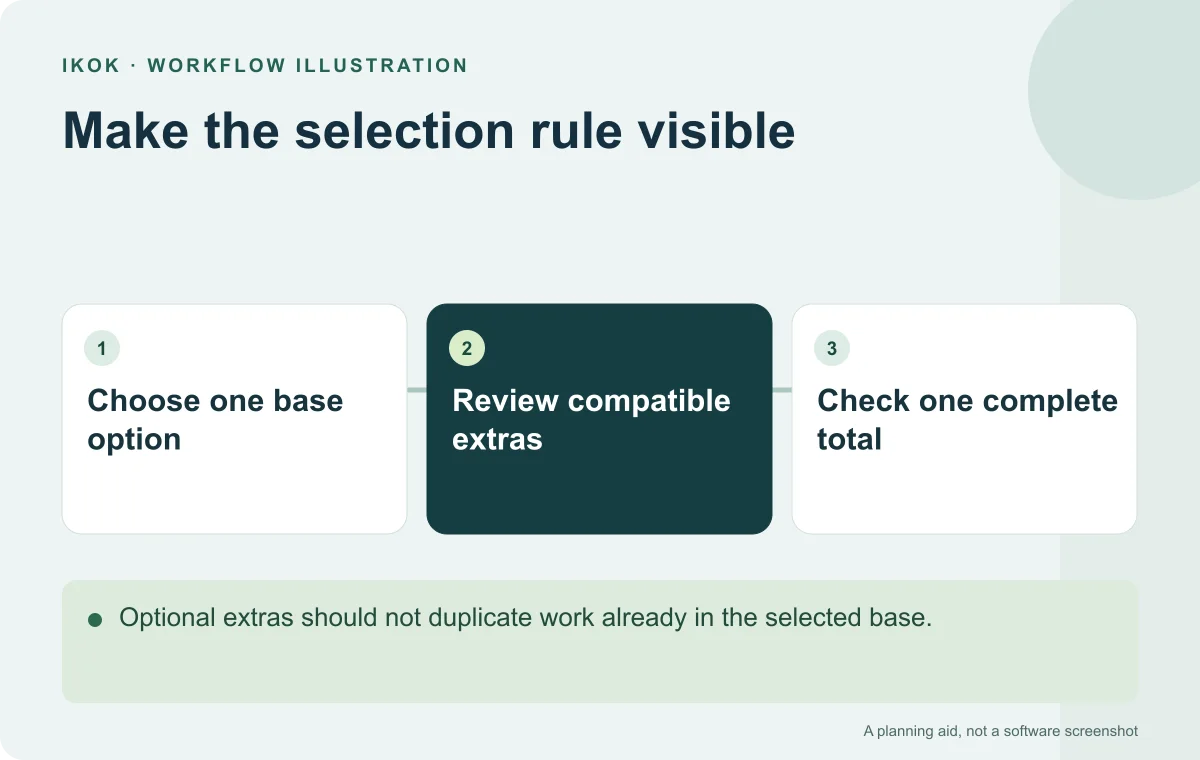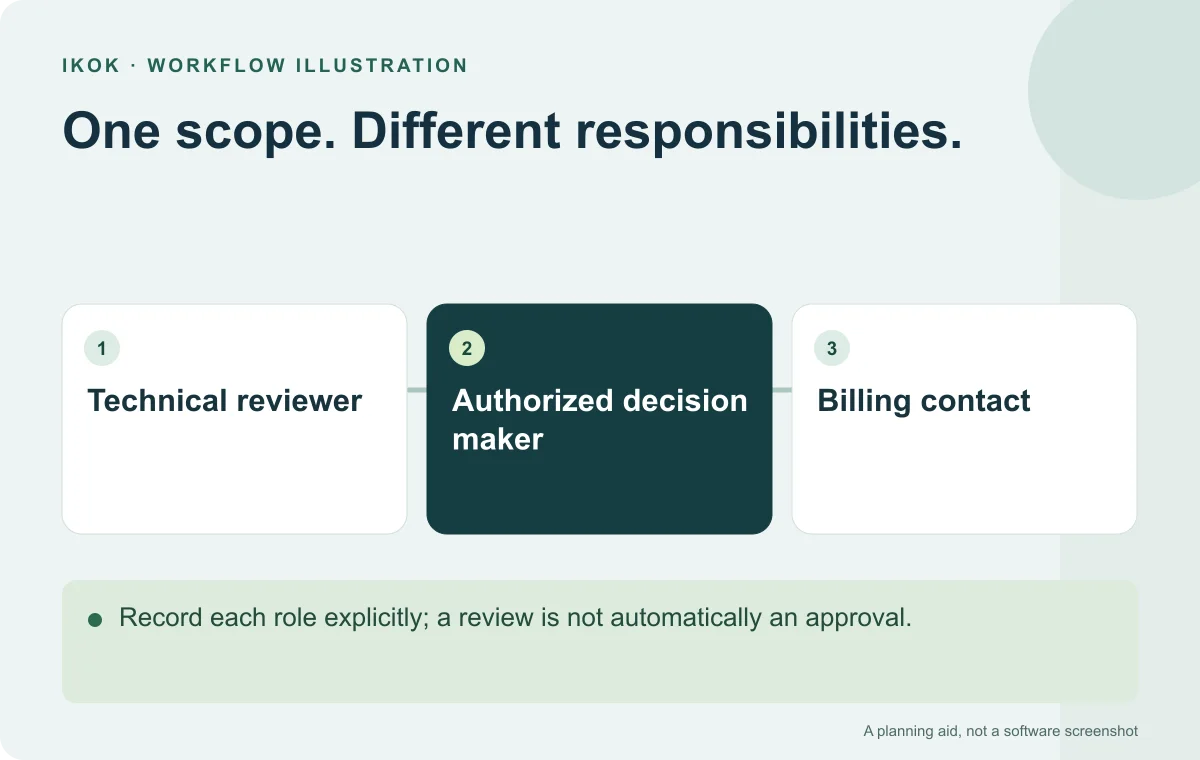
A commercial service proposal often has several readers and only one person who can authorize the work. The facilities contact checks the scope. An office manager checks access. Someone else reviews the price or purchase reference. A useful proposal gives those people a shared document and makes their separate decisions visible.
For a small service company choosing contractor proposal software, this is a practical test: can your team keep the customer record, current offer and review notes clear without turning every comment into an approval? The workflow below uses a manual responsibility sheet alongside the proposal. It does not assume a built-in approval chain.
Start with the people behind the request
Consider a fictional commercial cleaning company, Harbor Service, preparing a proposal for North Quay Offices. Morgan owns Harbor Service and prepares the offer. Aisha, the facilities coordinator, explains the rooms and requested tasks. Luis reviews the budget. Tessa manages access to the building. North Quay tells Morgan that Luis must provide the final authorization after the other reviews.
Morgan records that arrangement before writing the customer email. Aisha's request is useful scope input, but her involvement alone does not establish authority to approve a price. Tessa can confirm an access window without authorizing an extra service.
The team also confirms which organization will receive the proposal, which location the work concerns and who should receive the final invoice. Those answers can differ. A contact's name is not a substitute for the correct customer and property.
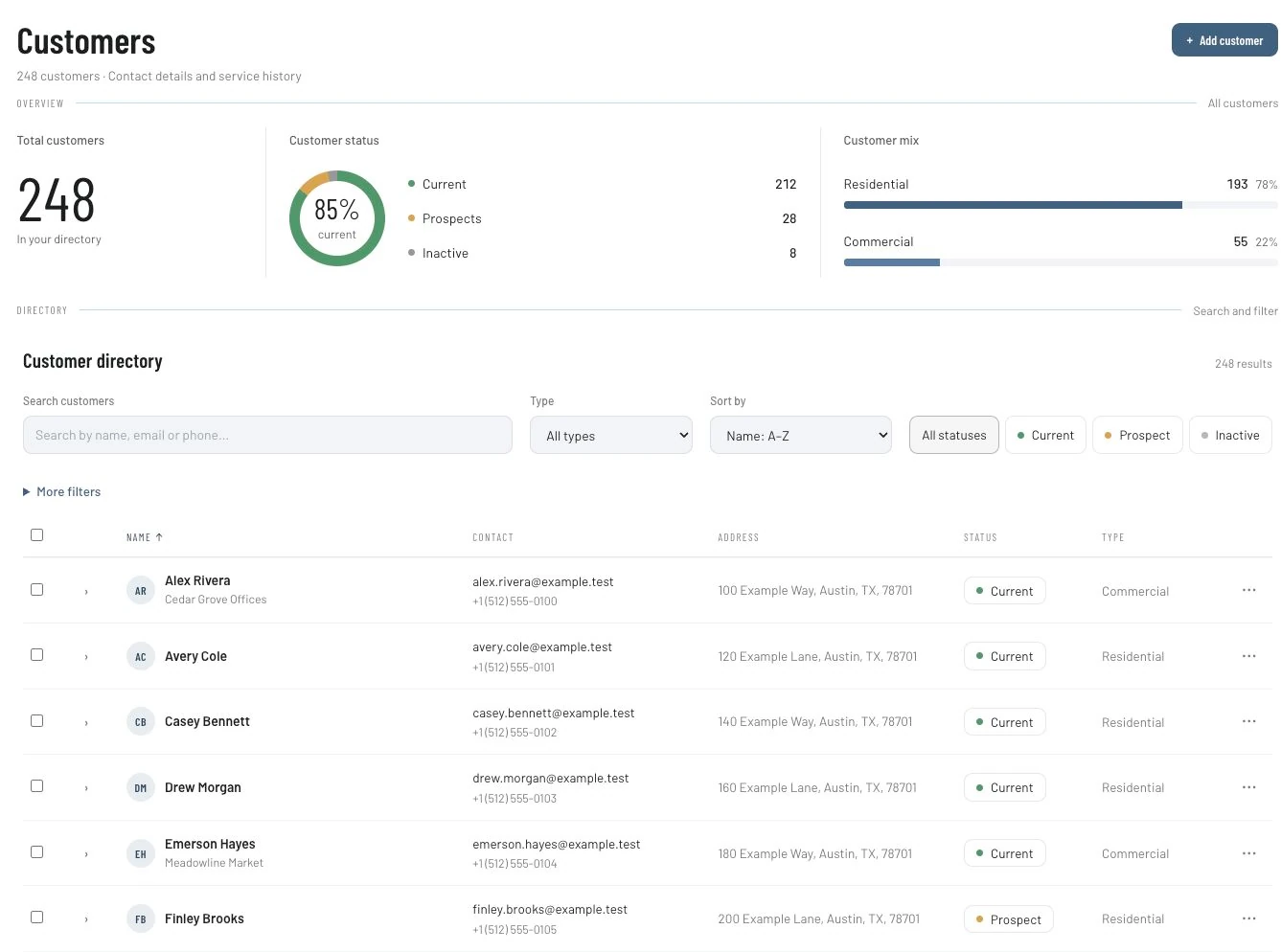
IKOK's customer and service workflow connects customer records, quotes and subsequent job context. The product page uses HVAC examples; the record-identification questions here apply to this cleaning scenario. Confirm your team's available fields and permissions during setup.
Give each reviewer a specific question
Morgan prepares one responsibility sheet for proposal NQ-01. This reference is fictional. Your team can keep the sheet in its existing internal working record; it is not a new software feature.
| Reviewer | Decision to obtain | Evidence to retain | What the reply does not establish |
|---|---|---|---|
| Aisha, facilities | Do the listed rooms and tasks match the request? | Scope comments tied to the proposal version | Acceptance of price or payment terms |
| Tessa, access | Is the proposed work window workable? | Confirmed access contact and unresolved conditions | Permission to add services |
| Luis, authorized reviewer | Does North Quay authorize this specific offer? | The actual authorization and document reference | That work is scheduled or payment is received |
| Morgan, contractor | Can Harbor Service deliver the stated work and terms? | Reviewed scope, price and response to changes | That every customer comment has been resolved |
A column headed simply “Approved” would hide these differences. Use a question that the named person can answer. If the customer's process is uncertain, ask the customer to clarify it before treating the review as complete.
Send one current scope, with a short review note
Morgan's first proposal identifies the site, the areas included, agreed tasks, service frequency, access assumptions, exclusions, price and applicable terms. He distinguishes the proposed start window from a confirmed appointment.
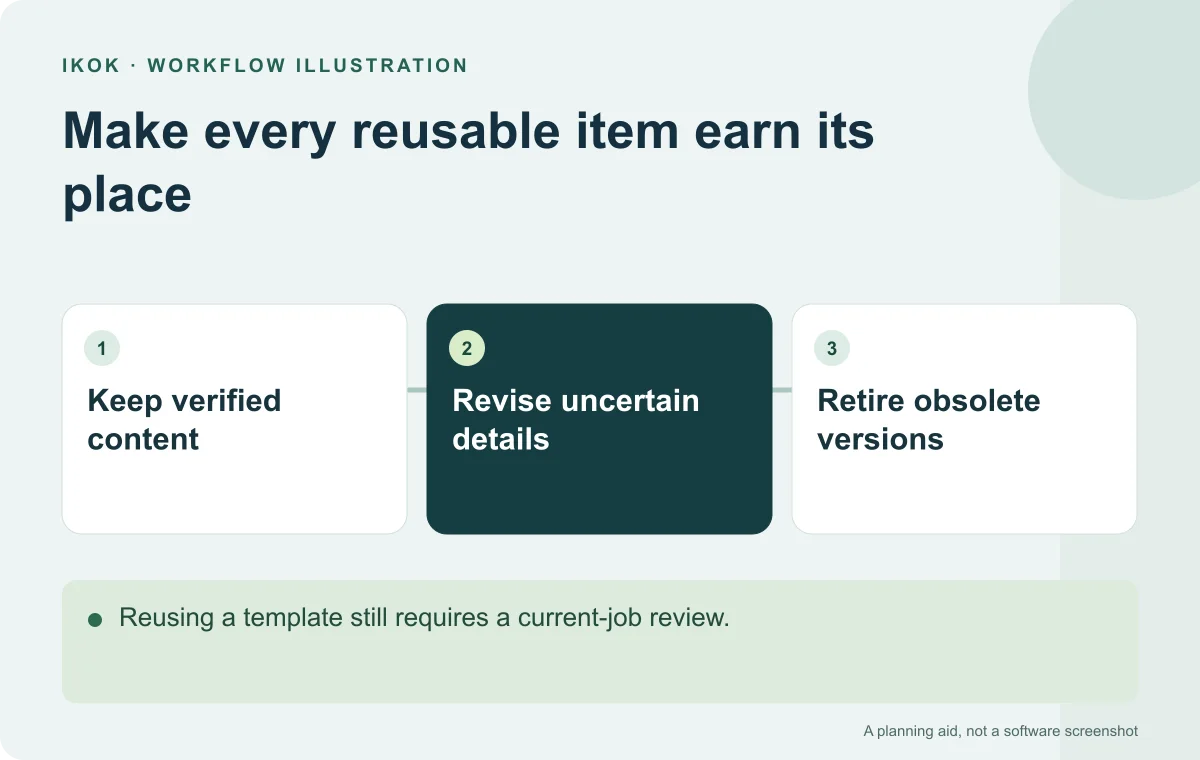
IKOK supports reusable quote templates and customer-facing proposal presentations. Reuse the document structure, then check the actual scope and customer context. Keep internal review discussion separate from material the customer will see. A template should not carry another building's access details into this offer.
Morgan's cover note gives each reader a job:
Please review proposal NQ-01, version 1. Aisha: confirm the areas and tasks. Tessa: confirm the access arrangements. Luis: once those points are resolved, please confirm your decision on the current offer. We will confirm scheduling separately after authorization.
This is suggested wording for this fictional arrangement, not an automatic email sequence. Adapt it to the customer's actual process. The proposal email and follow-up guide shows the related preview and communication checks using an HVAC example.
Resolve a scope change without mixing versions
Aisha notices that a small archive room is missing. She asks Morgan to add it. At nearly the same time, Luis replies that the original price is acceptable.
Morgan has two pieces of information, not a completed decision on the changed work. The original reply concerned version 1; the added room changes the proposal being considered.
He confirms the archive-room tasks and access with Aisha and Tessa, revises the scope and price as needed, and issues version 2 with a concise change note. The note identifies the added area and any resulting changes to frequency, access, price or terms. Morgan asks Luis to review that current offer through North Quay's agreed process.
The earlier document remains part of the history. Morgan makes the current version easy to identify and checks that the outgoing email and its attachments point to it. He does not silently replace the work described by an earlier authorization.
Keep a reusable review record
For each proposal, Morgan's internal sheet contains:
- Customer organization, service location and proposal reference.
- Current version and the date it was issued.
- Each reviewer, their specific question and their authority as confirmed by the customer.
- Open issue, person responsible for resolving it and next review date.
- Which comments changed the scope, price or terms.
- Final decision, source of that decision and the exact document it concerns.
- Separate readiness checks for access, scheduling and any agreed payment step.
Use actual responses. “Waiting for Luis” is more useful than an unsupported green status. If a reviewer is replaced, confirm the replacement's responsibility and authority instead of assuming that forwarding the email transfers them.
Hand over the decision that was actually made
When Luis authorizes the reviewed version, Morgan checks that the accepted scope includes the archive room and that Tessa's access condition is resolved. The job handoff identifies the current document, service location, tasks, exclusions, contact and any remaining dependency.
Authorization, scheduling and payment remain separate records. The property-maintenance handoff guide covers the next stage: carrying the agreed work into a job while keeping location and approval context clear.
For the next few commercial proposals, record where review slowed down: an unidentified decision-maker, conflicting versions, an incomplete scope or an unresolved access question. Improve the relevant part of the intake or cover note. A review that takes longer is not automatically a software problem; first establish what decision was missing.
Questions to bring to a software demonstration
Can every recipient approve the proposal?
Do not assume that receiving or opening a link establishes authority. Confirm the customer's approval procedure and test the available controls. This worksheet records responsibilities; it does not claim that IKOK enforces a multi-stage approval chain.
Should we create a different proposal for each reviewer?
Use a shared current scope when everyone is reviewing the same offer. Give each person a focused question. Separate proposals make sense for genuinely separate offers, not merely because one person checks access and another checks the budget.
What if the price is approved but the scope is still changing?
Keep the unresolved decision visible. Reconcile the scope and resulting terms, issue the current version and obtain the appropriate decision on that version before treating the changed work as ready.
Test one proposal with three readers
Bring a commercial proposal to an IKOK walkthrough, with private customer details removed. Ask to identify the customer, prepare the offer, preview the email and show how your team will retain reviewer questions and the final decision. Use one scope change during the demonstration so you can assess the version handoff your business actually needs.
Photo: Original IKOK workflow illustration, November 23, 2026. A planning aid for the article; not a product screenshot or a record of an actual customer outcome.