Consolidate the work, not just the subscriptions
An AC company can have several useful tools and still struggle because the same customer information is entered repeatedly. A shared calendar, an estimating document, an accounting system and a technician's notes may each contain a different version of the job.
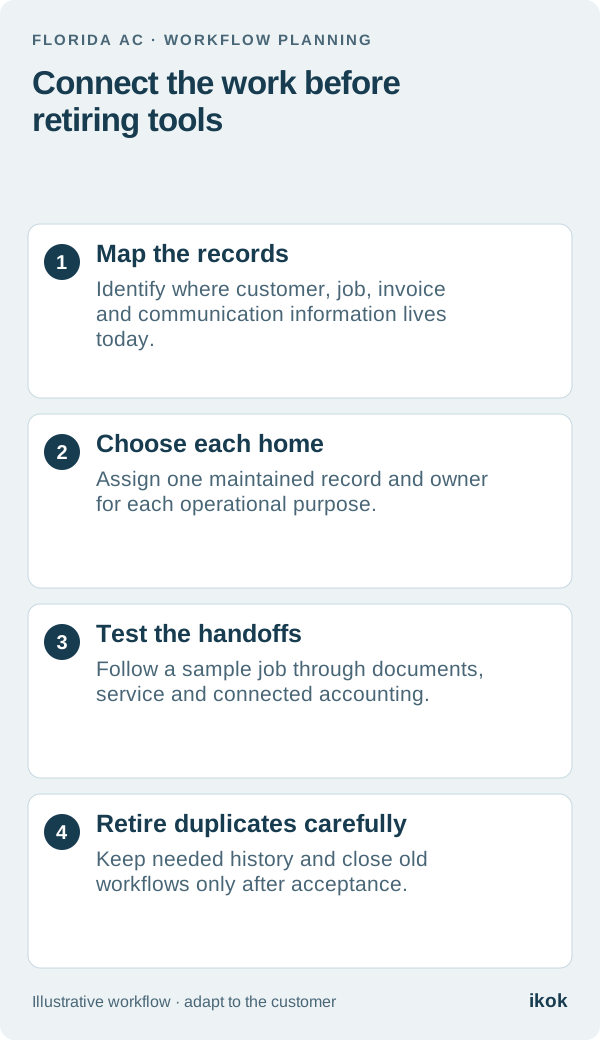
The first consolidation decision is where each record should be maintained. Once that is clear, decide which tools the new workspace replaces, which remain connected and which require an agreed manual handoff. “All in one” is useful when it describes a coherent working day, not a promise that every specialist service disappears.
Map a fictional company's current tools
Imagine a Cape Coral AC company keeps its schedule in a shared calendar, quotes in separate documents and equipment notes in a spreadsheet. The bookkeeper works in QuickBooks Online. Customer calls and messages are handled through a business phone arrangement the owner wants to review separately.
Rather than cancel everything at once, the owner follows one existing job. Where was the customer created? Which version of the price was accepted? Where did the technician record the equipment? Who told the bookkeeper that an installment had been received?
Those questions reveal the handoffs worth fixing. A tool with a clear purpose may stay. A duplicate spreadsheet that nobody reliably updates may be a candidate for retirement after its records are reviewed.
Give each record a home and an owner
Use a map like this before configuring a replacement workflow. The choices below are an illustrative operating design; the actual setup depends on your agreed IKOK scope and connected services.
| Record or activity | Proposed working home | Check before removing the old process |
|---|---|---|
| Customer and property context | Shared customer workspace | Staff can identify the correct service location |
| Appointment and assignment | Scheduling workflow | A changed visit reaches the right technician |
| Proposal and customer decision | Quote and offering workflow | The agreed scope and document are identifiable |
| Equipment and visit evidence | Relevant equipment and job records | History remains connected to the correct unit |
| Accounting review | Retained QuickBooks Online process | Supported records and exceptions are reviewed |
| Customer messaging | Configured communication workflow | Sender, permissions, history and costs are confirmed |
Name who maintains each part. A shared workspace does not eliminate responsibility for corrections. If everyone assumes an integration resolves mismatched names or duplicate customers, the same problem can move into the new system.
Keep accounting and payment responsibilities explicit
With IKOK's QuickBooks Online integration, customers and recorded payments support movement in both directions according to settings. Invoices and supported items or services move from IKOK to QuickBooks Online. The bookkeeper still reviews the accounting records and reconciliation.
A synchronized payment record is not a new charge or proof of bank settlement. Keep the collection process, recorded payment and accounting outcome as separate checks. This is a good example of useful consolidation: the records connect while their responsibilities remain clear.
Phone, SMS and AI receptionist options also need configuration and confirmation of availability and costs. Do not cancel an existing number or service based only on seeing a communication screen in a demonstration.
Test the exceptions before retiring a tool
Run one ordinary job and one awkward job through the proposed workflow. The awkward example might involve a rescheduled visit, two properties, a partial payment or a customer asking for a proposal change. Check that the next employee can find the current record and identify the next action.
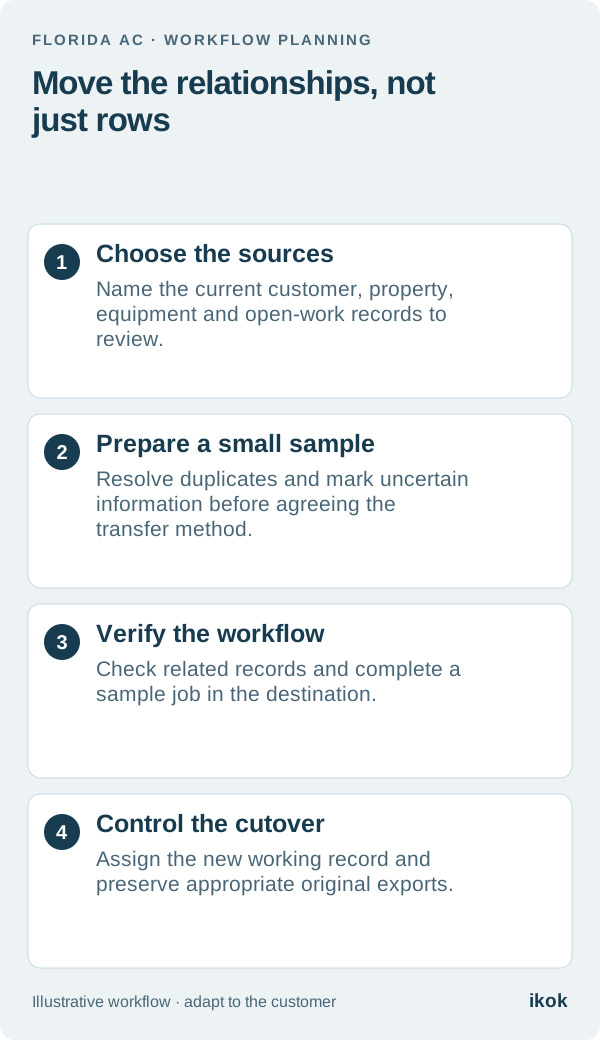
Retain appropriate exports and required history from the old system. Decide when it stops accepting new work, who can still consult it and how mistakes discovered after the change are handled. Keeping two active schedules indefinitely can recreate the conflict you intended to remove.
Evaluate a connected IKOK workday
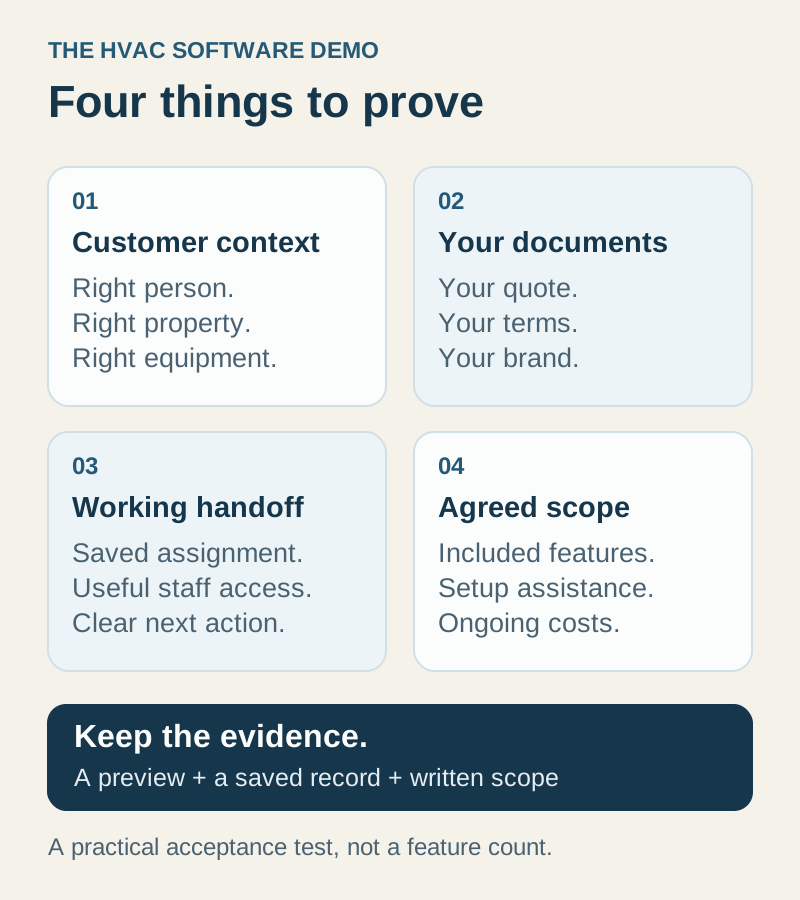
IKOK's HVAC workspace connects customer records, scheduling, equipment history, quotes, invoices, maintenance and reporting. Demonstrate the pieces your team actually needs and confirm their membership scope before deciding which tools to replace.
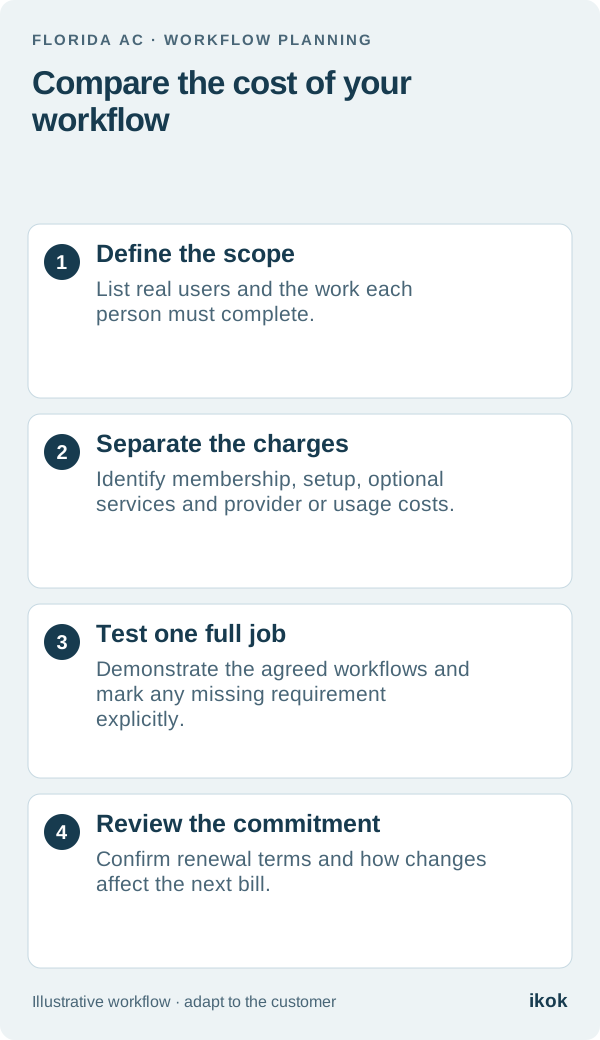
Use the total-cost worksheet alongside the record map. The decision becomes concrete: fewer duplicate handoffs, named responsibilities and a reviewed cost for the complete setup. That is more useful than counting how many software logos you can remove.