Start with the service record
Keep the customer, service address, equipment and previous visit together. Before scheduling, check unresolved recommendations and the person who can approve the work.
Organize customer and property history →A closer look at the workflow
Build a customer history your office and technicians can trust. Compare CRM workflows, connect customers to properties and equipment, and keep each visit useful for the next person who opens the record.
Keep the customer, service address, equipment and previous visit together. Before scheduling, check unresolved recommendations and the person who can approve the work.
Organize customer and property history →Use a sample customer with more than one property. Ask the demo to show the visit, quote and follow-up together, and record where your office would still need a separate spreadsheet.
Prepare a practical CRM demo →Reconcile duplicate customers and conflicting addresses first. Decide which history must move and verify a small sample before committing to a complete import.
Review the software migration checklist →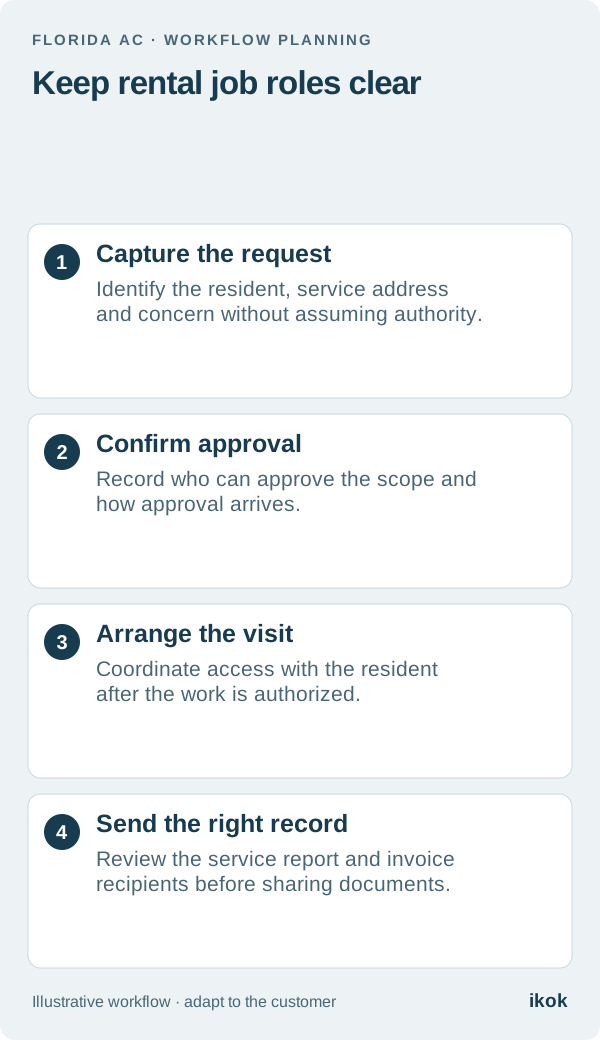
Customers & CRM decisions
The person opening the door may not approve the repair or receive the invoice. Give each role a clear place before the service call becomes a billing disagreement.
Read the guide 4 min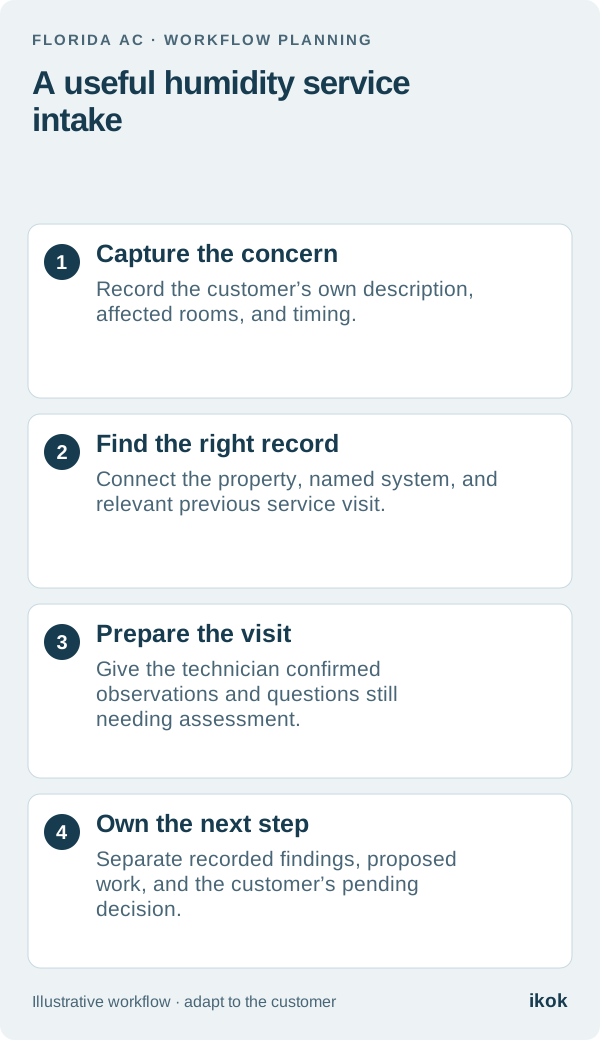
Customers & CRM decisions
Turn “the house feels clammy” into a useful service request without guessing the cause. A practical intake card for the office and the technician.
Read the guide 4 min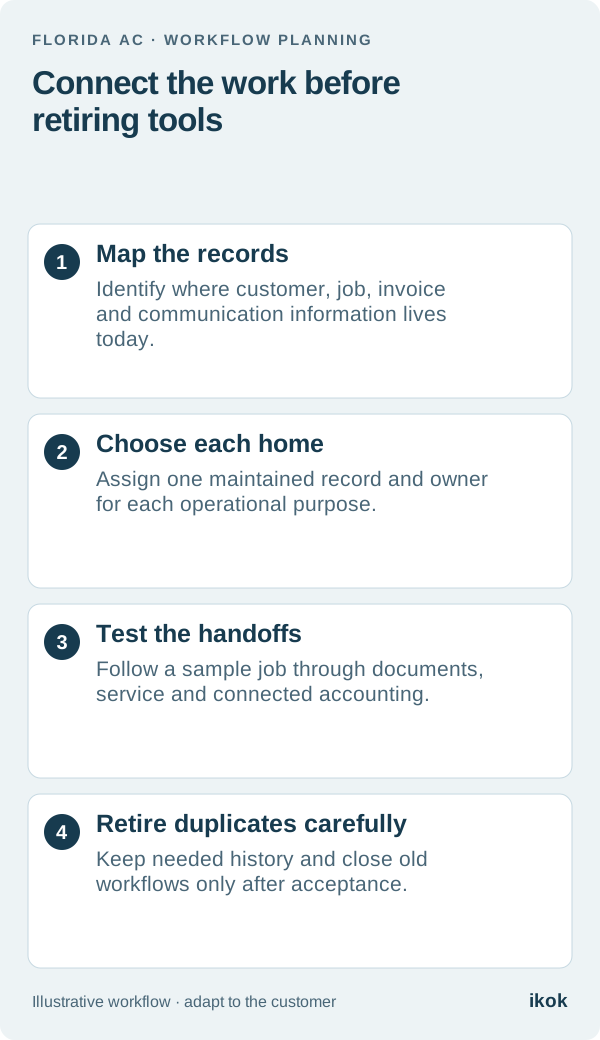
Customers & CRM decisions
Software consolidation starts by deciding where each record belongs. Keep useful specialist services and remove duplicate work only after the replacement workflow is verified.
Read the guide 4 min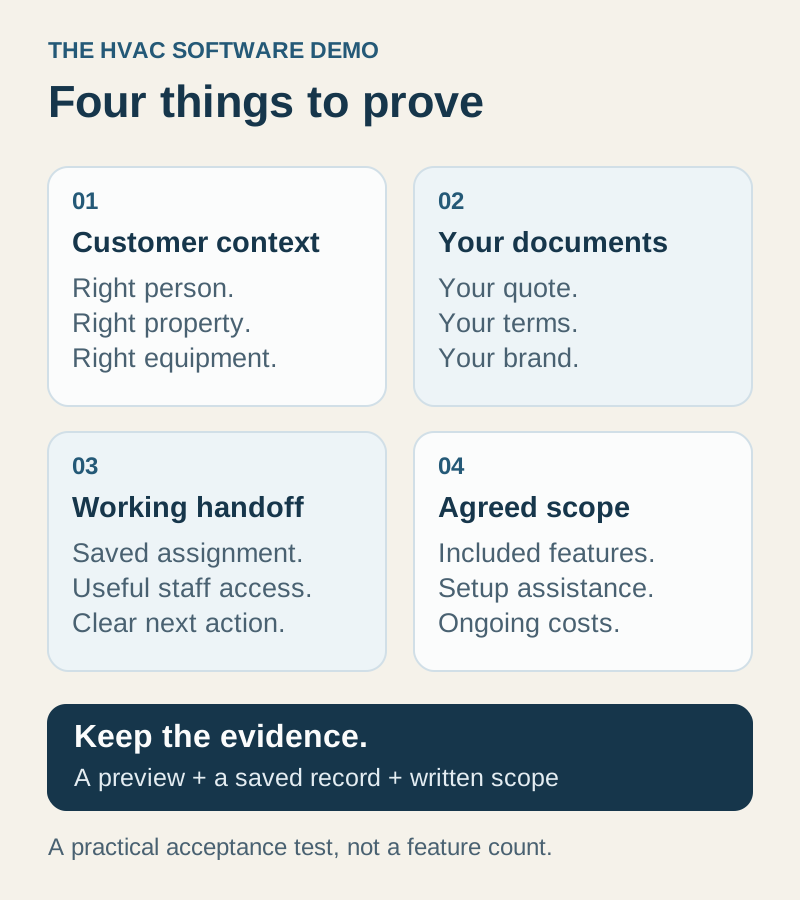
Customers & CRM decisions
Bring one repeat customer, two properties, and your own quote to the demo. Use these acceptance tests to compare fit, customization, and the actual plan you need.
Read the guide 5 min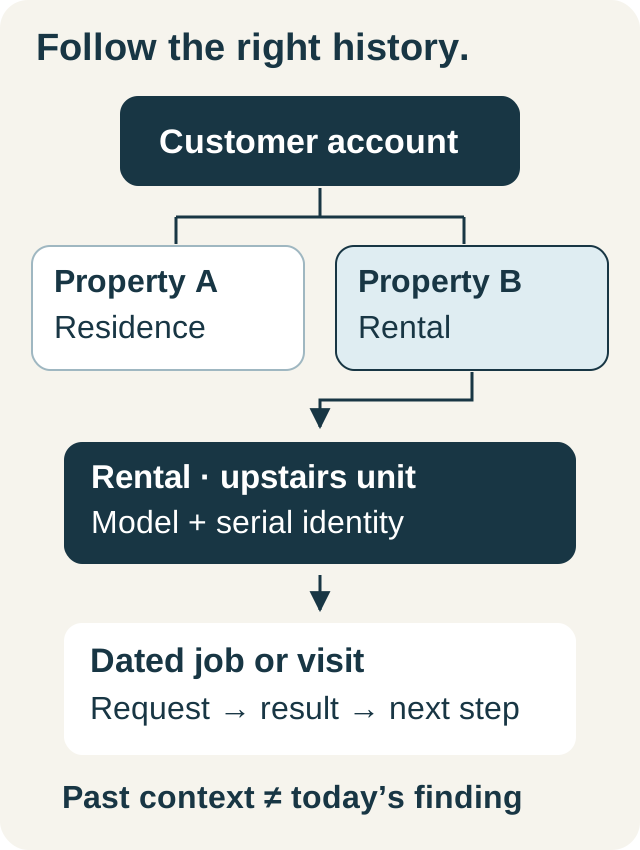
Customers & CRM decisions
Separate who you serve, where you work, which equipment is involved, and what happened on each visit. Then give the next person a clear handoff.
Read the guide 5 minYour privacy choices
Essential storage keeps this website working and remembers your choice. Optional analytics helps us understand which articles are useful. It stays off unless you allow it. Read our cookie policy.
Your browser’s privacy signal is on. Optional analytics will stay off.