Plumbing business invoicing software is useful when it preserves the reason behind the bill: the right property, the person approving the repair, the visit record and any payment already received. That matters most when the caller, access contact and invoice recipient are different people.
Follow Harbor Plumbing, a fictional small company. Nina coordinates the office and Omar attends service calls. A tenant reports a leak, the owner approves a quoted repair, and the property manager receives the invoice. Later work needs a separate decision. This is a worked example, not a customer success story; the screenshots contain separate fictional IKOK demo records.
Find the customer before writing the repair quote
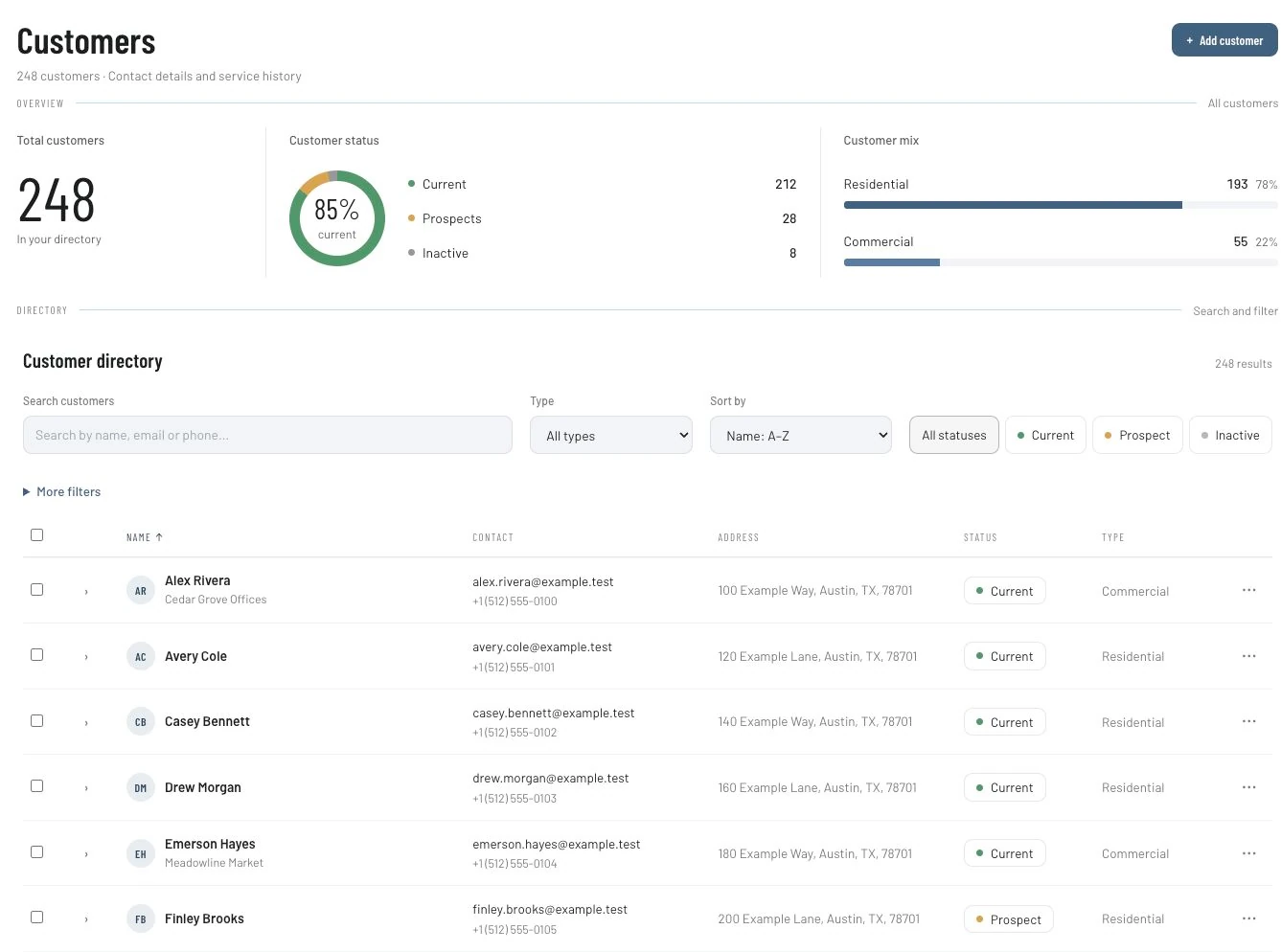
Use Customers to search the existing directory. Check whether the customer is the owner, management company or another contracting party. The directory's search and customer-type filters help locate a record; your office still has to establish the actual approval and billing arrangement.
Keep a short intake with the service location, reported symptom, access contact, approval contact and invoice recipient. “Tenant reports water below the kitchen sink since yesterday” records what the caller knows without inventing a diagnosis. Do not use the invoice address as the only service-location instruction.
Prepare a quote that distinguishes assessment from repair
In Sales → Quotes, describe the work the customer is being asked to accept. Use separate identifiable items where the business distinguishes a diagnostic visit, a repair and additional materials. Review prices, quantities, exclusions and terms before sending.
IKOK's quote-template feature preserves reusable items, pricing, terms and notes. A reviewed template can standardize familiar wording while the office checks the actual property and proposed work. Do not present the template as a verified plumbing diagnosis or a built-in regional price book.
| Person or decision | Harbor Plumbing's fictional arrangement | Record to check |
|---|---|---|
| Caller | Tenant reporting the symptom | Intake and access details |
| Approval | Property owner authorizes the quoted repair | Accepted scope and any later approval |
| Billing | Management office receives the invoice | Customer and recipient details |
| Further work | Separate recommendation after the visit | Quote or follow-up decision, not completed work |
Convert the accepted scope into work to perform
The quote detail offers Convert to Job as well as Convert to Invoice. Nina uses the job path for the approved repair and checks the type, date, priority and notes before confirming. She then reviews the assignment in Schedule → Dispatch.
A quote converted to an invoice is not proof that the technician completed the repair. Keep those steps distinct. If access is not confirmed, the office should resolve it before treating the visit as ready. The dispatch guide gives a fuller example of assignment and readiness checks in an HVAC setting.
Keep the repair and the recommendation distinct
Omar finishes the approved connection repair and records another issue the owner may want assessed later. His closeout needs enough detail for Nina to describe the completed work without calling him again.
A reusable manual note structure is:
Customer-reported issue: Water beneath the kitchen sink.
Completed work: Record the actual accepted repair and materials used.
Additional approval: Identify any agreed change and its supporting record.
Still open: Record the separate recommendation and who will contact the owner.
Billing handoff: Confirm the recipient and which completed work belongs on this bill.
That is a recordkeeping example. The technician must supply actual findings; the software or an AI writing tool should not invent them. An unresolved recommendation remains a future decision even when it appears in the customer's history.
Check invoice lines against the visit
In the invoice workflow, compare the bill with the quote, approvals and completed-work notes. Check whether a diagnostic charge or deposit was already handled. Review the total and any recorded payment before telling the customer the remaining balance.
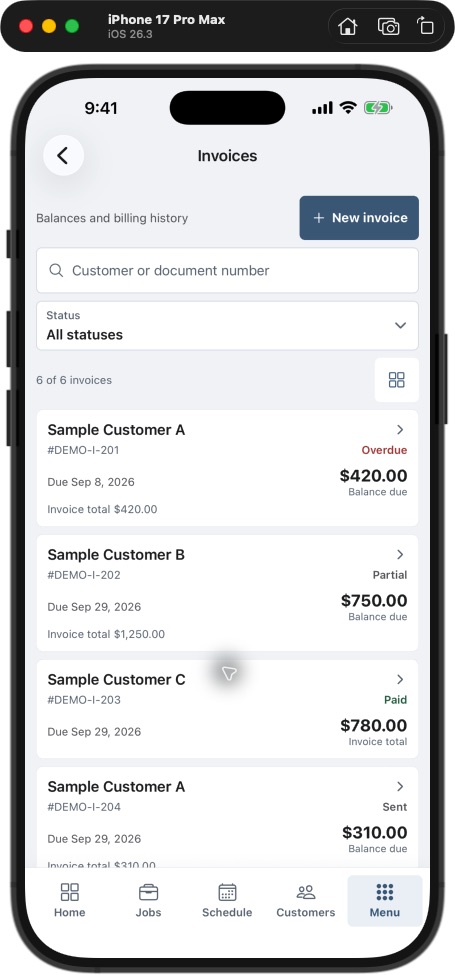
The Field invoice list makes paid, partial, sent and overdue records distinguishable. Search by customer or document number to review a record rather than assuming a prior visit was unpaid because the new job is still open.
When using accounting sync, check the QuickBooks connection and directions. Review the relevant sync result and confirm the records that your bookkeeper expects. A payment recorded in one system should not be entered again merely because someone has not yet checked the other system.
Close the billing question without losing the return work
If the property manager queries the bill, Nina starts from the accepted repair and completion notes. A separate return visit still has its own next action, such as an owner decision or resource confirmation. Resolving an invoice question should not silently erase an unfinished service commitment.
| End-of-day check | If it is unresolved |
|---|---|
| Repair complete and documented | Ask the technician for actual closeout details |
| Further recommendation identified | Name the person who follows up |
| Return appointment ready | Confirm access, approval and required resources |
| Balance reconciled | Review payment and invoice records before sending |
Pilot this review on a small set of managed-property jobs. Record missing approvals, invoice corrections and unresolved returns with no owner. Compare your own observations over time; do not treat the fictional example as a promised result.
Questions plumbing owners ask
Can the tenant and invoice recipient be different people?
Your process should distinguish those responsibilities. Verify the record structure and communication steps with your actual owner/property-manager example before migration; a customer directory alone does not prove every relationship model is supported.
Can one repair lead to another quote?
The customer, job and quote workflows provide the records for that handoff. Keep the new recommendation identifiable and obtain the appropriate decision before treating it as approved work.
Will IKOK decide whether the work is billable?
Your team determines the accepted scope, business terms and completed work. The software organizes the records; it does not replace contractual or technical judgment.
Review one property from call to payment
Arrange a personal IKOK walkthrough with an anonymized tenant/owner scenario. Follow customer search, quote, job, invoice and payment review as one connected workflow, and confirm the modules and configuration your office needs.
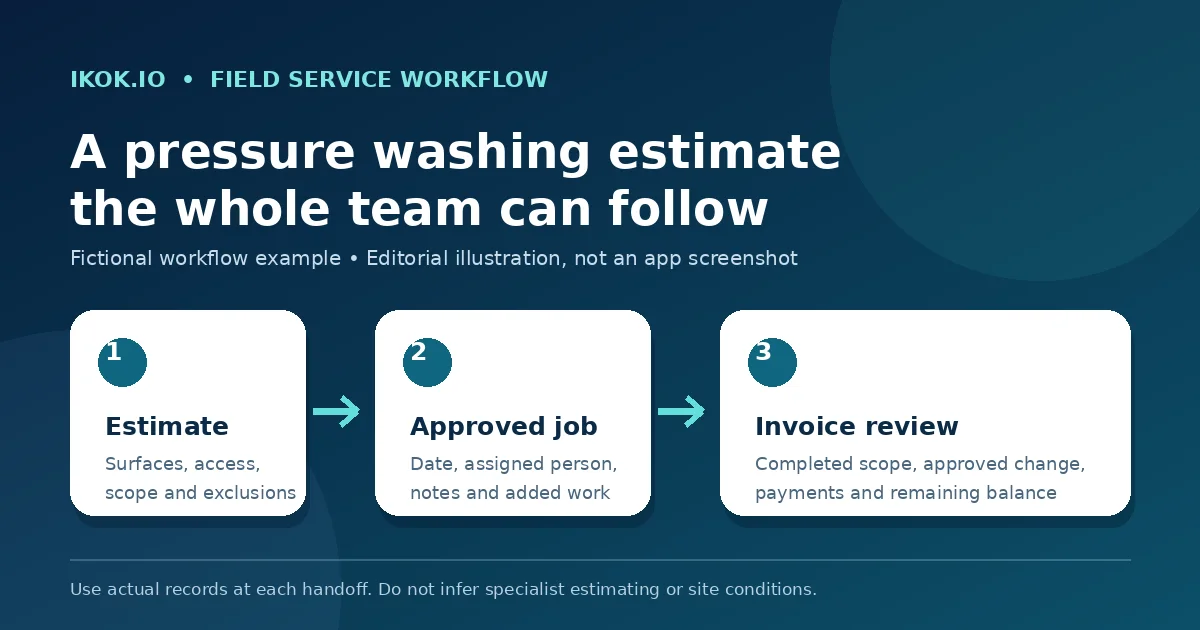
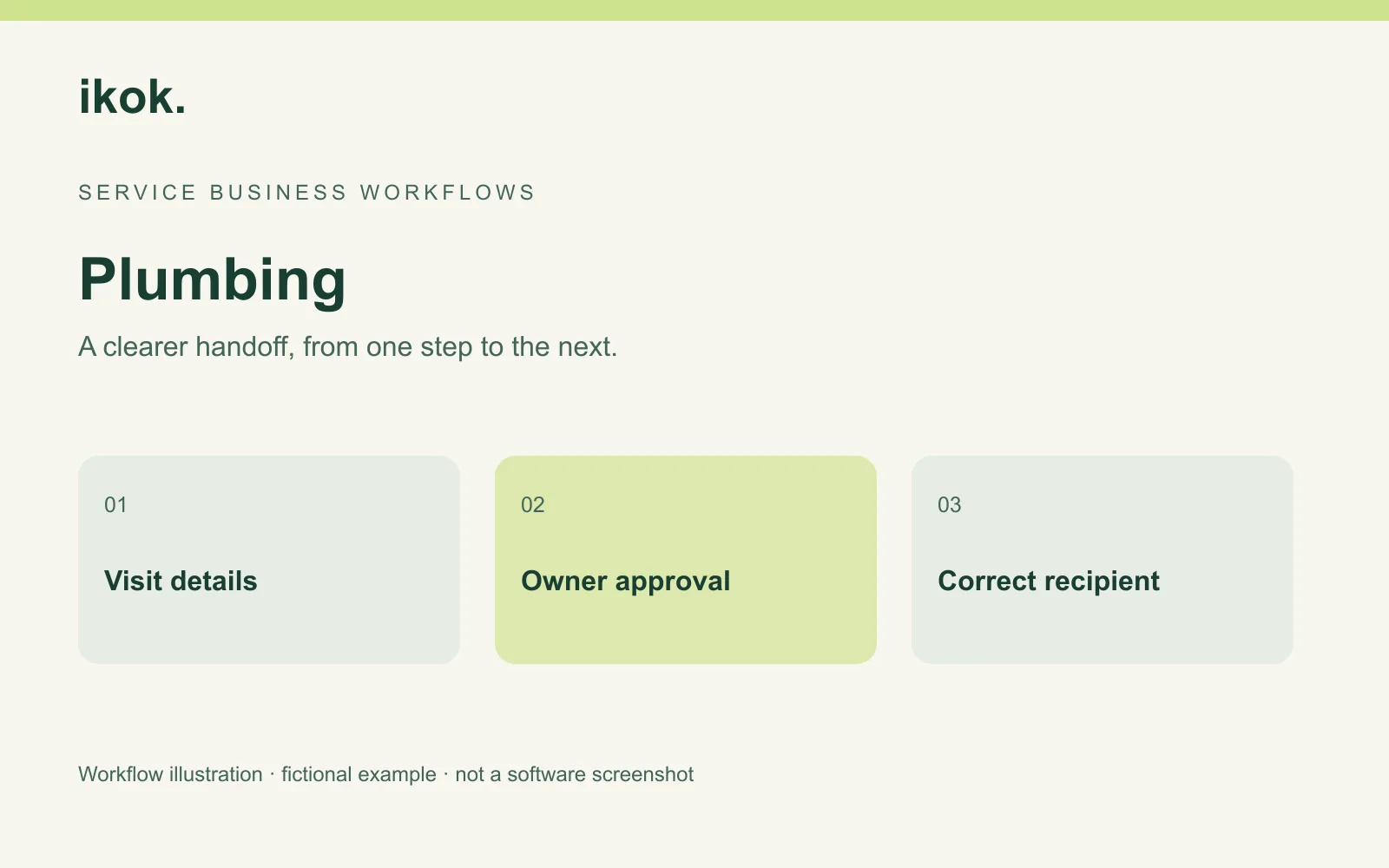
Photo: Original IKOK editorial workflow illustration created for this article; fictional example, not a software screenshot.