Changing a business phone system involves two separate decisions: how the new service should work, and which number customers should keep using. For a service company, the second decision reaches beyond the office phone. The number may appear on quotes, vehicles, email signatures and a customer's saved contact.
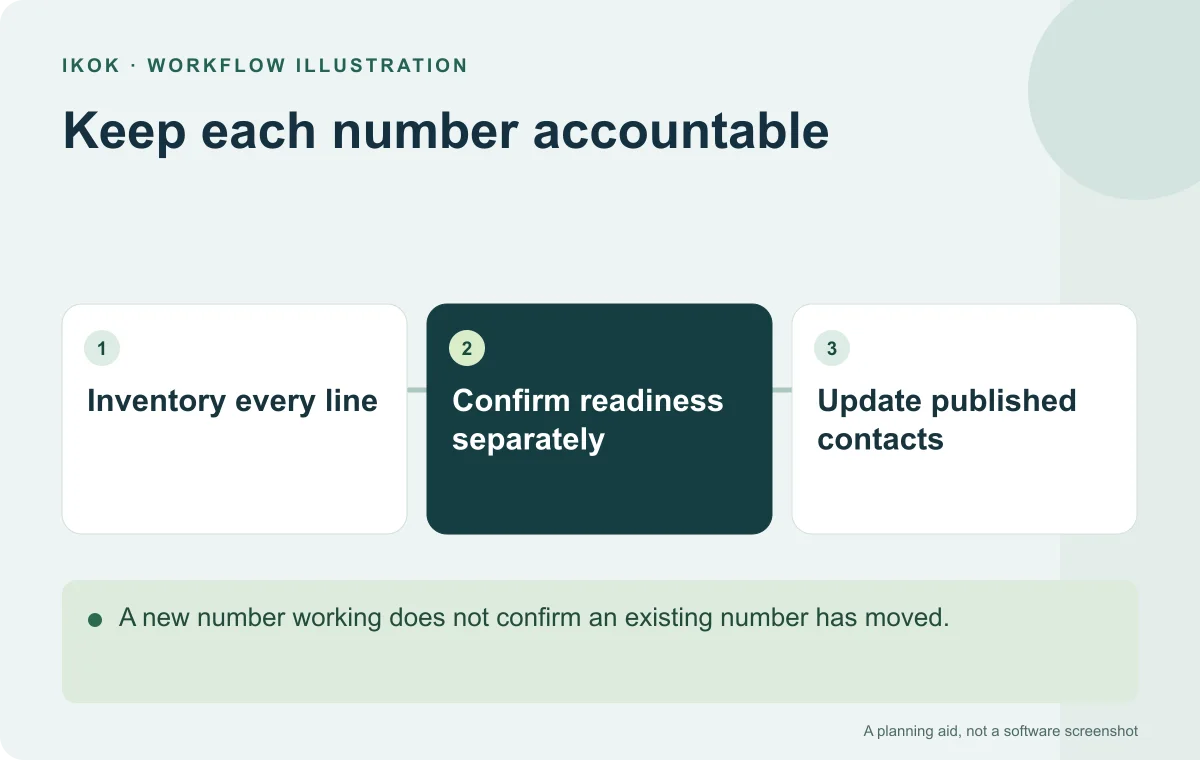
Start with a number inventory. Decide whether to keep each existing number or introduce a new one, confirm the provider's requirements, and give one person responsibility for checking readiness before public contact details change.
Choose continuity before choosing a new number
Consider Fern Service, a fictional small HVAC business. Rina owns the company, Eli coordinates office calls, and Jordan works in the field.
Their established main number appears on maintenance paperwork and service vehicles. Rina wants to keep it while changing phone systems. She is also considering a separate number for replacement inquiries.
Those are different projects. Keeping the main number may involve a provider-managed transfer, commonly called porting. Adding a new sales number creates another contact point that needs its own purpose, destination and staff owner.
| Decision | Useful reason | What must be confirmed |
|---|---|---|
| Keep the established main number | Customers already use it | Transfer eligibility, requirements and provider-confirmed status |
| Add a new business number | A distinct team or inquiry needs its own line | Number availability, intended use and who answers |
| Replace a published number | The business has deliberately chosen to change it | Readiness plus a complete customer-contact update plan |
A new number should solve a defined problem. It should not become an accidental replacement simply because it is available before the main number's transition is complete.
Give every number its own record
Eli creates a short transition register. It is a working document for the team, not a claim that the phone software automatically manages the move.
For each number, record its current provider, business purpose, account owner, intended destination, staff contact and known status. List where it is published. Keep provider account documents and authorization details in the appropriate secure process rather than a broadly shared worksheet.
The register separates three kinds of evidence:
- Provider status: what the provider has actually confirmed about availability or transfer.
- Phone setup: whether the intended number and configuration are ready in the new system.
- Team acceptance: whether staff have checked the intended calling behavior and know who handles unresolved issues.
“Request submitted” belongs in the first category. It does not establish the other two.
Confirm the transfer before changing the old service
For an existing number, ask the receiving provider or setup team to confirm eligibility, required account information, the authorized requester and the next milestone. Record the actual response rather than assuming every number follows the same process.
The FCC's number-porting guide advises contacting the new company to start the transfer and avoiding termination of the existing service before initiating the new service. Review the existing agreement and coordinate any later cancellation with the providers after the number's status is confirmed.
Rina remains responsible for authorizing the transition. Eli tracks correspondence and unresolved requirements. Neither treats an estimated date as evidence that calls have moved.
Ask what happens to other numbers or services on the existing account. A decision about one line should not silently become a decision to close the whole account.
Keep the new line separate from the pending main line
In the fictional example, the new sales number becomes available while the main-number transfer is still awaiting provider confirmation.
Eli records the sales line as a separate item. Its readiness does not change the main line's status. Rina keeps the main number's existing arrangements in place while the team resolves the outstanding transition steps.
For the sales line, Eli confirms who should answer replacement inquiries and how that person will handle an unfinished conversation. He also checks the business number shown on return calls. The team does not change the default outbound identity merely because it has added another line.
IKOK's business phone system connects configured business numbers with customer-related calling and call activity. Numbers can have names and purposes to help the team distinguish them. The setup discussion should establish which number is used for each workflow and the available plan, provider and usage arrangements.
This is also the point to separate voice from messaging. A line being ready for calls does not establish that business SMS is activated or ready to send. If the business needs texts, review the SMS setup requirements as a separate part of the plan.
Sign off on each line before announcing it
Rina asks Eli and Jordan to check the number they intend to use, with the setup team where needed. They record the exact number tested, the date, the intended behavior, what actually happened and any unresolved issue.
The check must establish that the right business line reaches the agreed destination and that staff can return a call through the intended setup. It should cover the company's real hours and fallback arrangements. Detailed route design belongs in the call-handling workflow guide; the transition record establishes whether this particular line is ready.
A useful sign-off is specific: “Sales line checked by Eli; intended destination reached; return-call identity checked; remaining issue assigned to Rina.” Enter those results only after observing them. A screenshot showing a number in an account is not a completed calling check.
If a check fails, keep that line's status unresolved. Agree the next action and the customer-contact arrangement with the provider and setup team before expanding its use.
Update contact points deliberately
If the main number is retained, its digits do not need replacing on the website or printed materials simply because the underlying provider changed. Verify that the existing contact points still work.
If Fern Service chooses to advertise the new sales number, Eli uses a separate update register:
| Contact point | Check | Owner's completion record |
|---|---|---|
| Website and contact page | Visible number, clickable phone link and purpose agree | Page checked and date |
| Quotes, invoices and email signatures | Correct number appears in new documents and replies | Template or signature reviewed |
| Business listings and active campaigns | Intended line is shown in the relevant listing or campaign | Published change verified |
| Printed material and vehicle graphics | Existing stock and replacement needs are understood | Action and responsible person |
| Staff reference notes | Team knows which number to give each caller | Briefing completed |
Update only the contact points that should change. A sales line does not automatically replace the service number on maintenance documents.
Eli checks the published result after each change. An edit request or saved template is not proof that a customer sees the intended contact information.
Close the transition with a clear owner
The move is complete when each intended number has a confirmed status, the relevant calling behavior has been checked, public details are accurate, and outstanding account matters have an owner.
For Fern Service, Eli owns the contact register and customer callback coordination. Rina owns provider decisions and any account closure. Jordan reports unexpected calling behavior encountered in the field.
During the first operating days, record wrong-line calls, outdated contact details and unresolved callback requests. Use those actual observations to correct the setup or instructions. Do not infer business growth or recovered revenue from a number becoming active.
Questions service-business owners ask
Can we keep our current business number?
Ask the receiving provider or setup team to check that exact number and the proposed service. Do not replace a well-established number before understanding the available transfer path and requirements.
Does a new line mean the old number has moved?
No. A new line and an existing-number transfer have separate statuses. Track and check each one; readiness of one does not establish readiness of the other.
Should we update every listing when we change systems?
If you retain the same number, verify the existing contact details rather than changing them unnecessarily. If you introduce or replace a number, update the relevant contact points after that line is ready and confirm the published results.
Bring your number inventory to the walkthrough
Bring your existing business numbers, their purposes and the places customers find them to an IKOK phone-system walkthrough. Review the proposed calling setup, the questions that need provider confirmation and who will own the transition in your team.
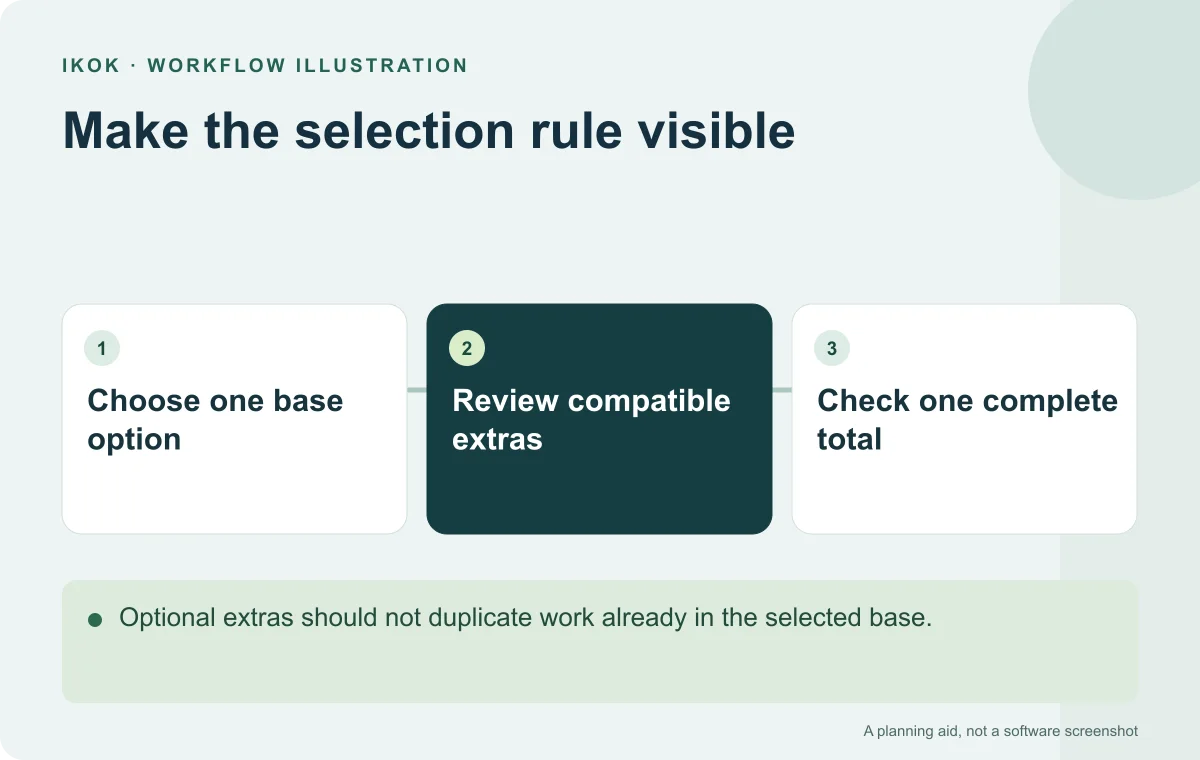
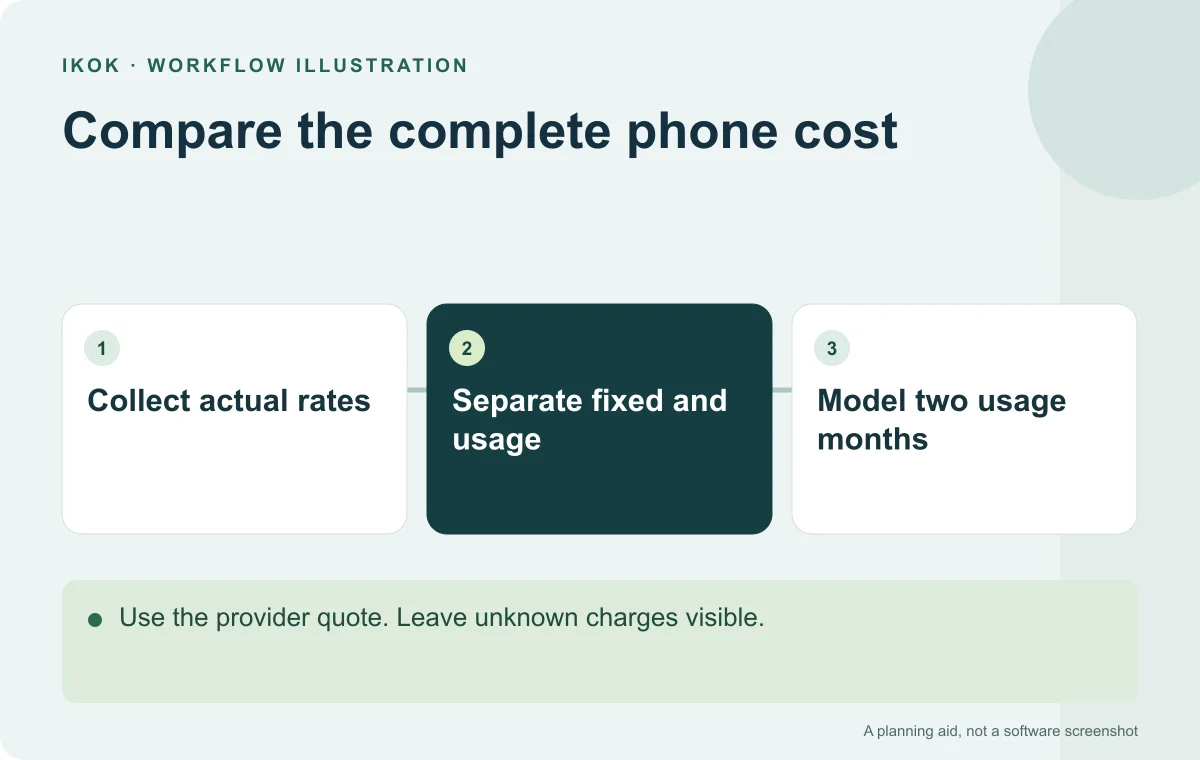
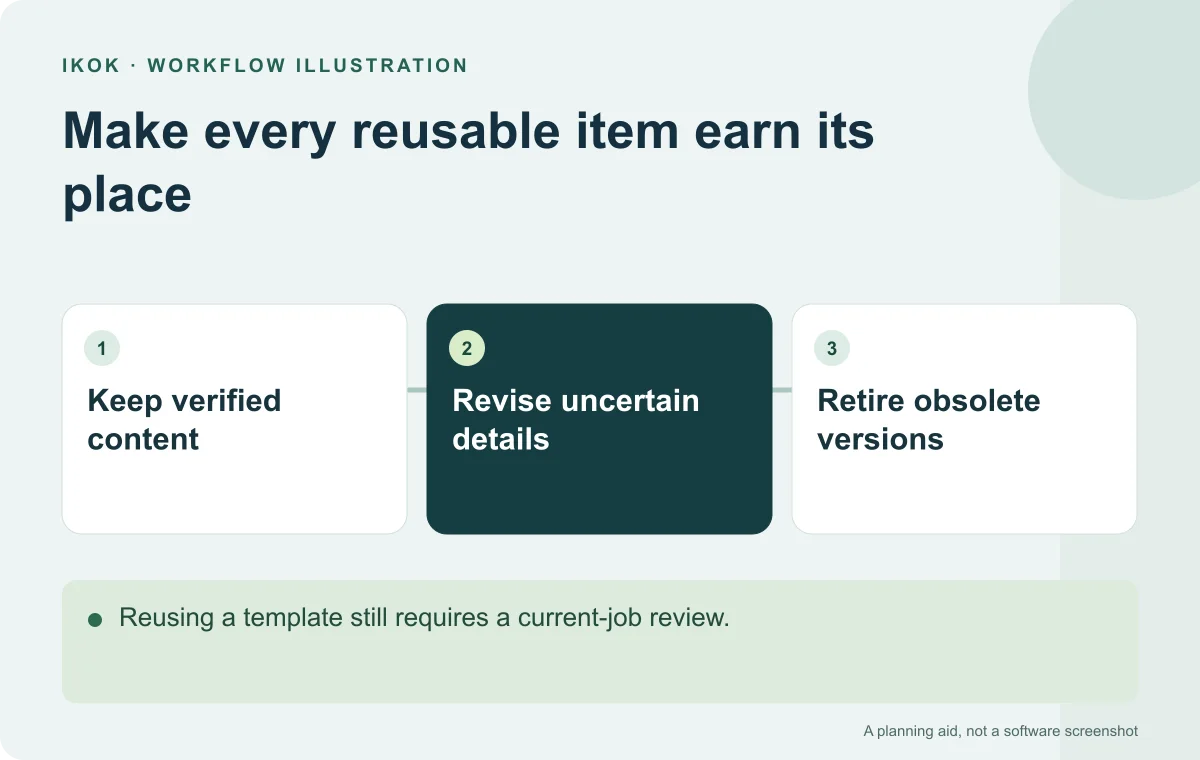
Photo: Original IKOK workflow illustration, November 23, 2026. A planning aid for the article; not a product screenshot or a record of an actual customer outcome.