Appliance repair scheduling software needs more than a new calendar slot for a return visit. The next technician needs to identify the appliance, understand the earlier findings and know why the business is ready to attend again. Customer, equipment, job and appointment records play different parts in that handoff.
Elm Appliance Service is a fictional small repair company. Alex coordinates appointments; Riley attends the first visit; Morgan may handle the return. A dishwasher assessment leads to a proposed repair needing a replacement component. The scenario illustrates recordkeeping, not technical diagnosis. Screenshots show actual IKOK interfaces with separate fictional demo content.
Find the customer and identify the appliance
Start in Customers and search for the existing customer. Confirm the service property and access contact. Two properties or two appliances should not become indistinguishable because the office searched only for a surname.
IKOK's customer-equipment forms include brand, model, serial number and warranty-expiry information. Use verified identifiers where available; leave an unknown value unknown. Equipment features depend on the selected plan and permissions. A model field is not a live manufacturer lookup.
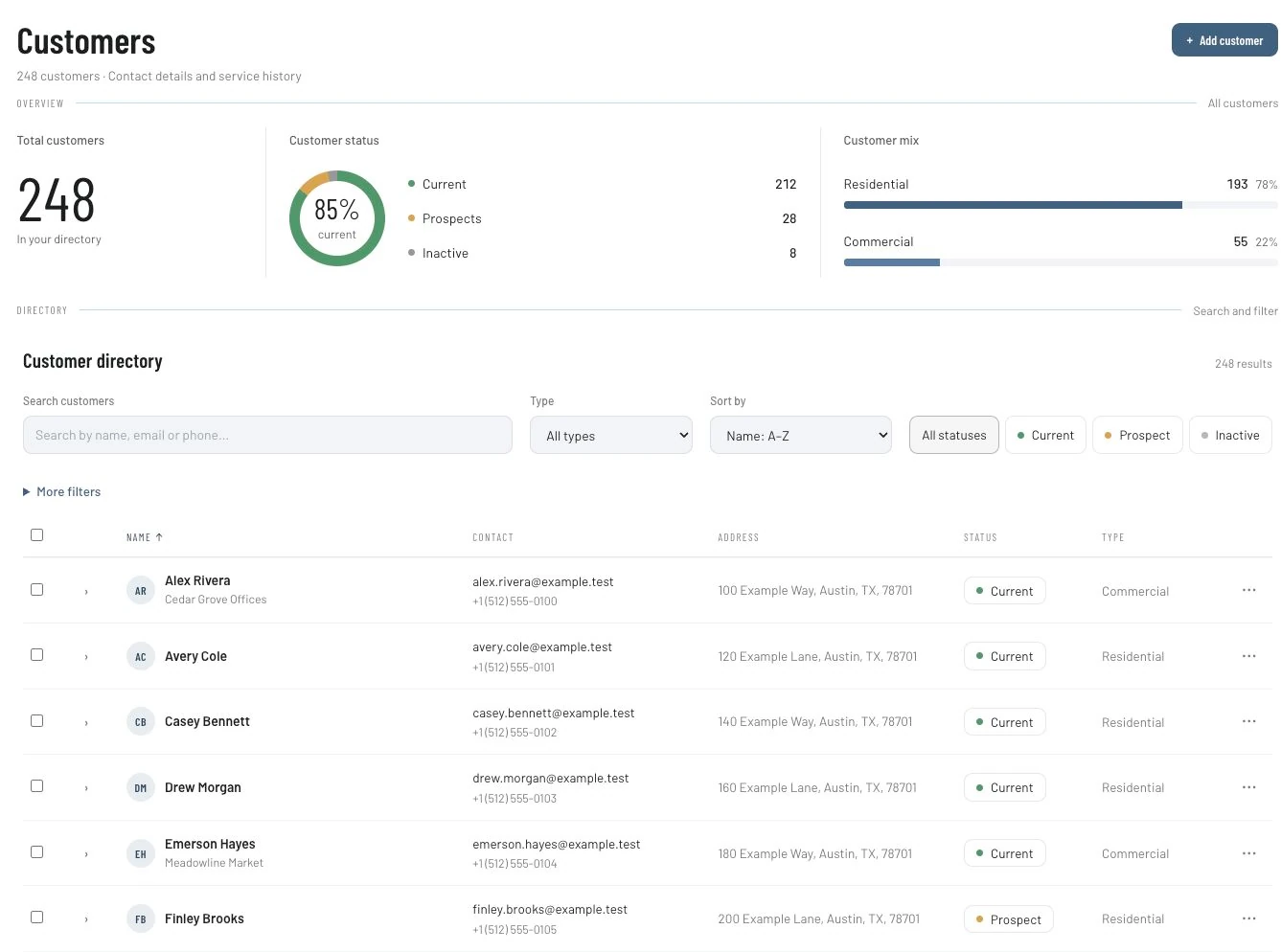
For Elm's dishwasher, Alex records the customer's reported symptom and the equipment identifiers that can actually be confirmed. Riley later records the inspection findings. Keep those sources separate so Morgan does not mistake the caller's observation for a completed diagnosis.
Create the first job with enough context to act
Use the job workflow to establish the customer, location, reported issue and appropriate assignment. In Schedule → Dispatch, review the saved work with its assigned technician and times. The broader Schedule workspace includes Month, Capacity, Status board, Technician and Map views.
Check the appointment's duration and access arrangements. Scheduling can organize the plan, but the business supplies a realistic duration and decides whether the visit is ready. The dispatch workflow guide shows those readiness distinctions through an HVAC example.
Keep the first visit's outcome explicit
After the assessment, record what happened and what must happen next. A planned repair needing approval is different from an accepted repair awaiting a component, and both are different from a completed repair.
| Handoff item | Elm's fictional example | Check before the return |
|---|---|---|
| Appliance | Identified dishwasher at the service property | Correct model/serial details where verified |
| Findings | Technician's actual assessment notes | Next person can locate the earlier record |
| Decision | Proposed repair and customer response | Scope is approved under the business process |
| Readiness | Required component and other resources | Named person confirms readiness |
| Appointment | Agreed return window | Access and assigned technician confirmed |
Do not write “part arrived” merely because a component appears in a note or quote. This workflow does not establish automatic purchasing, supplier availability or stock reservation. Alex asks the responsible person to confirm what is ready before offering the return.
Quote the repair and review conversion
Use Sales → Quotes for the proposed work, with an understandable description, quantities, price and terms. If the customer accepts, the quote detail offers Convert to Job. Review the resulting job type, date, priority and notes, then check the saved job in the schedule.
The same quote detail has a Convert to Invoice action, but creating a bill is not confirmation that a repair was completed. If your business bills an assessment separately, make that arrangement clear and reconcile it with later charges rather than leaving the office to infer it.
Give the next technician a concise return brief
Morgan needs the earlier context without a long message reconstruction. Use a manual handoff note like this, populated with actual findings:
Appliance: Verified identifier and location.
Earlier visit: Date and reference to the relevant job record.
Agreed work: Customer-approved scope.
Ready to attend: Name the person who confirmed required resources.
Access: Agreed contact and appointment window.
After the visit: Record completion, actual work and anything unresolved.
Avoid copying the same note to every appliance at the property. A service history is useful only if the team can tell which equipment and visit the information concerns. The equipment-records guide demonstrates that distinction using HVAC units.
Review completion and payment context
After the return, record the actual work before preparing the final invoice. Check accepted scope, assessment billing where applicable and payments already recorded. IKOK's invoice detail supports payment records and balances; the Field list illustrates distinct paid and partial states.
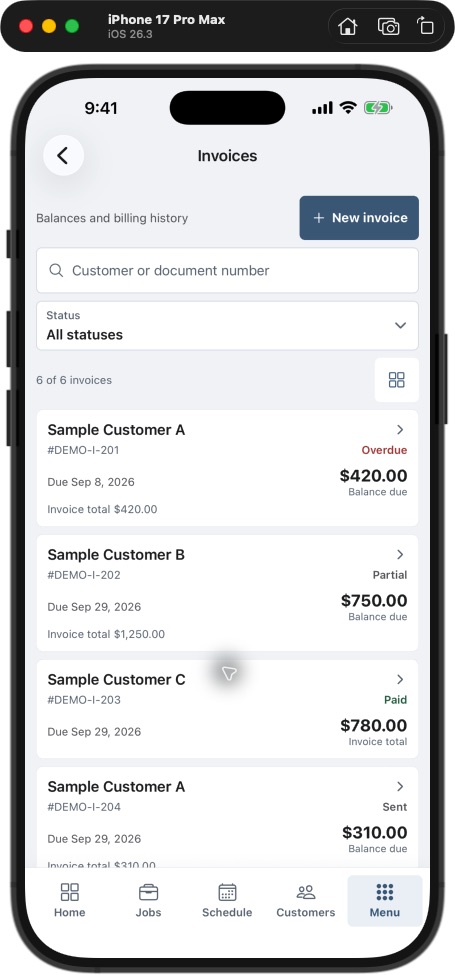
A partially paid invoice is not the same as a partially completed repair. Resolve the work status and the payment status on their own evidence. If accounting is connected, check the relevant QuickBooks workflow before duplicating an entry.
Learn from the return visits you planned
During a pilot, distinguish planned two-visit repairs from unplanned returns. Record whether the next technician found the equipment and earlier findings, whether readiness was confirmed and whether the office needed to correct the appointment. Counting every return as a preventable callback hides the useful information.
Questions appliance repair businesses ask
Does equipment history include manufacturer diagnostics?
The verified features here are customer equipment fields and connected service records. Live diagnostics, service-manual access, parts compatibility and manufacturer warranty submissions are separate requirements, not implied integrations.
Can a different technician attend the return?
The schedule supports assignments. Check permissions, the saved assignment and access to the relevant job/equipment context for the person attending. A changed assignment still needs a clear operational handoff.
Should a return visit be scheduled as soon as a part is mentioned?
Confirm approval, resources and access first. A note describing a needed component does not establish that the business is ready to complete the work.
Walk one appliance through two visits
Book a personal IKOK walkthrough with an anonymized assessment and planned return. Check the equipment identifiers, quote, assignment, completion record and invoice together, using the modules and setup proposed for your business.
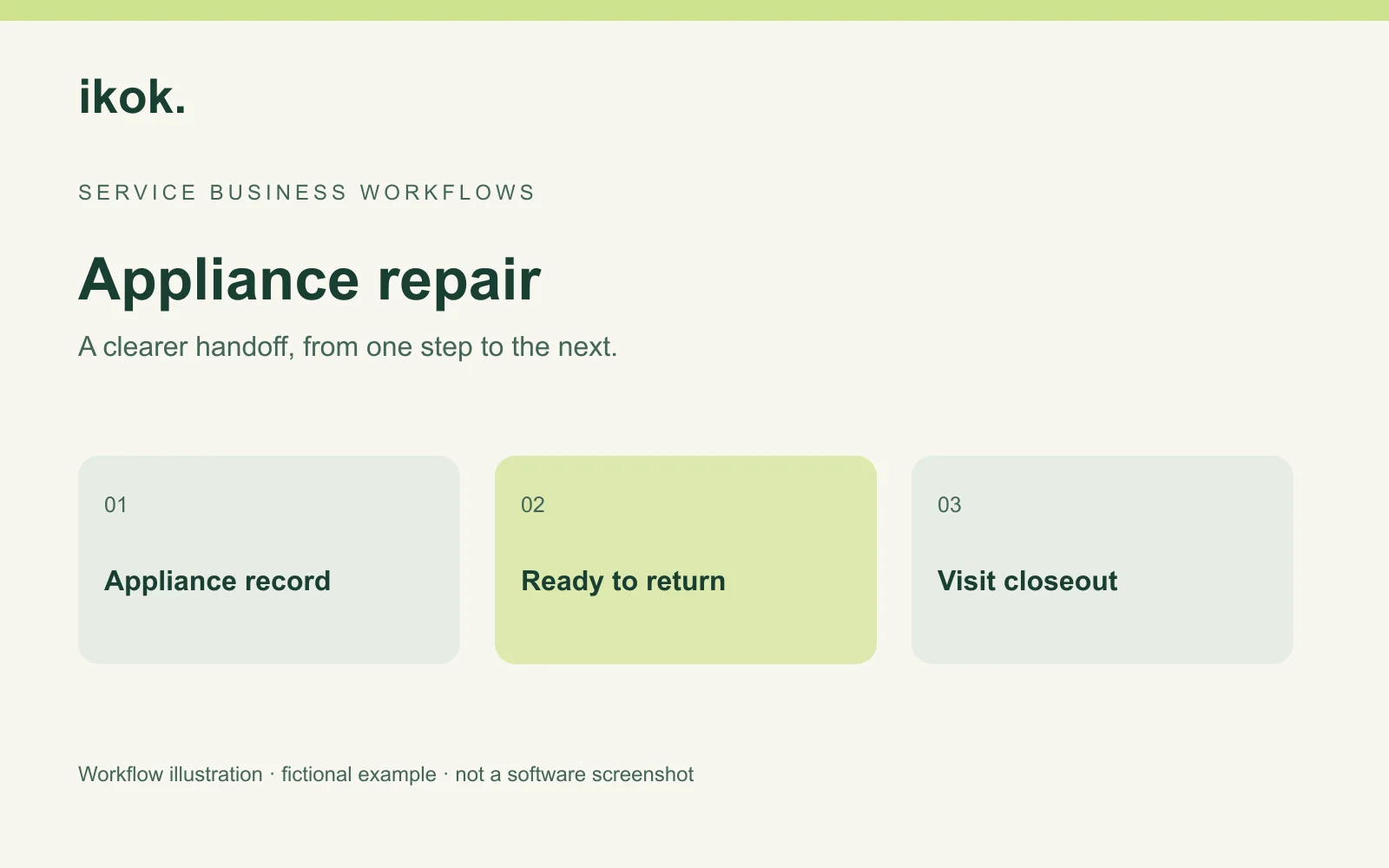
Photo: Original IKOK editorial workflow illustration created for this article; fictional example, not a software screenshot.